PC Motherboard Test Bench- Complete Guide for Setup, Features & Benefits
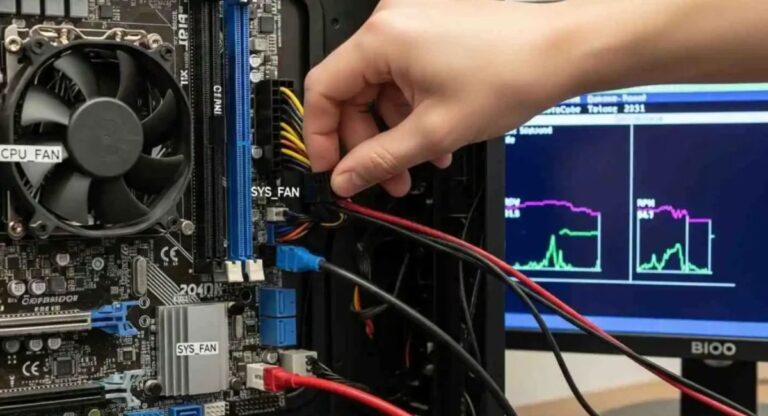
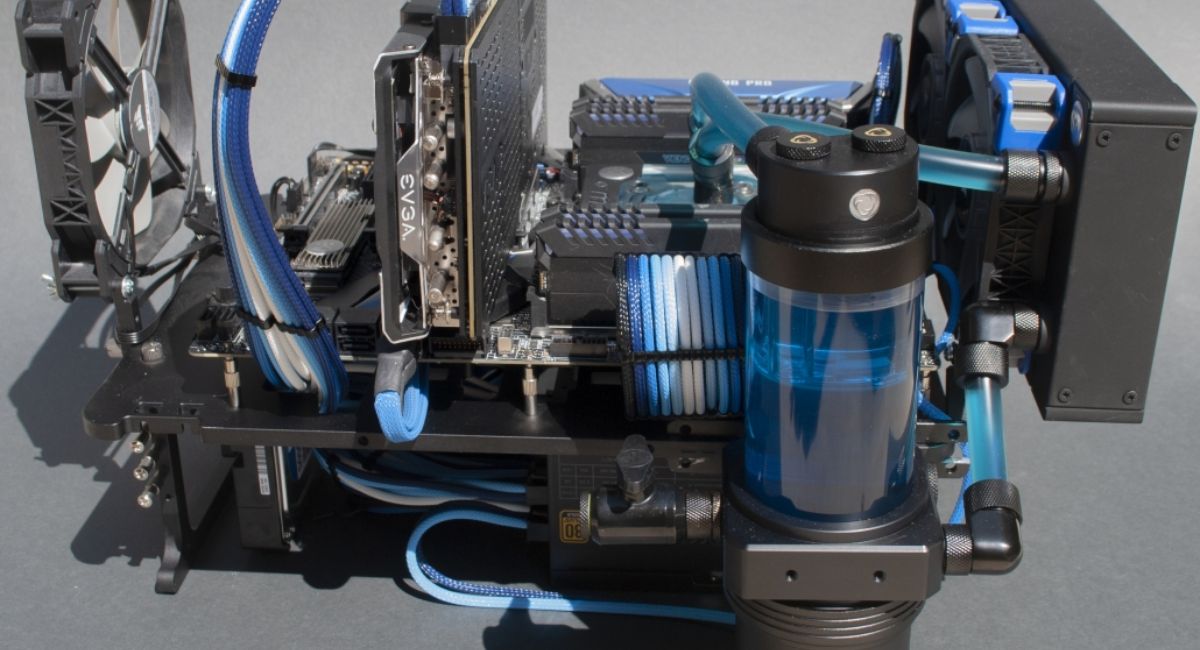
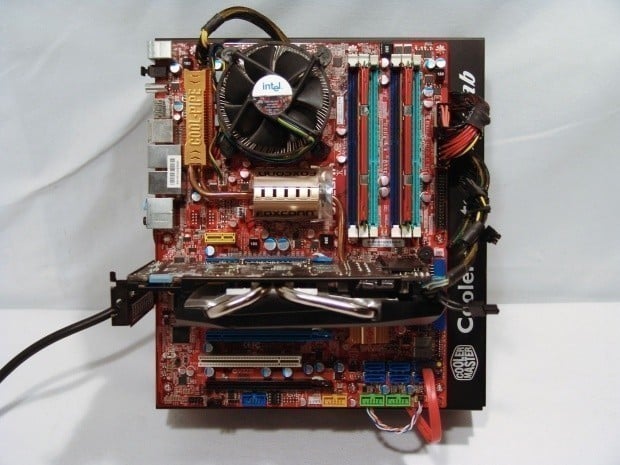
A PC motherboard test bench is an open-frame platform used for building, testing, troubleshooting, and benchmarking computer hardware without a traditional PC case. It is commonly used by PC builders, technicians, gamers, and engineers for fast hardware access. The open design keeps components exposed, making installation, fault detection, and performance monitoring easier. It is ideal for hardware testing, overclocking, BIOS updates, and repairs, improving speed, efficiency, and overall workflow in modern PC environments
PC motherboard test bench is an open-frame setup for fast hardware testing, troubleshooting, and PC building with better airflow and efficiency.
- What is a PC Motherboard Test Bench?
- Why PC Motherboard Test Bench is Important
- Types of PC Motherboard Test Benches
- Open-Air Test Bench
- Portable Test Bench
- Professional Test Bench Station
- DIY Test Bench
- Features of a Good PC Motherboard Test Bench
- Benefits of PC Motherboard Test Bench
- Components Required for Test Bench Setup
- How to Build a PC Motherboard Test Bench
- Setup the Frame
- Install the Motherboard
- Install CPU and Cooler
- Install RAM
- Install Storage Devices
- Install GPU
- Connect Power Supply
- Power On System
- Cooling System in Test Bench
- Cable Management in Test Bench
- Safety Tips for Using Test Bench
- Common Problems in Test Bench Setup
- Troubleshooting Methods
- Best Materials for Test Bench
- Future of PC Motherboard Test Bench
- FAQ’s
- Conclusion
- Related post
What is a PC Motherboard Test Bench?
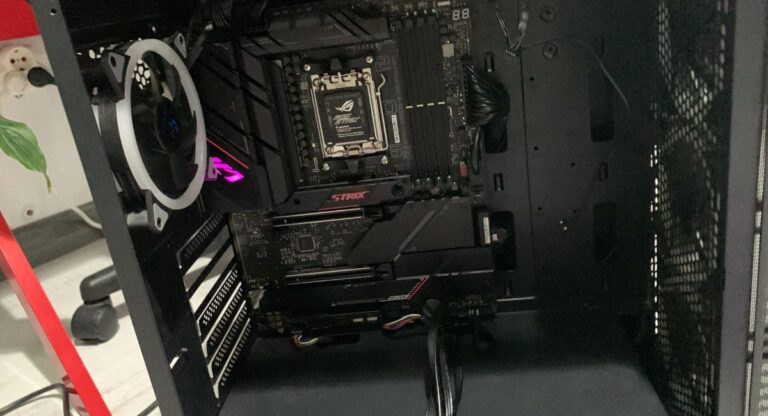
A PC motherboard test bench is an open structure designed to hold a motherboard and other computer components outside a PC case. It provides direct access to hardware, making it easier to assemble and disassemble systems quickly.
A typical test bench allows users to mount:
- Motherboard
- CPU
- RAM
- GPU
- Power supply
- Storage devices
The open design eliminates airflow restrictions and reduces overheating risks during testing sessions.
In simple terms, it is a “working platform” for PCs instead of a permanent enclosure.
Why PC Motherboard Test Bench is Important
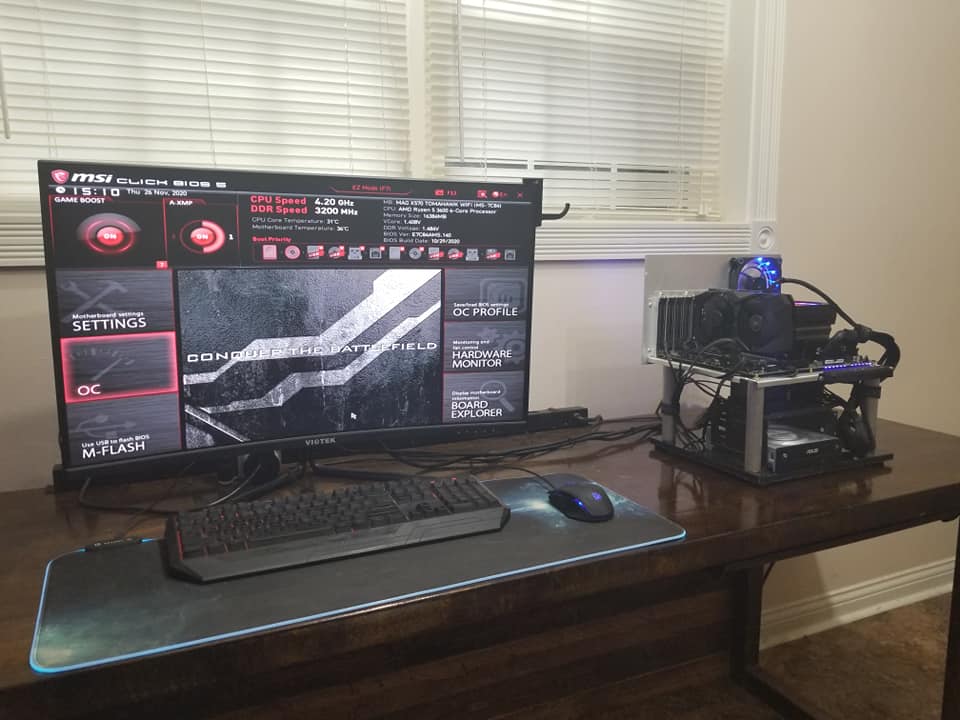
A test bench plays a critical role in modern PC building and hardware testing environments. It improves workflow efficiency and reduces hardware handling time.
Key Importance Points
- Faster hardware installation and removal
- Easy identification of faulty components
- Better airflow compared to closed cases
- Ideal for continuous testing environments
- Supports frequent upgrades and changes
For professionals who build multiple PCs daily, a test bench is not just useful—it is essential.
Types of PC Motherboard Test Benches
There are different types of test benches designed for various users and purposes.
Open-Air Test Bench
An open-air test bench is the most commonly used type. It is fully exposed and designed for maximum airflow.
Features
- Fully open structure
- Excellent cooling performance
- Easy hardware access
- Simple cable routing
Use Case
Best for gamers, overclockers, and PC enthusiasts who want high performance testing.
Portable Test Bench
A portable test bench is lightweight and designed for technicians who travel frequently.
Features
- Compact design
- Easy to carry
- Foldable or modular structure
- Lightweight material
Use Case
Ideal for repair technicians and field service engineers.
Professional Test Bench Station
This is a heavy-duty workstation used in labs and repair centers.
Features
- Strong metal frame
- Multiple storage options
- Advanced cooling support
- High durability
Use Case
Used in IT companies, repair labs, and testing environments.
DIY Test Bench
A DIY test bench is custom-built using materials like wood, acrylic, or aluminum.
Features
- Budget-friendly
- Fully customizable
- Flexible design options
Use Case
Best for hobbyists and budget users.
Features of a Good PC Motherboard Test Bench
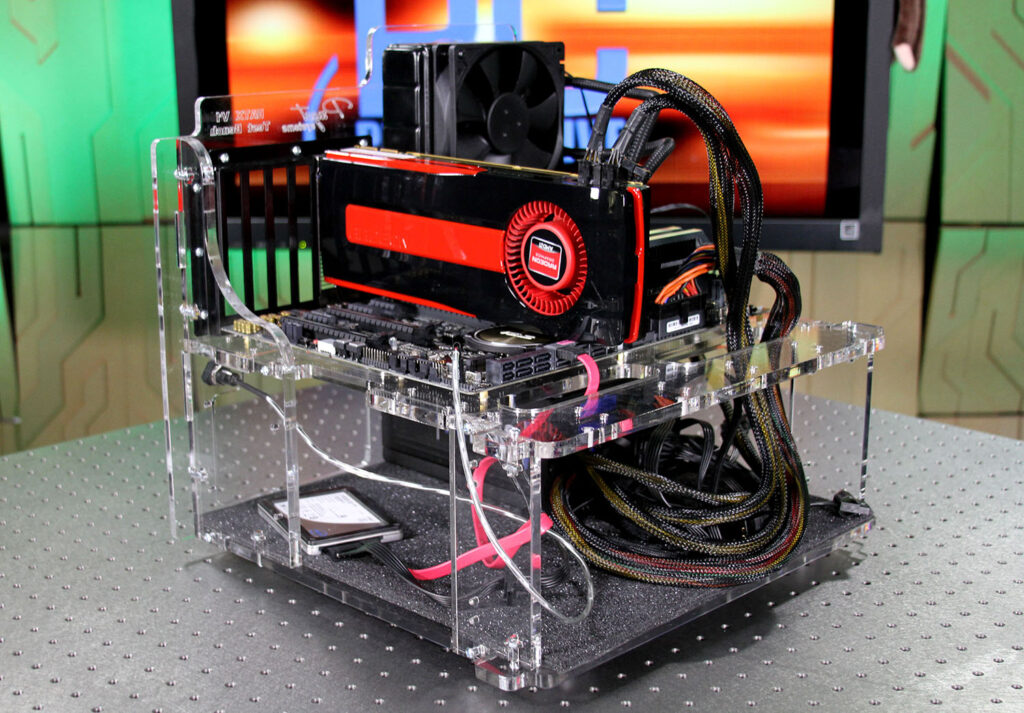
A high-quality test bench must offer durability, flexibility, and compatibility with modern components.
Important Features
- Strong frame build (aluminum or steel)
- ATX, Micro-ATX, Mini-ITX support
- GPU mounting brackets
- Power supply holder
- SSD/HDD mounting slots
- Cooling fan support
- Open airflow design
- Easy cable management system
- Tool-less installation design
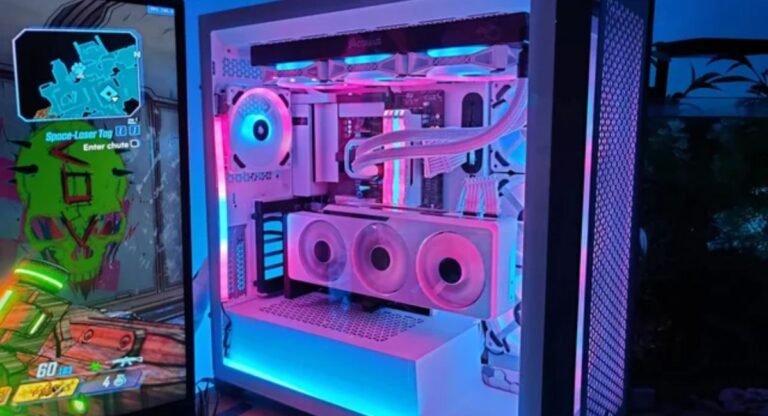
Advanced models may also include RGB lighting, tempered glass panels, and liquid cooling support.
Benefits of PC Motherboard Test Bench
A motherboard test bench offers several advantages over traditional PC cases.
Performance Benefits
- Better cooling efficiency
- Stable hardware testing
- Reduced overheating issues
- Improved system monitoring
Practical Benefits
- Quick assembly and disassembly
- Easy troubleshooting
- Faster component swapping
- Convenient repair work
Professional Benefits
- Ideal for hardware labs
- Useful for benchmarking
- Supports overclocking experiments
- Saves time in testing workflow
Components Required for Test Bench Setup
To build a proper test bench, you need essential PC hardware components.
Core Components
- Motherboard
- Processor (CPU)
- RAM modules
- Graphics card (GPU)
- Power supply unit (PSU)
- Storage drive (SSD/HDD)
- CPU cooler
Additional Tools
- Thermal paste
- Screwdriver set
- Cable ties
- Anti-static wrist strap
- Monitor and peripherals
How to Build a PC Motherboard Test Bench
Building a test bench is simple if done step-by-step.
Setup the Frame
Place the test bench on a flat and stable surface. Ensure there is enough space for airflow and hardware placement.
Install the Motherboard
Mount the motherboard carefully using standoffs and screws. Avoid direct metal contact to prevent short circuits.
Install CPU and Cooler
Place the CPU into the socket and apply thermal paste before installing the cooler.
Install RAM
Insert RAM sticks into correct slots until they lock properly.
Install Storage Devices
Attach SSD or HDD using SATA or NVMe slots.
Install GPU
Insert the graphics card into the PCIe slot and secure it properly.
Connect Power Supply
Connect all power cables including motherboard, CPU, and GPU connectors.
Power On System
Turn on the system and check BIOS, display output, and temperatures.
Cooling System in Test Bench
Cooling is extremely important in open setups.
Air Cooling
- Uses fans and heatsinks
- Affordable and easy to maintain
- Suitable for normal usage
Liquid Cooling
- Uses coolant liquid system
- Better performance
- Ideal for overclocking
Cable Management in Test Bench
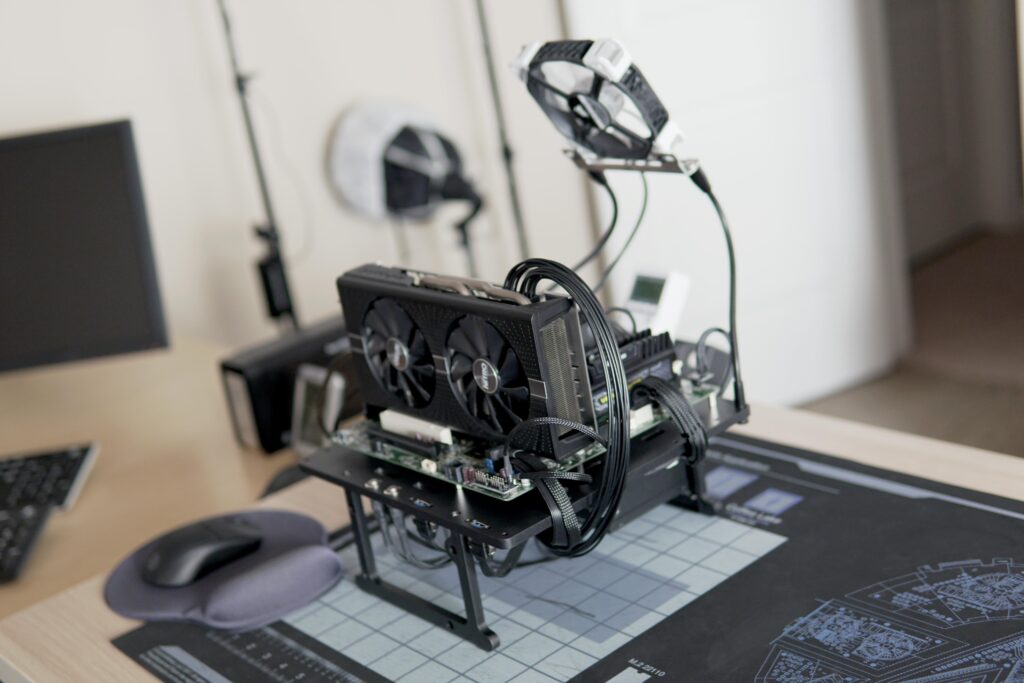
Even though test benches are open, proper cable management is still important.
Tips
- Use zip ties
- Keep cables organized
- Avoid blocking airflow
- Separate power and data cables
Safety Tips for Using Test Bench
Handling PC hardware requires care and proper safety measures.
Safety Guidelines
- Always use anti-static protection
- Avoid touching motherboard circuits
- Keep liquids away
- Ensure proper grounding
- Check connections before powering on
Common Problems in Test Bench Setup
Issues You May Face
- No display output
- System not booting
- RAM detection failure
- Overheating CPU
- GPU not detected
Troubleshooting Methods
Step-by-Step Fix
- Check all power connections
- Reseat RAM and GPU
- Clear CMOS
- Test power supply
- Check CPU installation
- Replace faulty components
Best Materials for Test Bench
Aluminum
- Lightweight
- Strong
- Rust-resistant
Steel
- Very durable
- Heavy but stable
Acrylic
- Stylish look
- Transparent design
Future of PC Motherboard Test Bench
The future of test benches is becoming more advanced and automated.
Upcoming Trends
- Smart temperature monitoring
- Modular design systems
- RGB integrated setups
- Portable professional benches
- AI-assisted diagnostics
FAQ’s
What is a PC motherboard test bench used for?
A PC motherboard test bench is used for testing, diagnosing, and benchmarking computer hardware in an open environment where all components are easily accessible and replaceable.
Is a test bench better than a PC case?
Yes, a test bench is better for testing and troubleshooting because it provides better airflow, faster access to hardware, and easier component swapping.
Can beginners use a motherboard test bench?
Yes, beginners can easily use a test bench because it simplifies hardware installation and makes troubleshooting more straightforward.
Which is the best material for a test bench?
Aluminum is considered the best material due to its lightweight structure, durability, and corrosion resistance.
Do test benches support all motherboards?
Most modern test benches support ATX, Micro-ATX, and Mini-ITX motherboards, making them compatible with almost all PC builds.
Conclusion
A PC motherboard test bench is an essential tool for PC building, hardware testing, and troubleshooting. It offers quick access to components, better airflow, and easy system diagnostics. It improves efficiency, reduces setup time, and increases productivity for both beginners and professionals. With proper cooling and safe handling, it becomes a powerful and reliable solution for modern hardware testing workflows.