Do Motherboards Come With Windows Installed or Not
Many beginners in the world of computers often get confused about whether a motherboard comes with Windows already installed. This misunderstanding usually arises because prebuilt computers include an operating system, while individual components do not. Knowing the difference between hardware and software is very important when building or upgrading a PC. This article clearly explains whether motherboards include Windows, their features, benefits, and the correct process of installing an operating system step by step.
Do motherboards come with Windows? Learn why motherboards don’t include Windows, how to install it, and what you need for a complete PC setup.
- What is a Motherboard?
- Do Motherboards Come With Windows?
- Why Motherboards Do Not Include Windows
- Key Features of Motherboards
- Benefits of Installing Windows Separately
- When Do You Get Windows Installed?
- How to Install Windows on a New PC
- Common Misconceptions About Motherboards and Windows
- Challenges Faced by Beginners
- Future of Motherboards and Operating Systems
- FAQs
- Conclusion
- Related post
What is a Motherboard?
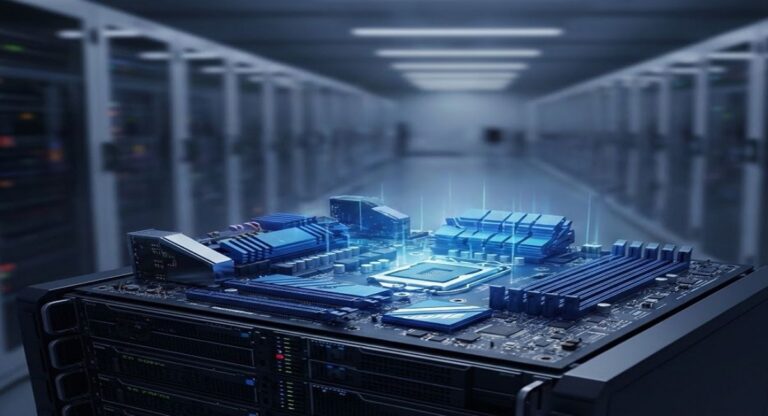
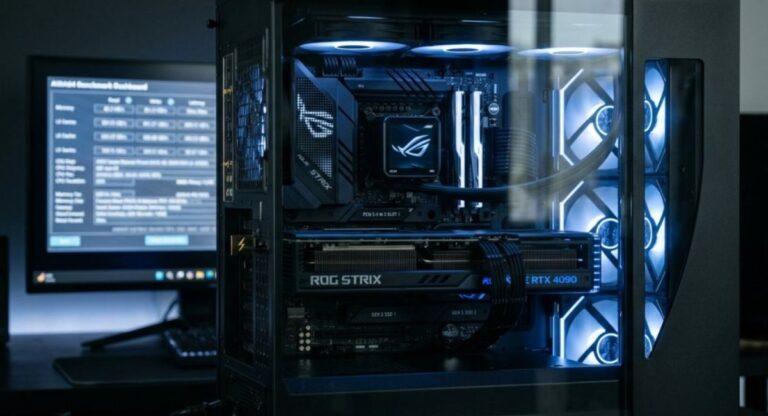
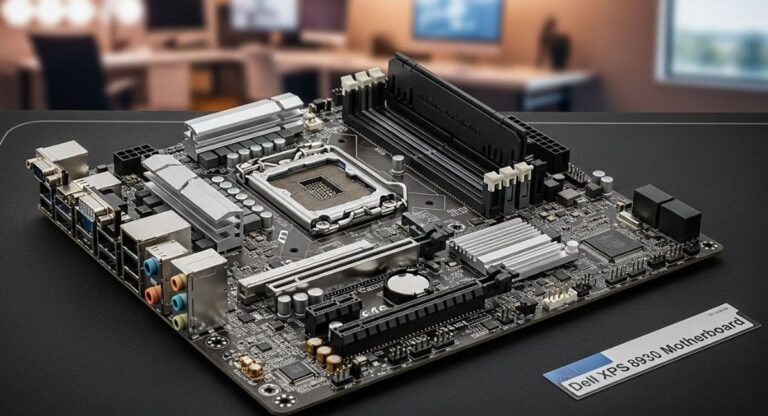
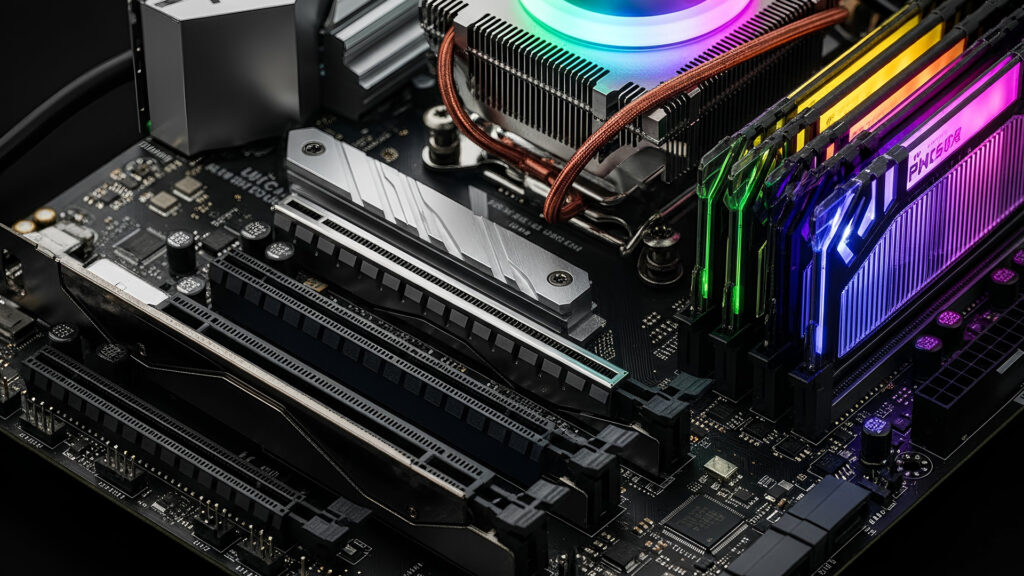
A motherboard is the main printed circuit board inside a computer that connects all essential components.
It acts as the backbone of the system, allowing communication between the processor, memory, storage devices, and other hardware parts. Every component in a computer relies on the motherboard to function properly. Without it, the system cannot start or operate.
The motherboard also manages power distribution, ensuring that each part receives the required electricity to perform efficiently.
It contains various slots and ports that allow users to connect additional components such as graphics cards, storage drives, and external devices. In simple terms, the motherboard is the foundation upon which the entire computer system is built.
Do Motherboards Come With Windows?
Motherboards do not come with Windows installed. They are purely hardware components and do not include any software or operating system.
Windows is a separate software product that must be installed on a storage device like a hard drive or solid-state drive.
When building a computer, users need to install Windows manually using a bootable USB or other installation media.
A valid license key is also required to activate the operating system. However, when purchasing a prebuilt desktop or laptop, Windows is usually pre-installed by the manufacturer, which creates confusion among beginners.
Why Motherboards Do Not Include Windows
The main reason motherboards do not include Windows is because they serve a completely different purpose.
A motherboard is designed to connect and manage hardware components, while Windows is software that controls how the computer operates.
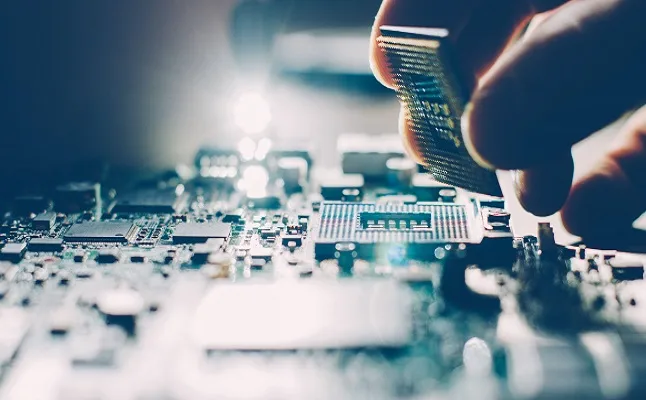
Including Windows with every motherboard would increase costs significantly and limit user choice. Some users prefer other operating systems such as Linux, while others may already have a Windows license.
By keeping hardware and software separate, manufacturers allow users to customize their systems according to their needs.
Another important reason is licensing. Windows is a paid product, and including it with hardware would require additional agreements and pricing structures. This separation keeps the market flexible and user-friendly.
Key Features of Motherboards
- Supports CPU and RAM connectivity
- Provides expansion slots for GPUs and other cards
- Includes USB ports and connectivity options
- Supports SSD and HDD storage devices
- Comes with BIOS or UEFI firmware
- Enables communication between components
- Provides built-in networking features
- Includes audio and video support
- Distributes power efficiently
- Offers compatibility with modern hardware
- Allows future upgrades
- Supports cooling systems and fans
- Ensures stable and reliable performance
- Provides multiple input/output ports
- Enhances overall system efficiency
Benefits of Installing Windows Separately
Installing Windows separately from the motherboard provides several advantages. One of the biggest benefits is flexibility.
Users can choose the version of Windows that best suits their needs, whether it is for personal use, gaming, or professional work.
Another major benefit is customization. When users install Windows themselves, they have full control over system settings, software, and configurations. This helps in optimizing performance and removing unnecessary programs.
Cost control is also an important advantage. Users can decide when and how to purchase a Windows license, which can help in managing the overall budget of building a PC. Additionally, installing Windows manually allows users to learn more about how their system works, which can be helpful for troubleshooting and future upgrades.
When Do You Get Windows Installed?
Windows is typically included when buying a prebuilt computer or laptop. In such cases, the manufacturer installs and activates the operating system before selling the device. This makes it convenient for users who do not want to go through the installation process.
Some computer shops also offer Windows installation services for custom-built PCs. However, this is usually optional and may involve additional charges. If you are assembling your own computer, you will most likely need to install Windows yourself.
How to Install Windows on a New PC
Installing Windows on a new PC is a straightforward process if done correctly. First, you need to download the Windows installation tool from the official website and create a bootable USB drive. This USB will be used to install the operating system.
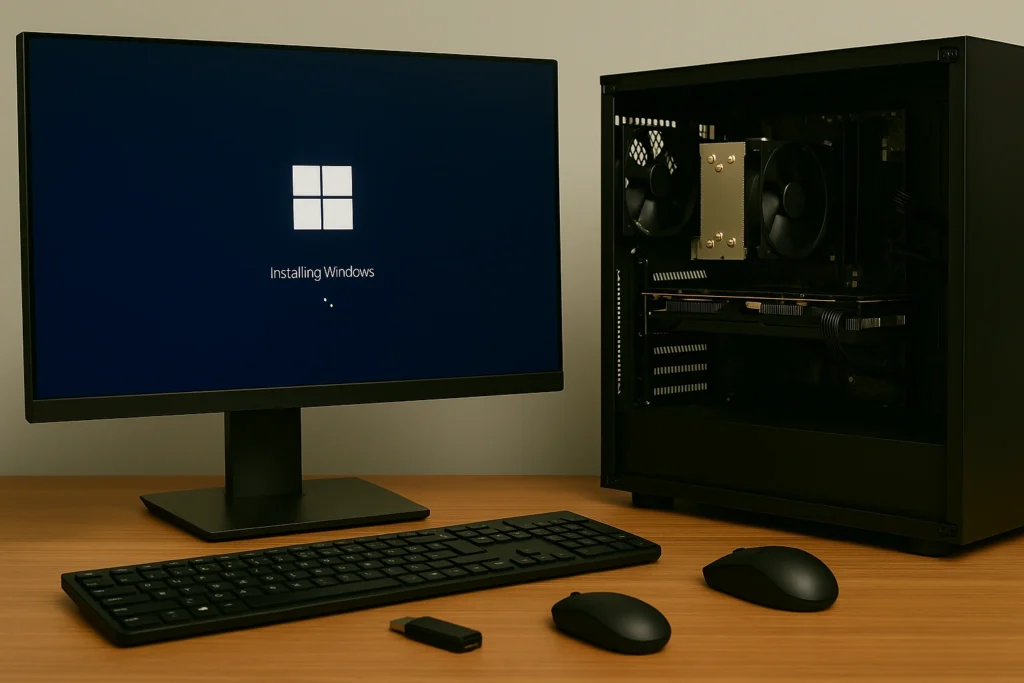
After assembling your computer, you need to enter the BIOS or UEFI settings by pressing a specific key during startup.
From there, you set the USB drive as the primary boot device. Once the system boots from the USB, the Windows installation process begins.
You will then follow on-screen instructions to select language, partition the storage drive, and install Windows.
After installation is complete, you can activate Windows using a valid license key. This process ensures that your system is ready for use.
Common Misconceptions About Motherboards and Windows
One of the most common misconceptions is that motherboards come with Windows already installed.
This is not true, as they are purely hardware components. Another misunderstanding is that BIOS or UEFI is the same as Windows, but in reality, it is only firmware that helps start the system.
Some people also believe that all computers come with Windows. While this is true for most prebuilt systems, it does not apply to custom-built PCs or individual components. Understanding these differences is important to avoid confusion.
Challenges Faced by Beginners
Beginners often face several challenges when dealing with computer components and operating systems.
One of the main difficulties is understanding the difference between hardware and software. This confusion can lead to incorrect expectations when purchasing components.
Installing Windows for the first time can also be challenging. Users may struggle with creating a bootable USB, accessing BIOS settings, or selecting the correct installation options.
Additionally, activating Windows and managing drivers can be confusing for those who are new to the process.
However, with proper guidance and practice, these challenges can be easily overcome.
Future of Motherboards and Operating Systems
The future of computer technology is continuously evolving, and motherboards are becoming more advanced with improved performance and features. However, they will remain separate from operating systems to ensure flexibility and user choice.
Operating systems like Windows will continue to improve with better security, performance, and user experience.
While installation processes may become easier in the future, users will still need to install their preferred operating system independently. This separation will continue to benefit users by providing customization and control.
FAQs
1. Do motherboards include Windows?
No, motherboards do not include Windows because they are hardware components, while Windows is a software operating system that must be installed separately.
2. Can I run a PC without Windows?
Yes, you can run a PC without Windows, but you will need another operating system such as Linux to make the computer functional and usable.
3. Do all prebuilt computers come with Windows?
Most prebuilt computers come with Windows installed, but some systems may include other operating systems depending on the manufacturer and configuration.
4. What is the role of BIOS in a motherboard?
BIOS is firmware that initializes hardware components and starts the computer, allowing the operating system to load and function properly.
5. How do I install Windows on a new PC?
Create a bootable USB, insert it into your PC, access BIOS settings, boot from USB, follow installation steps, and activate Windows using a valid license key.
Conclusion
Motherboards do not come with Windows because they are hardware components designed to connect and manage system parts. Windows must be installed separately to make a computer fully functional. This separation allows flexibility, customization, and better control over system setup. By understanding this concept, users can confidently build, upgrade, and manage their computers without confusion or difficulty.