How Many Watts Does a Motherboard Use Explained Fully
Understanding how many watts a motherboard uses is essential for anyone building or upgrading a computer system.
While most people focus on CPUs and GPUs, the motherboard also plays a role in overall power consumption. Its energy usage depends on features, size, and connected components.
This article explains motherboard power consumption in detail, helping you estimate usage accurately, choose efficient hardware, and optimize your system’s performance without unnecessary energy waste or unexpected power supply issues.
How many watts does a motherboard use? Learn typical power consumption, factors affecting usage, and how to estimate your PC’s total power needs.
- What Is Motherboard Power Consumption
- Average Wattage of a Motherboard
- Factors That Affect Motherboard Power Usage
- Idle vs Load Power Consumption
- Role of VRMs in Power Usage
- Impact of Connected Components
- Comparison Between Different Motherboard Types
- Does Motherboard Brand Affect Power Usage
- How to Measure Motherboard Power Consumption
- Importance of Power Supply Selection
- Energy Efficiency and Optimization
- Future Trends in Motherboard Power Consumption
- FAQs
- Conclusion
- Related post
What Is Motherboard Power Consumption
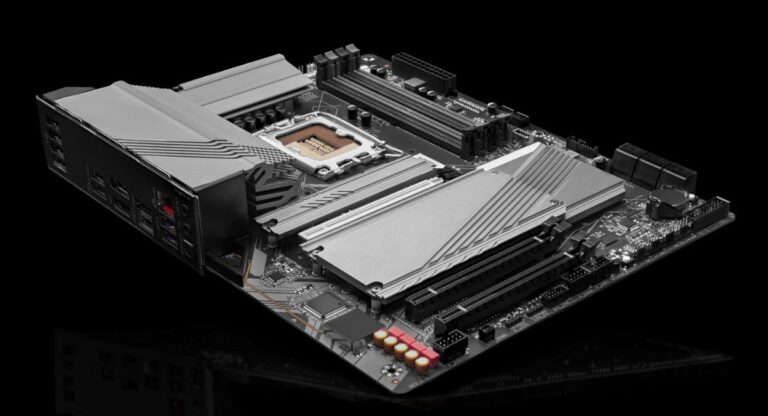
A motherboard is the central hub of a computer system, connecting all components such as the processor, RAM, storage devices, and peripherals.
Although it does not perform heavy computational tasks like a CPU or GPU, it still requires power to operate circuits, controllers, ports, and integrated chips.
Motherboard power consumption refers to the amount of electrical energy required to keep all these functions running.
This includes power for chipset operations, voltage regulation modules, onboard audio, networking chips, and expansion slots. The consumption varies depending on how complex and feature-rich the board is.
In general, motherboards are designed to be efficient, but their energy usage becomes more noticeable when combined with multiple components and continuous usage.
Average Wattage of a Motherboard
On average, a standard desktop motherboard uses between 20 to 80 watts. However, this is not a fixed number and depends on several factors such as size, chipset, and usage conditions.
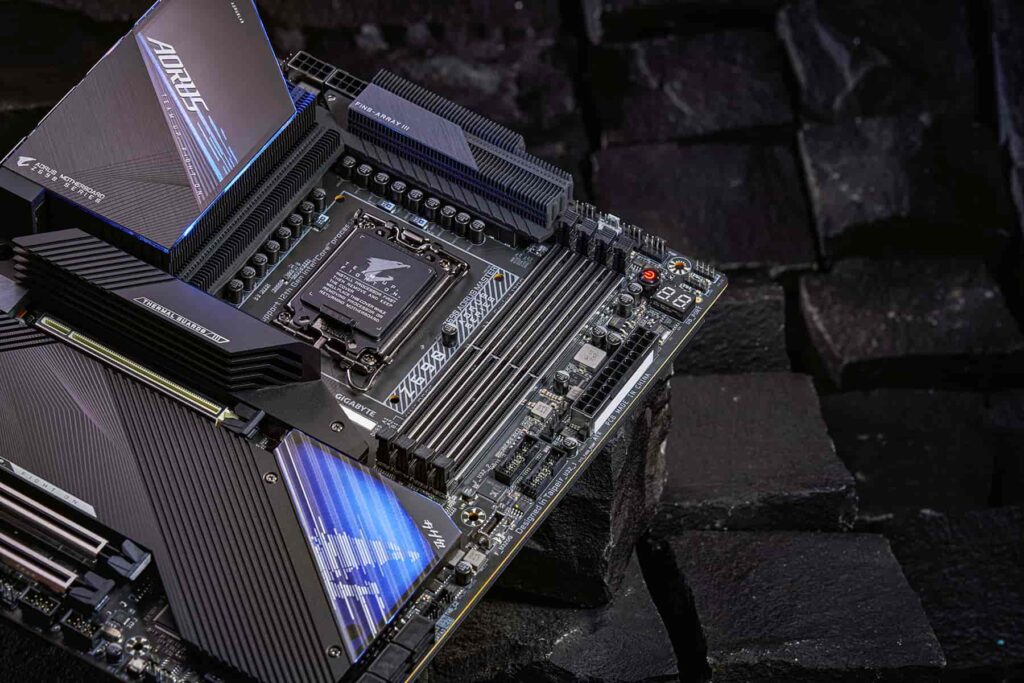
Basic motherboards with fewer features and minimal components may consume around 20 to 30 watts during normal operation.
Mid-range motherboards, commonly used in gaming or office builds, usually fall between 30 to 60 watts. High-end motherboards with advanced chipsets, multiple expansion slots, RGB lighting, and enhanced cooling systems can reach up to 70 or even 80 watts.
Under idle conditions, the power consumption remains on the lower side, but when the system is under load, the motherboard draws more power to support connected components.
Factors That Affect Motherboard Power Usage
Several elements influence how much power a motherboard consumes. One of the primary factors is the chipset. Advanced chipsets offer more features and performance capabilities, which require additional power.
Another important factor is the number of connected components. More RAM modules, storage drives, and expansion cards increase the load on the motherboard, raising its energy consumption.
Integrated features such as Wi-Fi, Bluetooth, and high-quality audio systems also contribute to higher wattage usage.
The size of the motherboard matters as well. Larger boards like ATX typically consume more power than smaller ones like Mini-ITX because they support more components and features.
Cooling systems and RGB lighting can also add to the total power draw. While individually small, these additions can collectively increase energy usage over time.
Idle vs Load Power Consumption
Motherboards do not consume a constant amount of power. Their energy usage changes depending on system activity.
When the system is idle, the motherboard only supports basic operations such as maintaining memory state and running background processes. During this time, power consumption is relatively low.
When the system is under load, such as during gaming, video editing, or heavy multitasking, the motherboard must supply more power to connected components.
This includes increased activity in voltage regulators and data pathways, leading to higher overall consumption.
Understanding this variation helps in estimating real-world energy usage rather than relying on a single fixed number.
Role of VRMs in Power Usage
Voltage Regulator Modules, commonly known as VRMs, play a critical role in motherboard power consumption.
Their main function is to convert power from the power supply into a stable voltage suitable for the CPU and other components.
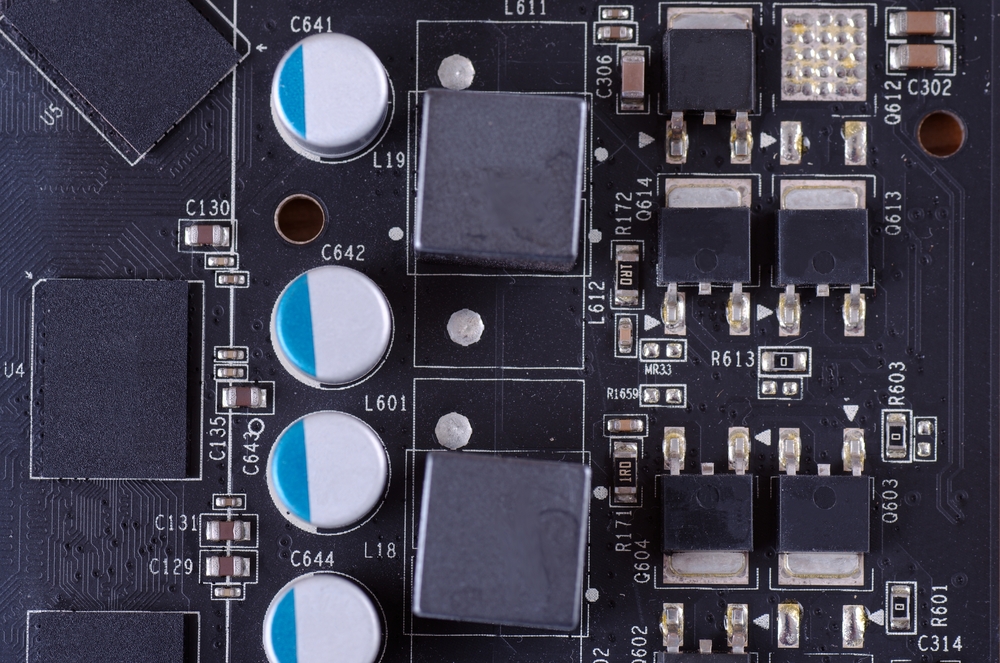
Efficient VRMs reduce power loss and improve system stability. However, more advanced VRM designs with additional phases can consume slightly more power themselves, even though they improve overall efficiency.
High-performance motherboards often include robust VRM setups to support powerful processors, which contributes to increased power usage compared to basic boards.
Impact of Connected Components
A motherboard does not operate in isolation. Its power usage increases as more components are connected.
Adding multiple RAM sticks increases energy consumption because each module requires power to function.
Storage devices such as SSDs and HDDs also draw power through the motherboard. Graphics cards, although powered separately, still rely on the motherboard for communication and support, indirectly influencing its power usage.
Peripheral devices connected through USB ports also contribute to power draw. Devices like external drives, keyboards with lighting, and other accessories can increase the load.
This interconnected nature makes it important to consider the entire system when estimating motherboard power usage.
Comparison Between Different Motherboard Types
Different motherboard types have varying power requirements. Mini-ITX boards are compact and designed for small systems. They usually consume less power because they support fewer components.
Micro-ATX boards offer a balance between size and features, resulting in moderate power consumption. ATX motherboards are larger and support more expansion options, which increases their energy usage.
High-end enthusiast boards often include additional features such as multiple GPU support, advanced cooling options, and enhanced connectivity.
These features lead to higher power consumption compared to entry-level models.
Choosing the right motherboard type depends on your performance needs and power efficiency goals.
Does Motherboard Brand Affect Power Usage
The brand of a motherboard can influence power consumption, but not drastically. Different manufacturers design their boards with varying levels of efficiency, quality components, and power management features.
Premium brands often use higher-quality components that improve efficiency and reduce energy waste. They may also include better power-saving technologies that optimize usage during idle periods.
However, the difference in wattage between brands is usually small compared to the impact of features and connected components.
How to Measure Motherboard Power Consumption
Measuring the exact power usage of a motherboard can be challenging because it is part of a larger system. However, there are methods to estimate it.
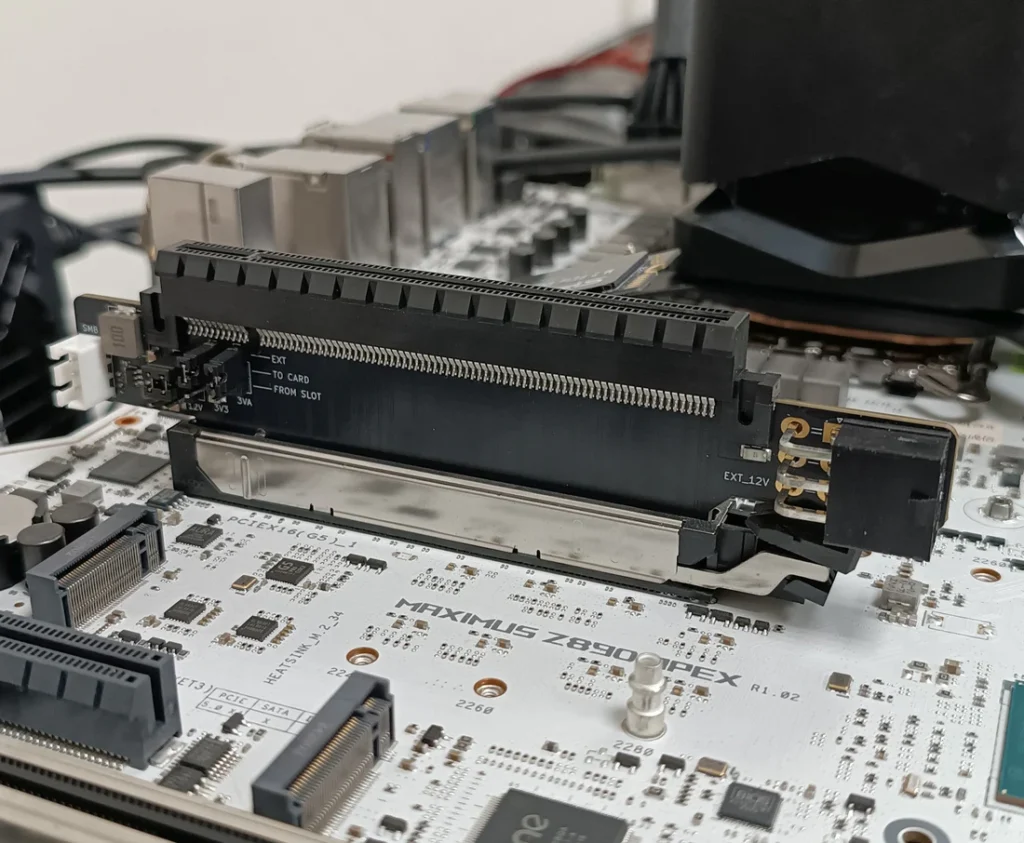
One approach is to use a power meter to measure total system consumption and then subtract the known wattage of major components like the CPU and GPU.
Another method involves using software tools that provide approximate readings based on system activity.
While these methods may not provide perfect accuracy, they offer a reasonable estimate for practical purposes.
Importance of Power Supply Selection
Understanding motherboard power consumption is important when selecting a power supply unit. The PSU must provide enough power to support all components, including the motherboard.
Choosing a PSU with adequate wattage ensures system stability and prevents issues such as crashes or hardware damage. It is also important to consider efficiency ratings, as higher efficiency reduces energy waste.
A well-matched power supply improves overall system performance and longevity.
Energy Efficiency and Optimization
Improving motherboard energy efficiency can help reduce electricity costs and extend hardware lifespan. One way to achieve this is by enabling power-saving features in the system BIOS.
Using efficient components, reducing unnecessary peripherals, and managing background processes can also lower power consumption. Proper cooling ensures that components operate efficiently without drawing excess power.
Energy efficiency is not only beneficial for cost savings but also contributes to a more sustainable computing environment.
Future Trends in Motherboard Power Consumption
As technology advances, motherboard designs continue to improve in terms of efficiency. Manufacturers are focusing on reducing power consumption while maintaining performance.
New chipsets and manufacturing processes aim to deliver better performance per watt. Integration of components into single chips reduces the need for additional power-hungry parts.
These advancements suggest that future motherboards will become more energy-efficient without compromising functionality.
FAQs
1.What is the average wattage of a motherboard
Most motherboards consume between 20 and 80 watts depending on features, size, and system load conditions during normal and heavy usage scenarios.
2.Does a motherboard consume power when idle
Yes, a motherboard still uses power during idle states to maintain system functions, memory activity, and background operations even when no heavy tasks are running.
3.Can a motherboard affect electricity bills
While it contributes to overall system consumption, its impact on electricity bills is relatively small compared to power-hungry components like GPUs and CPUs.
4.Do gaming motherboards use more power
Gaming motherboards often use more power because they include advanced features, better VRMs, additional slots, and enhanced connectivity options compared to basic boards.
5.How can I reduce motherboard power usage
You can reduce power usage by disabling unused features, limiting connected devices, enabling power-saving settings, and choosing efficient components for your computer system build.
Conclusion
Motherboard power consumption may seem minor, but it plays an important role in overall system efficiency. By understanding how many watts a motherboard uses and what affects it, you can make better hardware decisions. Choosing the right components, optimizing settings, and ensuring proper power supply support will help create a balanced, efficient, and reliable computer system for long-term use.