Do I Need New Motherboard for Windows 11 Upgrade Guide
Upgrading to Windows 11 has raised many questions for computer users, especially regarding hardware compatibility. One of the most common concerns is whether a new motherboard is required to run the latest operating system.
Since Windows 11 introduces stricter requirements compared to previous versions, understanding how your motherboard affects compatibility is essential.
This article explains everything in detail, helping you determine whether you need a new motherboard or if your current system can support Windows 11.
Do I need a new motherboard for Windows 11? Learn TPM, CPU, and compatibility requirements to upgrade your PC without unnecessary hardware changes.
- Understanding Windows 11 System Requirements
- Role of the Motherboard in Windows 11 Compatibility
- What Is TPM and Why It Matters
- Secure Boot and BIOS Support
- CPU Compatibility and Motherboard Limitations
- When You Do Not Need a New Motherboard
- When You Do Need a New Motherboard
- BIOS Updates and Their Importance
- Risks of Using Unsupported Hardware
- Cost Considerations of Upgrading
- Future Proofing Your System
- Checking Your System Compatibility
- FAQs
- Conclusion
Understanding Windows 11 System Requirements
Windows 11 comes with updated system requirements that focus heavily on security and performance. Unlike previous versions, it requires specific hardware features that are not available on all older systems.
Some of the key requirements include support for TPM 2.0, Secure Boot capability, a compatible processor, sufficient RAM, and adequate storage.
While the processor often gets the most attention, the motherboard plays a crucial role in supporting features like TPM and Secure Boot.
These requirements are designed to improve system security and reliability, but they also mean that older hardware may not be fully compatible without upgrades.
Role of the Motherboard in Windows 11 Compatibility
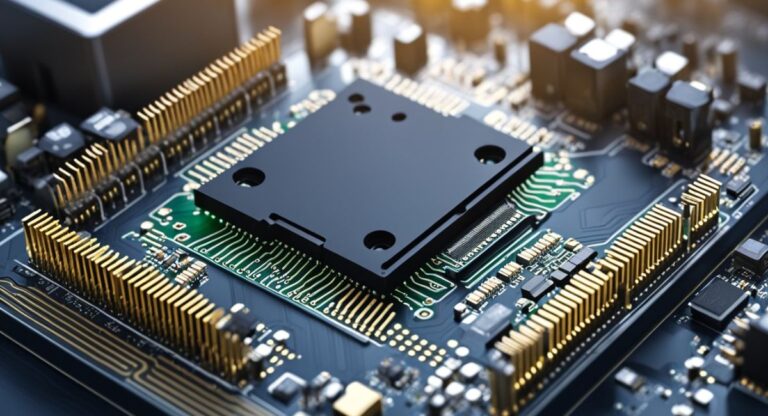
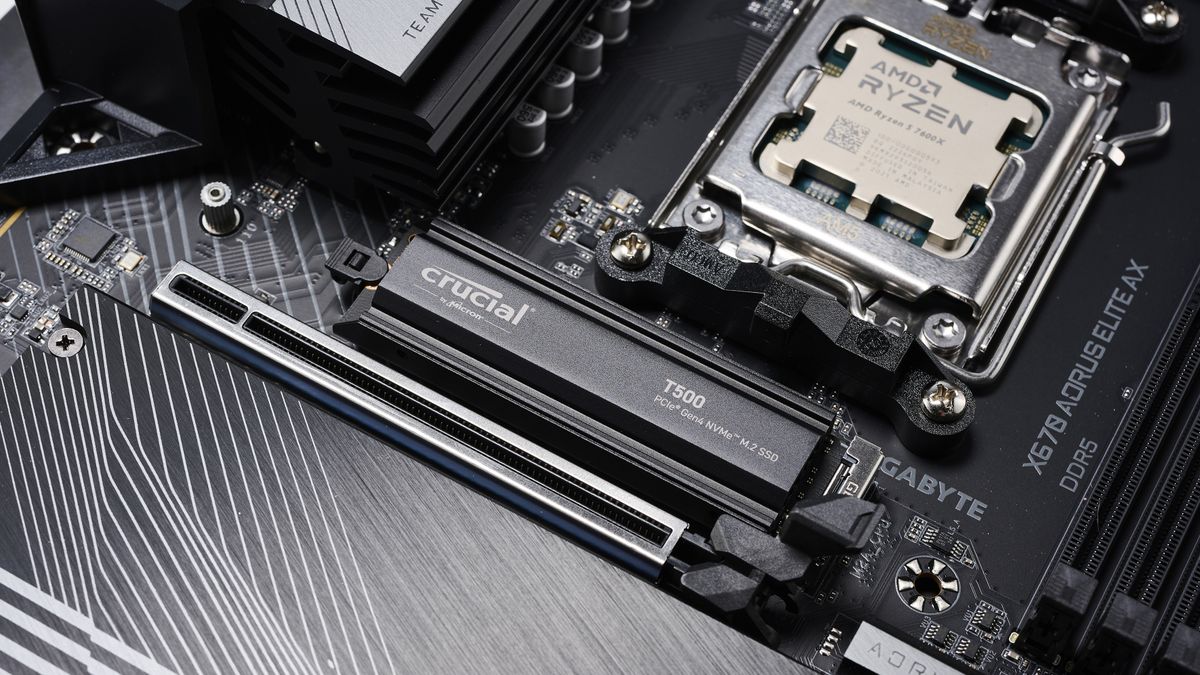
The motherboard is central to determining whether your system can run Windows 11. It provides the platform for essential features required by the operating system.
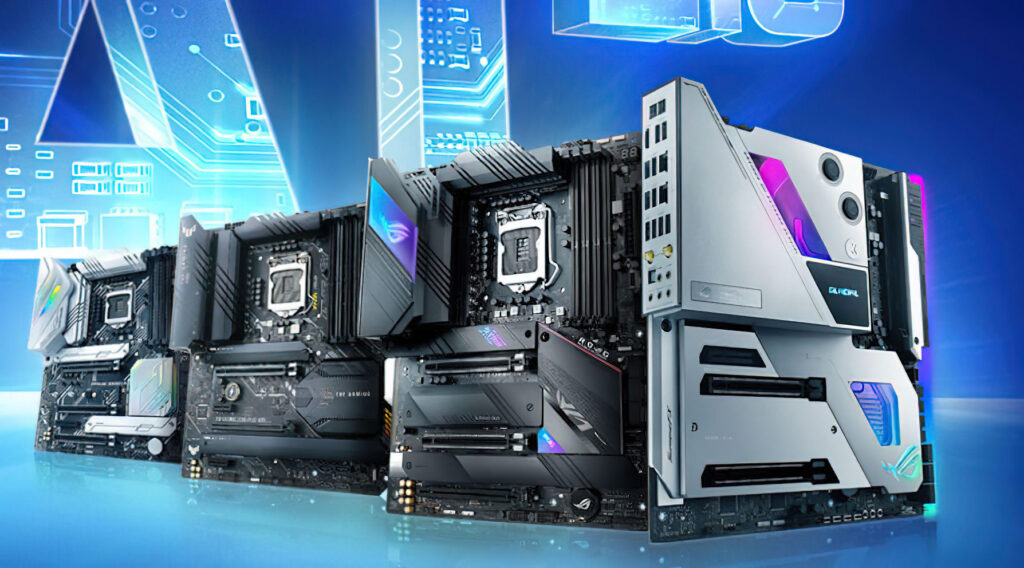
For example, TPM support is usually integrated into the motherboard or provided through firmware.
Secure Boot functionality is managed through the motherboard’s BIOS or UEFI settings.
Without these features, installing Windows 11 can be difficult or impossible through official methods.
In addition, the motherboard determines CPU compatibility. Even if your processor meets Windows 11 requirements, it must be supported by the motherboard for proper operation.
What Is TPM and Why It Matters
Trusted Platform Module, commonly known as TPM, is a security feature required by Windows 11. It helps protect sensitive data by providing hardware-based encryption.
Many modern motherboards include TPM either as a dedicated chip or as firmware-based TPM integrated into the processor.
Older motherboards may lack this feature entirely, which can prevent Windows 11 installation.
In some cases, TPM is present but disabled by default. Enabling it through BIOS settings can make the system compatible without requiring new hardware.
Secure Boot and BIOS Support
Secure Boot is another requirement for Windows 11. It ensures that only trusted software is loaded during the system startup process, improving security against malware and unauthorized access.
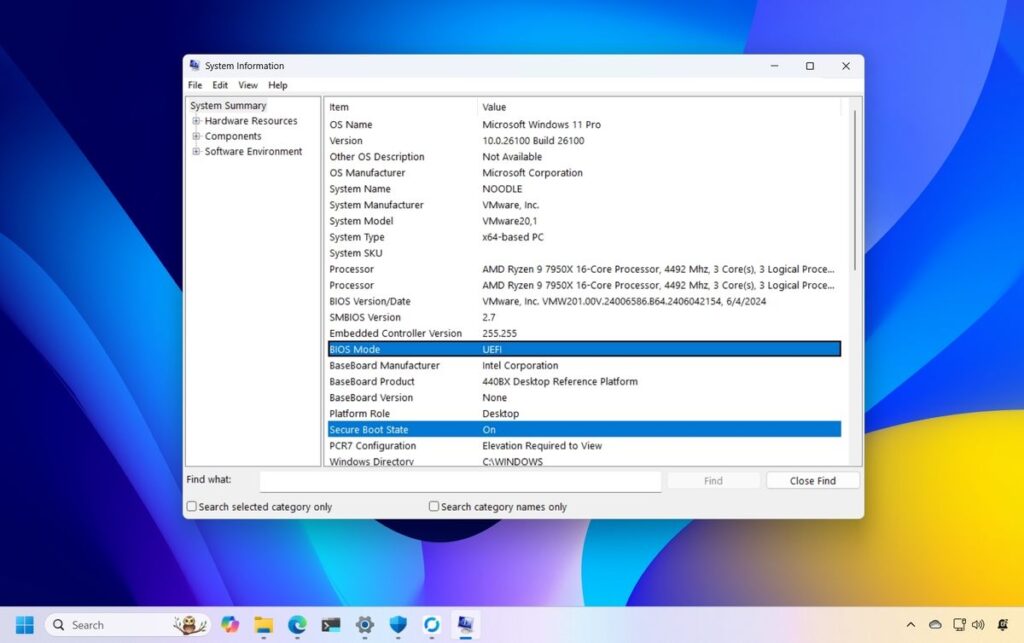
This feature is controlled by the motherboard’s firmware. Systems with older BIOS versions may not support Secure Boot or may require updates to enable it.
Upgrading the BIOS can sometimes resolve compatibility issues, but very old motherboards may not support the feature at all.
CPU Compatibility and Motherboard Limitations
Even if your motherboard supports TPM and Secure Boot, CPU compatibility remains a critical factor. Windows 11 supports specific processor generations, and older CPUs are not officially supported.
The motherboard must be compatible with a supported CPU to run Windows 11. If your current motherboard does not support newer processors, upgrading the motherboard may be necessary.
This is often the main reason users consider replacing their motherboard when upgrading to Windows 11.
When You Do Not Need a New Motherboard
In many cases, you do not need a new motherboard to upgrade to Windows 11. If your existing motherboard supports TPM 2.0, Secure Boot, and a compatible CPU, you can install the operating system without any hardware changes.
Sometimes, enabling TPM and Secure Boot in the BIOS is all that is required. Updating the BIOS to the latest version can also unlock compatibility features.
Checking your system settings and specifications can help you determine whether your current motherboard meets the requirements.
When You Do Need a New Motherboard
A new motherboard becomes necessary when your current one lacks essential features required by Windows 11.
This includes absence of TPM support, inability to enable Secure Boot, or incompatibility with supported CPUs.
Older motherboards, especially those designed before modern security standards, may not meet these requirements.
In such cases, upgrading the motherboard ensures full compatibility and allows you to take advantage of Windows 11 features.
Replacing the motherboard may also require upgrading other components, such as the CPU and RAM.
BIOS Updates and Their Importance
Before deciding to replace your motherboard, it is important to check for BIOS updates. Manufacturers often release updates that add support for new features and improve compatibility.
A BIOS update can enable TPM functionality, improve Secure Boot support, and enhance overall system performance. This can make your existing motherboard compatible with Windows 11 without additional hardware costs.
However, not all motherboards receive updates, especially older models that are no longer supported by manufacturers.
Risks of Using Unsupported Hardware
While it is possible to install Windows 11 on unsupported hardware through unofficial methods, this approach comes with risks. Systems may not receive updates, including important security patches.
Using unsupported hardware can also lead to performance issues, driver incompatibility, and reduced stability. Microsoft may restrict certain features on systems that do not meet official requirements.
For long-term reliability, it is recommended to use supported hardware whenever possible.
Cost Considerations of Upgrading
Upgrading to a new motherboard can involve additional costs beyond the board itself. You may need a compatible CPU, new RAM, and possibly a new power supply.
These costs can add up quickly, making it important to evaluate whether the upgrade is worth it.
In some cases, it may be more practical to upgrade the entire system rather than individual components.
Understanding your budget and performance needs helps in making the right decision.
Future Proofing Your System
If you decide to upgrade your motherboard, it is a good opportunity to future-proof your system. Choosing a modern motherboard with support for the latest technologies ensures compatibility with future updates.
Features such as faster memory support, advanced connectivity options, and improved power efficiency can enhance your computing experience.
Future-proofing reduces the need for frequent upgrades and provides better long-term value.
Checking Your System Compatibility
Before making any decisions, it is important to check whether your current system is compatible with Windows 11. Tools provided by Microsoft can help determine compatibility بسهولة and accurately.
You can also manually check your motherboard specifications, BIOS settings, and CPU model to verify requirements. This step ensures that you make an informed decision and avoid unnecessary upgrades.
FAQs
1.Do I always need a new motherboard for Windows 11
No, you only need a new motherboard if your current one lacks TPM 2.0, Secure Boot, or CPU compatibility required for Windows 11 installation and operation.
2.Can I enable TPM on my existing motherboard
Yes, many motherboards already have TPM built in but disabled, so enabling it in BIOS settings can make your system compatible without replacing hardware components.
3.What happens if my motherboard is not supported
If your motherboard is not supported, you may not be able to install Windows 11 officially, or you may face limited updates and potential security and stability issues.
4.Is upgrading motherboard expensive for Windows 11
Upgrading can be costly because it may require additional components like a CPU and RAM, making it important to evaluate whether upgrading the entire system is better.
5.Can I run Windows 11 without TPM
Running Windows 11 without TPM is possible through unofficial methods, but it is not recommended due to security risks, lack of updates, and potential system instability.
Conclusion
Whether you need a new motherboard for Windows 11 depends on your current system’s compatibility with modern requirements. Many users can upgrade without replacing hardware by enabling features or updating BIOS. However, older systems may require a new motherboard to meet security and performance standards. Evaluating your setup carefully ensures a smooth transition and helps you make the most of your upgrade experience.