Why Is a Motherboard Important – Complete Guide
A motherboard is the main component of a computer that connects all hardware parts and allows them to work together as a complete system. Without it, a computer cannot function even if the processor and RAM are powerful. It acts as thecentral hub for communication between all components. Every computer task depends on it. In this guide, we will learn why a motherboard is important, how it works, and its role in performance.
why is a motherboard important Learn its role, functions, and benefits in connecting hardware parts and ensuring smooth computer performance and stability.
- What Is a Motherboard
- Why Is a Motherboard Important
- How a Motherboard Works
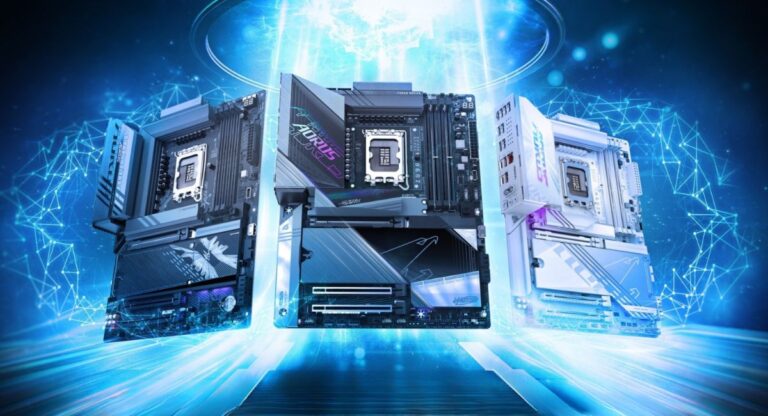
- Types of Motherboards
- Features of a Motherboard
- Role of Motherboard in Performance
- Benefits of a Good Motherboard
- Common Motherboard Issues
- How to Choose the Right Motherboard
- Importance of Motherboard in Daily Life
- Future of Motherboards
- Frequently Asked Questions
- Conclusion
- Related post
What Is a Motherboard
Basic Definition
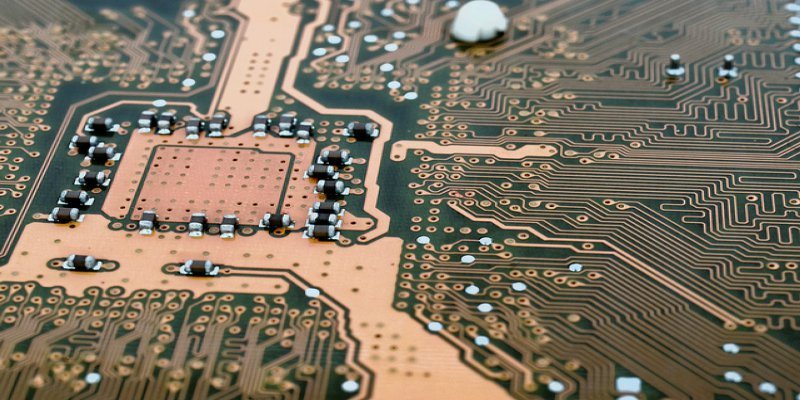
A motherboard is a large printed circuit board (PCB) inside a computer that connects and controls all major hardware components. It is also called the mainboard because it acts as the foundation of the entire system.
Main Components Connected to Motherboard
- CPU (Processor)
- RAM (Memory)
- Storage devices (SSD/HDD)
- Graphics card (GPU)
- Power supply unit
- Input/output ports
The motherboard works like the backbone of a computer system. It ensures that all components communicate with each other properly and function as a single unit. When you open any application or perform any task, the motherboard helps the processor, memory, and storage work together efficiently. Without it, no hardware can function as a complete system.
Why Is a Motherboard Important
Key Importance Points
- Connects all hardware components
- Controls system communication
- Supports overall performance
- Allows system upgrades
- Maintains system stability
- Ensures hardware compatibility
The motherboard is important because it is the foundation of the entire computer. Even if you install high-end components like a powerful CPU or fast RAM, they cannot function without a motherboard. It ensures that all parts communicate correctly and work together. A high-quality motherboard improves performance, while a poor-quality one can limit speed, stability, and upgrade options. That is why choosing the right motherboard is one of the most important decisions in building a computer.
How a Motherboard Works
Working Process
- Initializes system using BIOS/UEFI
- Connects CPU with RAM and storage
- Transfers data between components
- Distributes power to hardware parts
- Manages input and output devices
When you turn on your computer, the motherboard first runs a system check using BIOS or UEFI. It checks all connected hardware and then loads the operating system. After that, it continuously manages communication between CPU, RAM, storage, and other components. This ensures that all processes run smoothly and the system remains stable during usage.
Types of Motherboards
ATX Motherboard
ATX motherboards are full-sized boards that offer high performance and multiple expansion slots. They are commonly used in gaming and professional systems.
Micro-ATX Motherboard
Micro-ATX boards are medium-sized and budget-friendly. They offer balanced performance and are suitable for general users.
Mini-ITX Motherboard
Mini-ITX boards are compact and used in small PC builds. They have limited upgrade options but are good for space-saving systems.
Different types of motherboards are designed for different users. ATX is best for high-performance systems, Micro-ATX is for budget users, and Mini-ITX is for compact builds. Choosing the right type depends on your needs, usage, and budget.
Features of a Motherboard
Key Features
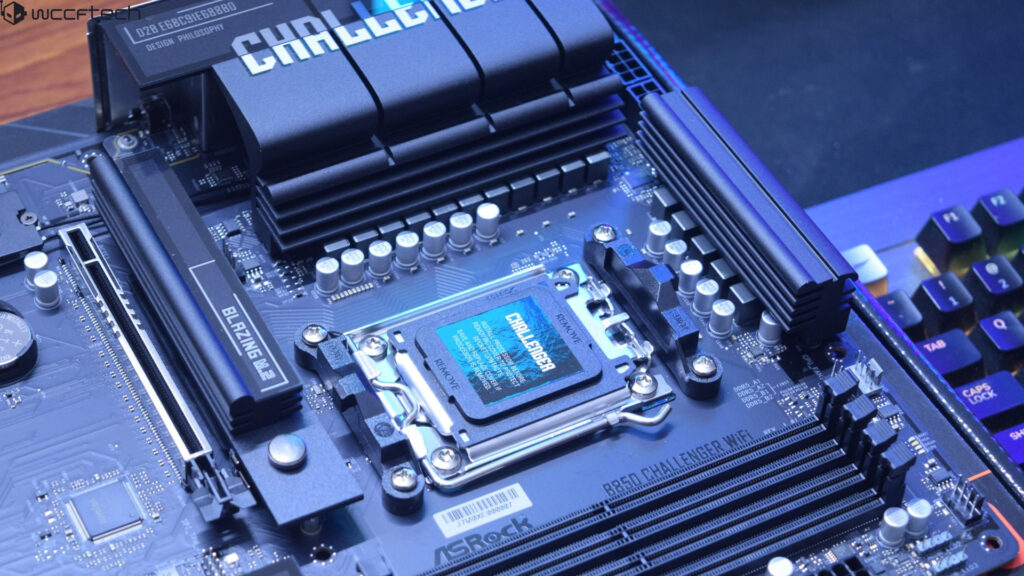
- CPU socket support
- RAM slots
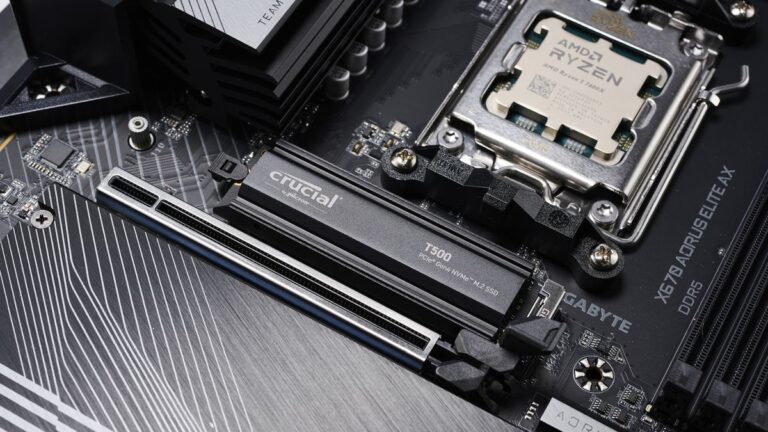
- Storage ports (SATA, M.2)
- PCIe expansion slots
- BIOS/UEFI system
- USB and audio ports
Modern motherboards come with advanced features that improve speed, compatibility, and performance. These features allow users to connect modern hardware and build powerful systems for gaming, editing, programming, and daily use.
Role of Motherboard in Performance
Performance Factors
- Data transfer speed
- RAM compatibility
- CPU support
- Chipset quality
- Expansion capability
The motherboard plays a major role in determining how fast and stable a computer performs. Even if other components are powerful, a weak motherboard can reduce overall performance. It controls how quickly data moves between hardware parts, which directly affects system speed and responsiveness.
Benefits of a Good Motherboard
Benefits List
- Stable system performance
- Faster processing speed
- Easy hardware upgrades
- Better compatibility
- Long system life
- Support for modern technology
A good motherboard ensures smooth performance without crashes or lag. It also supports future upgrades, which makes your system long-lasting and cost-effective. This is why investing in a quality motherboard is very important.
Common Motherboard Issues
Common Problems
- System not booting
- Hardware not detected
- BIOS errors
- Overheating issues
- Slow performance
Most motherboard issues occur due to improper installation, outdated BIOS, or compatibility problems. Regular updates and correct setup can prevent these issues and improve system stability.
How to Choose the Right Motherboard
Selection Tips
- Check CPU compatibility
- Match RAM type and speed
- Consider upgrade options
- Choose reliable brand
- Check expansion slots
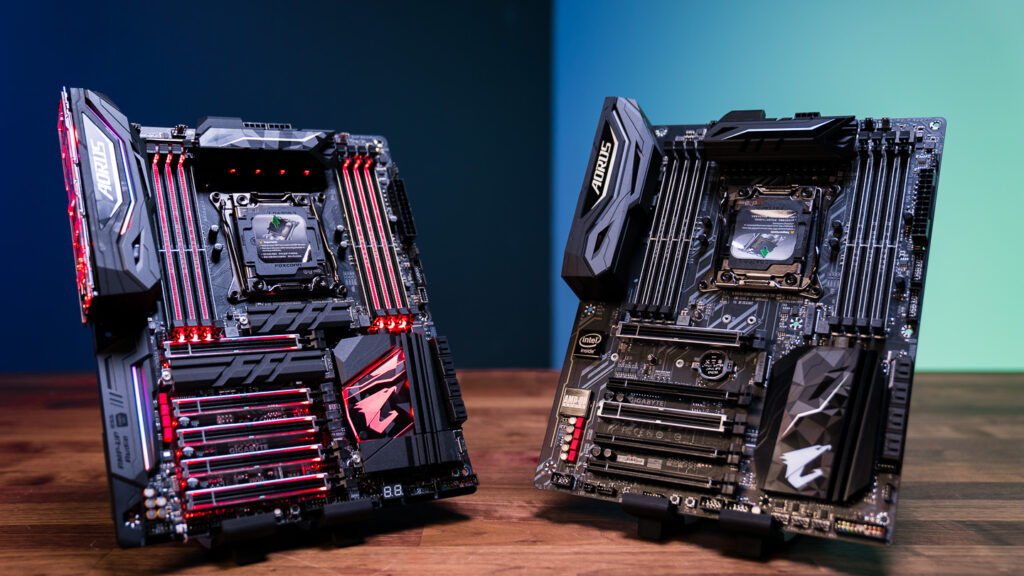
Choosing the right motherboard is very important for system performance. A good motherboard ensures smooth operation and prevents future compatibility issues. It is always better to choose based on your usage needs like gaming, office work, or professional tasks.
Importance of Motherboard in Daily Life
Usage Areas
- Gaming
- Office work
- Video editing
- Programming
- Daily computing
The motherboard ensures that all daily computer tasks run smoothly by managing communication between hardware components. Without it, no computer activity is possible, making it the most essential part of any system.
Future of Motherboards
Future Improvements
- Faster data transfer speeds
- Better energy efficiency
- Support for DDR5 and beyond
- Advanced chipset technology
- Improved connectivity options
Future motherboards will become more powerful and efficient. They will support faster processors, advanced memory technologies, and improved connectivity, making computers faster and more reliable.
Frequently Asked Questions
1.Why is a motherboard important in a computer?
A motherboard is important because it connects all hardware components and allows them to function together as a complete system.
2.Can a computer work without a motherboard?
No, a computer cannot work without a motherboard because it is the main board that connects all essential hardware parts.
3.Does motherboard affect performance?
Yes, it affects performance by controlling data flow, compatibility, and system stability.
4.What happens if motherboard fails?
If the motherboard fails, the computer will not boot or function because all components depend on it.
5.How long does a motherboard last?
A motherboard can last 5 to 10 years depending on usage, quality, and maintenance.
Conclusion
The motherboard is the most important part of a computer system because it connects all hardware components and ensures they work together smoothly. It controls communication, supports performance, and maintains system stability. Without a motherboard, a computer cannot function at all. Choosing the right motherboard improves speed, reliability, and future upgrade options, making it essential for every computer system.