Will a Motherboard POST Without a CPU Complete Guide
When building or troubleshooting a PC, many users ask whether a motherboard can POST without a CPU. This question is important because the Power-On Self-Test (POST) determines if your system can start properly. Beginners often get confused when fans spin or lights turn on, assuming the system is working. In reality, POST depends on key components, especially the CPU. Understanding this concept helps avoid confusion and makes diagnosing hardware issues much easier and more accurate.
Will motherboard POST without CPU Learn what happens without a processor, why CPU is required for POST, and how to troubleshoot boot issues properly.
- What Is POST and Why It Matters
- Can a Motherboard POST Without a CPU
- What Happens When You Power On Without a CPU
- Why the CPU Is Essential for POST
- Types of Motherboards and Their Behavior
- Common Misconceptions About POST Without CPU
- Signs Your System Is Not Posting
- Troubleshooting POST Problems
- Special Cases and Exceptions
- Features of Modern Motherboards
- Benefits of Understanding POST Behavior
- Practical Example Scenario
- FAQ’s
- Conclusion
- Related post
What Is POST and Why It Matters
The Power-On Self-Test (POST) is the first step your computer performs when you turn it on. It is controlled by the BIOS (Basic Input/Output System) or UEFI firmware, which is stored on the motherboard.
During POST, the system checks critical hardware components such as:
- CPU (Central Processing Unit)
- RAM (Memory)
- Graphics Card (GPU)
- Storage devices
If everything is functioning correctly, the system proceeds to boot the operating system. If not, it stops and provides error signals such as beep codes, LED indicators, or error messages.
POST is essential because it ensures your system hardware is working before the computer starts normal operations.
Can a Motherboard POST Without a CPU
The clear and technically correct answer is no. A motherboard cannot POST without a CPU.
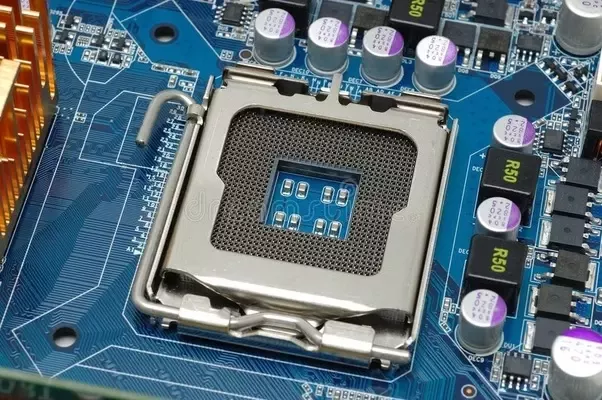
The CPU is responsible for executing all instructions, including those stored in the BIOS/UEFI firmware.
Without a processor, the motherboard has no way to process instructions, initialize components, or complete the POST sequence.
Even though some parts of the motherboard may receive power, the system cannot function or move forward without the CPU.
What Happens When You Power On Without a CPU
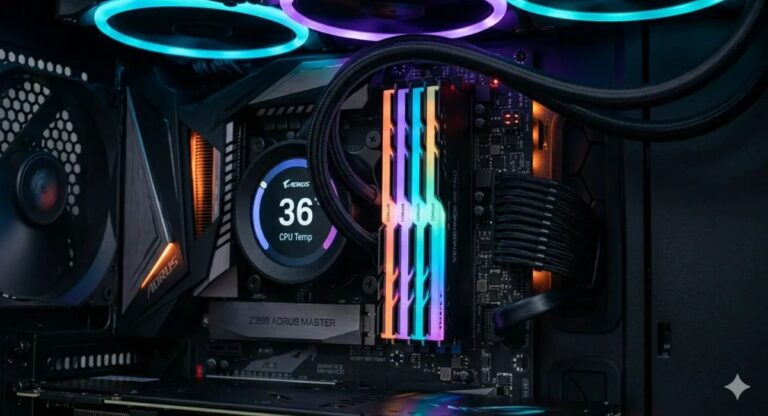
If you turn on a motherboard without installing a CPU, you may still notice some activity, which can be misleading:
- Fans start spinning
- RGB lighting turns on
- Motherboard LEDs light up
- No display appears on the monitor
- No POST or boot process begins
These signs only indicate that power is flowing through the system, not that it is working correctly.
Many beginners mistakenly believe the system is functional at this stage, but in reality, it is not performing any meaningful operations.
Why the CPU Is Essential for POST
The CPU is often called the “brain” of the computer, and for good reason. It handles all instructions required to initialize and control hardware components.
During POST, the CPU performs several key tasks:
- Executes BIOS/UEFI instructions
- Initializes communication between hardware components
- Checks memory (RAM) functionality
- Prepares the system for booting
Without the CPU, none of these tasks can occur. This is why POST cannot happen without it.
Types of Motherboards and Their Behavior
Modern motherboards come in different sizes and configurations, including ATX, Micro-ATX, and Mini-ITX. Despite their differences, all of them rely on a CPU to complete POST.
Some high-end motherboards include advanced diagnostic features such as debug LEDs, POST code displays, and error indicators. These tools help identify problems when the system fails to boot.
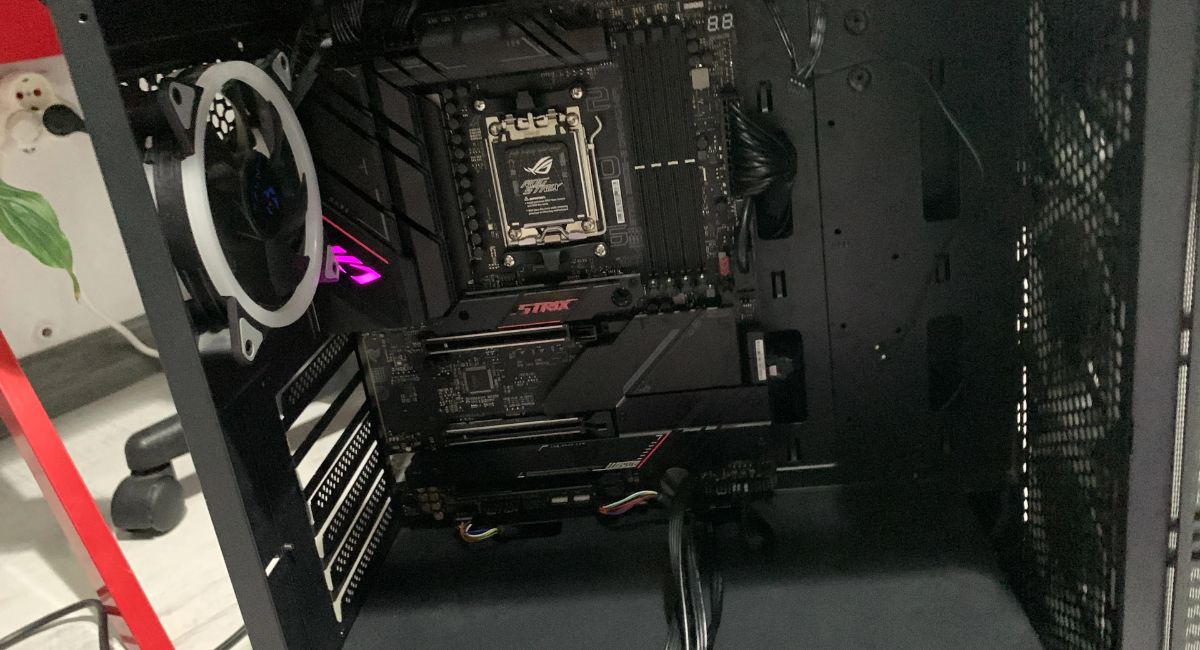
For example, if a CPU is missing, a motherboard may display a CPU error light or show a specific error code.
However, this does not mean the system is posting—it simply means the board can detect an issue.
Even server-grade motherboards, which are more advanced, still require a CPU for full system initialization. The difference is that they provide more detailed diagnostics for troubleshooting.
Common Misconceptions About POST Without CPU
Fans Spinning Means System Is Working
- Fans operate using power supply, not CPU instructions
- Spinning fans do not indicate successful POST
RGB Lights Indicate Boot Success
- Lighting systems work independently of CPU processing
- They only show that power is present
Some Boards Can Boot Without CPU
- No consumer motherboard can complete POST without a CPU
- Diagnostic signals are not the same as booting
Signs Your System Is Not Posting
If your system is not completing POST, you may notice:
- No signal on the monitor
- No BIOS or startup screen
- Continuous fan operation without progress
- Debug LED showing CPU error
- Beeping sounds (if speaker connected)
These symptoms are important indicators when diagnosing hardware issues.
Troubleshooting POST Problems
If your computer is not posting, follow these steps carefully:
- Install the CPU correctly and check alignment
- Ensure CPU power cable (EPS connector) is connected
- Reseat RAM modules properly
- Check GPU installation
- Reset BIOS using CMOS battery
- Inspect motherboard for visible damage
Proper troubleshooting can save time and prevent unnecessary hardware replacement.
Special Cases and Exceptions
There are a few special features in modern motherboards that can create confusion:
BIOS Flashback
Some motherboards support BIOS Flashback, allowing you to update the BIOS without a CPU installed. However, this does not mean POST is happening.
Diagnostic Features
High-end boards may show error codes or LED signals without a CPU, but this is only for troubleshooting purposes.
Server Systems
Server motherboards may provide more advanced diagnostics, but they still cannot complete POST without a CPU.
Features of Modern Motherboards
- POST code displays
- Debug LED indicators
- BIOS Flashback support
- Advanced power delivery systems
- Improved hardware monitoring tools
These features make it easier to identify problems and improve system reliability.
Benefits of Understanding POST Behavior
- Faster and accurate troubleshooting
- Better understanding of hardware functionality
- Reduced repair costs
- Improved confidence in PC building
- Enhanced system stability and performance
Practical Example Scenario
Imagine you are building a new PC and forget to install the CPU. You turn on the system and notice that the fans spin and lights turn on. At first glance, it may seem like everything is working.

However, when you connect a monitor, there is no display output. The motherboard may show a CPU error light, indicating the missing processor. This scenario clearly demonstrates that while the system receives power, it cannot perform POST or boot without a CPU.
FAQ’s
1.Can a motherboard turn on without a CPU
Yes, it can receive power and show lights or spinning fans, but it cannot complete POST or boot the system.
2.Will I get display output without a CPU
No, without a CPU there is no processing, so the system cannot send any signal to the monitor.
3.Do fans work without a CPU installed
Yes, fans may spin because they are powered directly by the motherboard or PSU, not controlled by CPU instructions at startup.
4.Can BIOS run without a CPU
No, BIOS requires a CPU to execute instructions and initialize hardware during the POST process.
5.Can a motherboard POST without CPU in any situation
No, a motherboard cannot POST without a CPU because the processor is required to execute firmware instructions, initialize hardware components, and control the boot process.
Conclusion
A motherboard cannot POST without a CPU, as the processor is essential for executing all system instructions. While some components may power on, the system will not function or boot. Understanding this concept is crucial for troubleshooting and building PCs. Always ensure your CPU is properly installed to achieve a stable and fully operational system.