Choosing the Right Replacement Motherboard for Your PC
Choosing the right replacement motherboard is essential for maintaining your system’s performance and reliability. The motherboard acts as the central hub that connects all components, allowing them to communicate efficiently. Whether you are replacing a damaged board or upgrading your system, selecting the correct motherboard ensures better speed, stability, and future upgrade support. A well-informed decision can extend your computer’s lifespan and significantly improve your overall computing experience.
While shopping for a replacement motherboard, learn how to choose the right one with compatibility tips, features, and upgrade advice for better performance.
- What Is a Replacement Motherboard?
- Why Replacing a Motherboard Is Important
- Common Signs You Need a Replacement Motherboard
- Understanding Motherboard Compatibility
- Key Features to Look For
- Types of Motherboards
- Step-by-Step Guide to Choosing the Right Motherboard
- Benefits of Choosing the Right Replacement Motherboard
- Installation Tips
- Common Mistakes to Avoid
- Performance Impact of a New Motherboard
- Planning for Future Upgrades
- Cooling and Durability
- Connectivity Options
- Security Features
- Storage Options
- Power Requirements
- Build Quality and Reliability
- Graphics and Expansion Support
- Aesthetic and Design
- FAQ’s
- Conclusion
- Related post
What Is a Replacement Motherboard?
A replacement motherboard is a new circuit board installed in place of an old, faulty, or outdated one.
It connects all major components, including the CPU, RAM, storage devices, and expansion cards. Without a functioning motherboard, your computer cannot operate.
The motherboard also determines which hardware components your system can support. This includes the type of processor, memory generation, and storage interfaces. Therefore, selecting a compatible motherboard is crucial for seamless system performance.
Why Replacing a Motherboard Is Important
Replacing a motherboard is often necessary when your system stops functioning correctly or when you want to upgrade to modern hardware.
A new motherboard can unlock improved features such as faster data transfer speeds, enhanced connectivity, and better power efficiency.
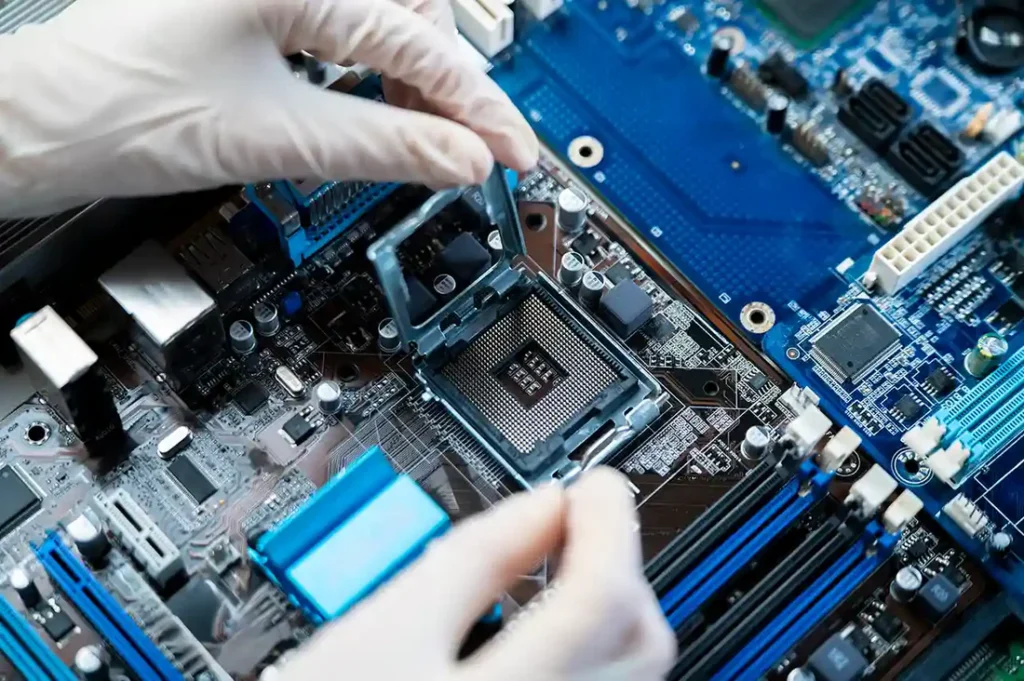
In many cases, replacing the motherboard is more cost-effective than buying a new computer. It allows you to reuse existing components while still benefiting from updated technology.
Common Signs You Need a Replacement Motherboard
- System fails to boot or powers on intermittently
- Frequent system crashes or freezing
- Non-working USB, HDMI, or audio ports
- Visible physical damage such as burn marks
- Incompatibility with new processors or RAM
Recognizing these signs early can help prevent further hardware damage.
Understanding Motherboard Compatibility
CPU Compatibility
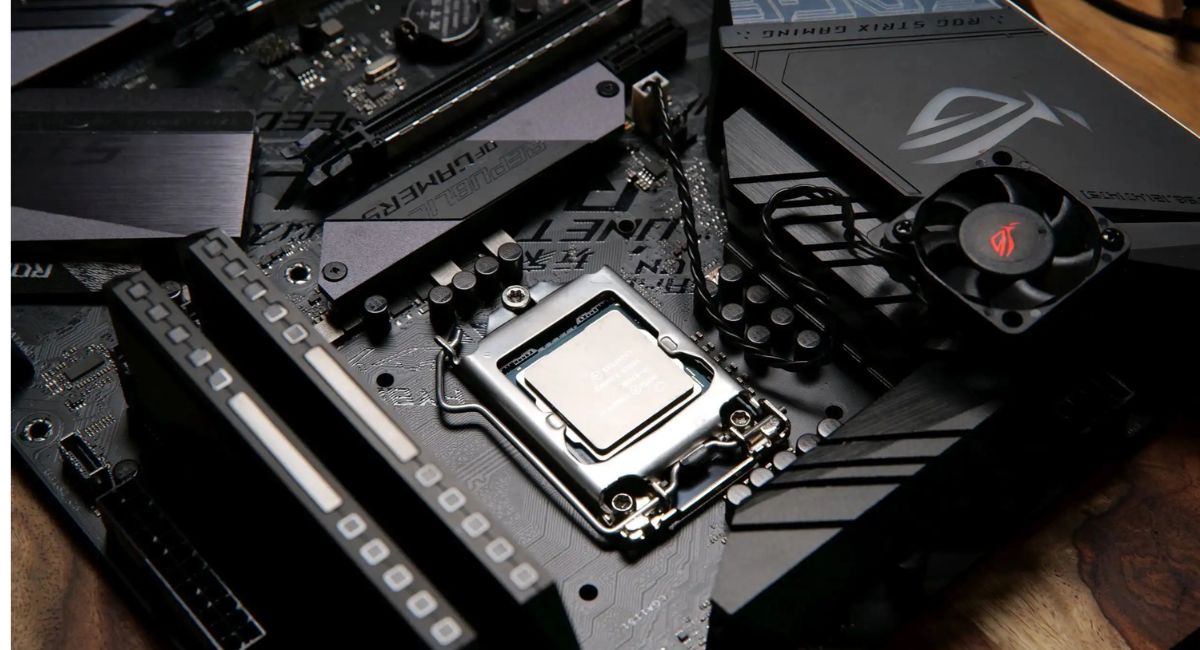
Your motherboard must support your processor’s socket type. Intel and AMD use different socket designs, so matching them correctly is essential.
RAM Compatibility
Motherboards support specific memory types such as DDR4 or DDR5. You should also consider memory speed and maximum capacity.
Form Factor
The motherboard’s size must match your computer case.
- ATX – Full-sized with maximum features
- Micro-ATX – Smaller and cost-effective
- Mini-ITX – Compact with limited expansion
Key Features to Look For
When shopping for a motherboard, focus on features that enhance performance and usability:
- Multiple RAM slots for expansion
- High-speed PCIe slots for GPUs
- Support for NVMe SSDs
- Built-in WiFi and Bluetooth
- Variety of USB ports including USB-C
These features ensure better performance and long-term usability.
Types of Motherboards
ATX Motherboards
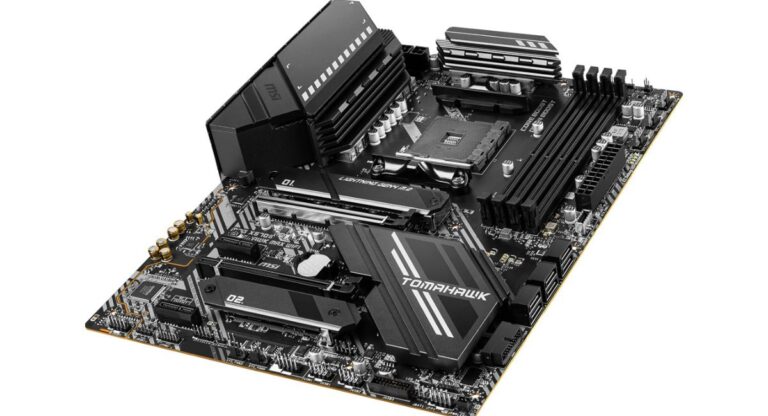
ATX motherboards are ideal for high-performance systems. They offer extensive expansion options and are perfect for gaming and professional use.
Micro-ATX Motherboards
These boards provide a balance between performance and affordability. They are suitable for most everyday users.
Mini-ITX Motherboards
Mini-ITX boards are designed for compact builds. They are space-saving but offer limited expansion.
Step-by-Step Guide to Choosing the Right Motherboard
Identify Your Needs
Determine whether your system is for gaming, office tasks, or content creation.
Set a Budget
Motherboards are available in various price ranges. Choose one that offers the best value for your needs.
Check Compatibility
Ensure your CPU, RAM, and case are compatible with the motherboard.
Compare Features
Look for features such as connectivity, storage options, and expansion slots.
Read Reviews
User reviews provide valuable insights into real-world performance and reliability.
Benefits of Choosing the Right Replacement Motherboard
- Improved system stability
- Faster data processing
- Enhanced connectivity options
- Support for modern hardware
- Increased system lifespan
Installation Tips
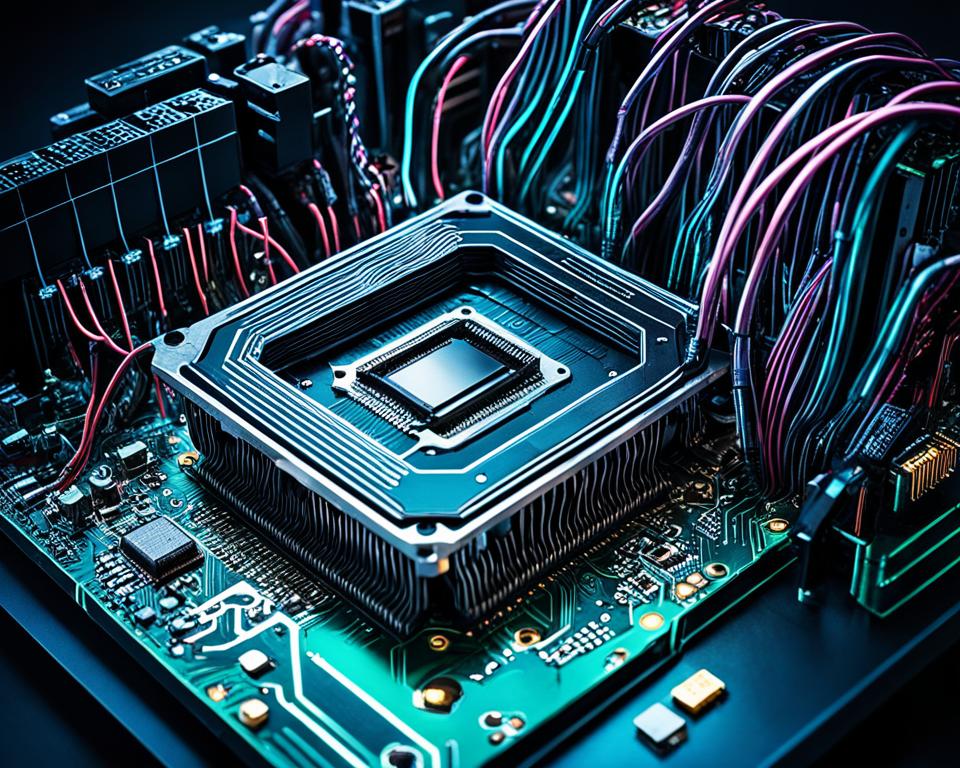
- Disconnect the power supply before starting
- Use anti-static tools to prevent damage
- Install the CPU and RAM carefully
- Apply thermal paste correctly
- Secure all cables and screws properly
If you are unsure, consider professional installation.
Common Mistakes to Avoid
- Ignoring compatibility requirements
- Buying based only on price
- Overlooking future upgrade potential
- Not updating the BIOS
- Using an incompatible power supply
Performance Impact of a New Motherboard
A new motherboard improves communication between components, resulting in better performance and efficiency. It supports faster memory, improved storage speeds, and enhanced connectivity.
When paired with modern components, the performance improvement can be significant.
Planning for Future Upgrades
- Additional RAM slots
- Extra PCIe slots
- Support for newer CPU generations
- Advanced storage options
Planning ahead ensures your system remains relevant for years.
Cooling and Durability
Modern motherboards include advanced cooling features such as heat sinks and multiple fan headers. These help maintain optimal temperatures and prevent overheating.
Durability is also important, as high-quality components ensure long-term reliability.
Connectivity Options
- Ethernet for stable internet connection
- Built-in WiFi for wireless access
- Bluetooth for peripherals
- High-speed USB ports
Security Features
- Secure Boot
- TPM support
- BIOS-level protection
These features protect your system from security threats.
Storage Options
Motherboards support different storage technologies:
- SATA drives
- M.2 SSDs
- RAID configurations
Faster storage improves system performance and responsiveness.
Power Requirements
Ensure your power supply unit (PSU) provides sufficient power for your motherboard and components. Inadequate power can lead to instability or hardware damage.
Build Quality and Reliability
Choosing a high-quality motherboard ensures better durability and performance. Reliable brands use premium components, reducing the risk of failure.
Graphics and Expansion Support
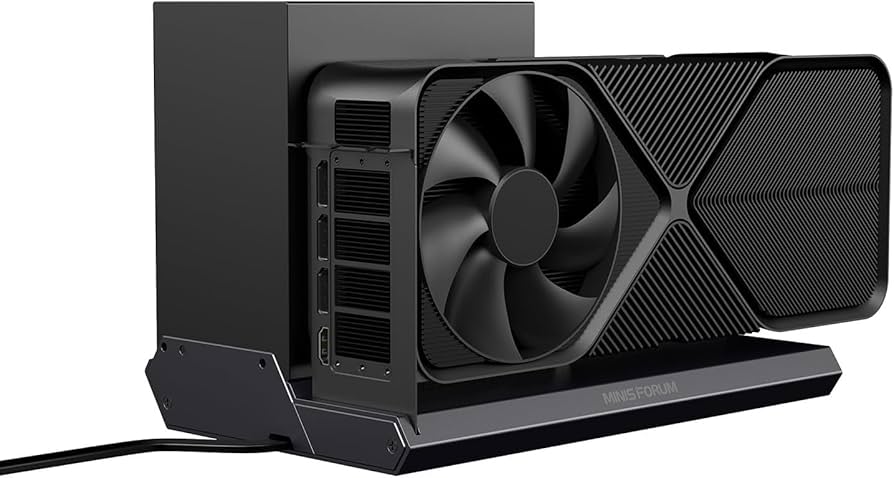
If you plan to use a dedicated graphics card, ensure the motherboard has sufficient PCIe slots and supports modern GPU standards.
Aesthetic and Design
Modern motherboards often include RGB lighting and stylish designs. While aesthetics are optional, they can enhance the look of your setup.
FAQ’s
1. When should I replace my motherboard?
You should replace your motherboard when your system fails to boot, shows hardware issues, or cannot support modern components.
2. Can I reuse old components?
Yes, but only if they are compatible with the new motherboard specifications.
3. Will a new motherboard improve performance?
Yes, especially when combined with upgraded components like RAM and CPU.
4. Is it difficult to install a motherboard?
It requires basic technical knowledge, and beginners may need professional help.
5. Do I need to reinstall the operating system?
Yes, reinstalling the OS is recommended to avoid compatibility issues.
Conclusion
Choosing the right replacement motherboard is a critical step in maintaining and enhancing your system’s performance, reliability, and efficiency. By focusing on compatibility, essential features, and future upgrades, you can make a smart investment. A well-selected motherboard not only restores your system but also improves speed, stability, and overall user experience, ensuring long-term satisfaction and value.