Motherboard Power Consumption Guide for Modern PCs
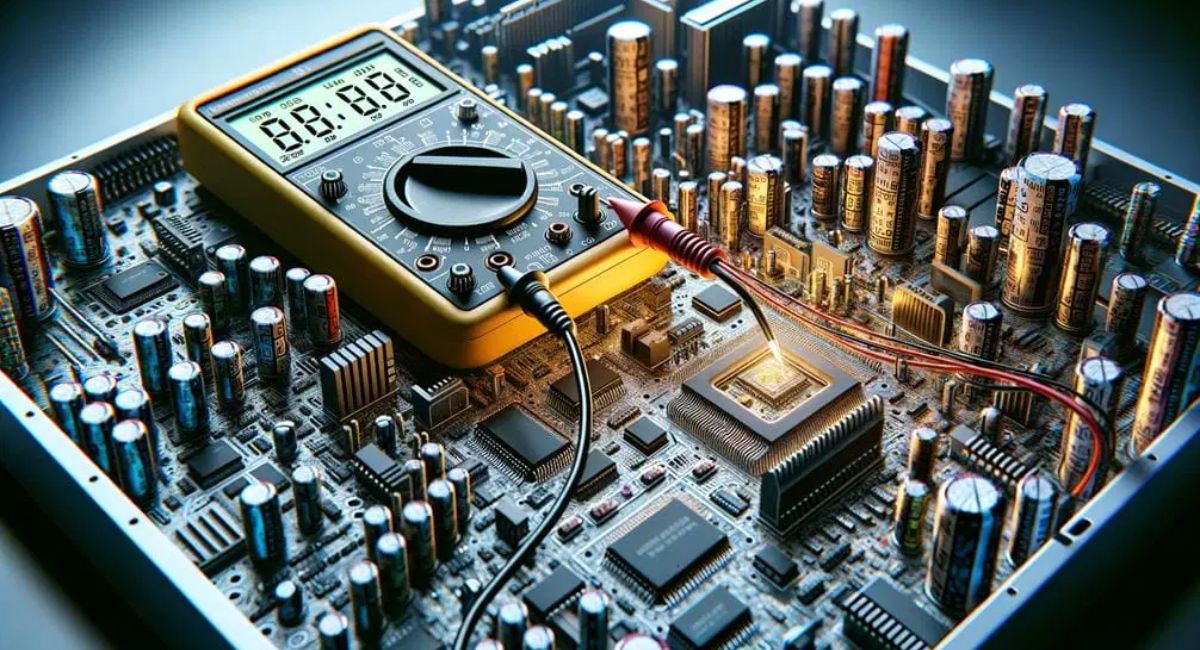
Motherboard power consumption plays an important role in computer performance, cooling, and electricity efficiency. While many users focus on the CPU and GPU, the motherboard also uses power through components like VRMs, chipsets, RAM slots, and cooling systems. Understanding motherboard energy usage helps users build efficient gaming, office, and workstation PCs. A power-efficient motherboard reduces heat, improves system stability, lowers electricity costs, and increases hardware lifespan, making it an essential part of every modern computer system.
Learn about motherboard power consumption, its impact on PC performance, energy efficiency, cooling, and ways to reduce electricity usage effectively.
- What Is Motherboard Power Consumption?
- Why Motherboard Power Consumption Matters
- Types of Motherboards and Their Power Usage
- Components That Affect Motherboard Power Consumption
- How CPUs and GPUs Affect Motherboard Power
- Motherboard Power Consumption During Different Activities
- How to Measure Motherboard Power Consumption
- Benefits of Low Motherboard Power Consumption
- How to Reduce Motherboard Power Consumption
- Features of Energy-Efficient Motherboards
- Common Myths About Motherboard Power Consumption
- Future of Motherboard Power Efficiency
- FAQ’s
- Conclusion
- Related post
What Is Motherboard Power Consumption?
Motherboard power consumption refers to the amount of electrical energy a motherboard uses while operating a computer system.
The motherboard acts as the central hub that distributes electricity to connected hardware components such as the processor, RAM, storage drives, graphics cards, cooling fans, and USB devices.
The total power usage of a motherboard depends on several factors including its size, chipset, VRM quality, RGB lighting, expansion slots, and connected peripherals.
Basic motherboards consume less electricity, while advanced gaming and workstation boards require more power because they support high-performance hardware and additional features.
Normally, a standard motherboard consumes between 15W and 80W, while premium workstation models may use even more power during heavy workloads.
Why Motherboard Power Consumption Matters
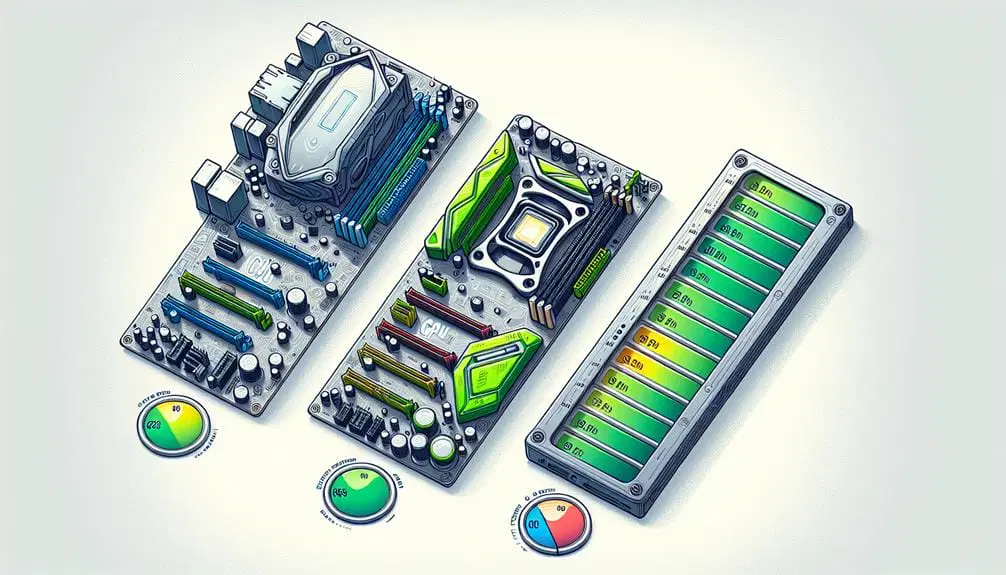
Power consumption is extremely important because it impacts both system performance and long-term costs. A motherboard with poor power efficiency can create excessive heat, increase electricity bills, and reduce component lifespan.
Important Reasons
- Lower electricity costs
- Improved system stability
- Reduced heat generation
- Better gaming performance
- Longer hardware lifespan
- Efficient cooling operation
- Lower PSU stress
- Eco-friendly computing
Efficient motherboards help maintain balanced power delivery while reducing unnecessary energy waste.
Average Motherboard Power Consumption
Different types of motherboards consume different levels of electricity depending on their design and features.
Basic Office Motherboards
Office motherboards are designed for lightweight tasks such as web browsing, documentation, and video streaming.
Features
- Minimal hardware support
- Fewer expansion slots
- Basic VRM setup
- Lower cooling requirements
Average Consumption
- Around 15W–30W
These boards are highly efficient and suitable for budget computers.
Gaming Motherboards
Gaming motherboards contain advanced hardware features designed for high-performance systems.
Features
- Advanced VRM cooling
- RGB lighting systems
- Multiple PCIe slots
- High-speed RAM support
- Overclocking capabilities
Average Consumption
- Around 40W–80W
Gaming motherboards consume more power because they support demanding hardware components.
Workstation Motherboards
Workstation motherboards are built for professional tasks such as rendering, AI processing, and heavy multitasking.
Features
- Multiple GPU support
- Large memory capacity
- Professional-grade chipsets
- Enhanced networking
Average Consumption
- Around 50W–120W
These motherboards prioritize performance and stability over energy savings.
Types of Motherboards and Their Power Usage
ATX Motherboards
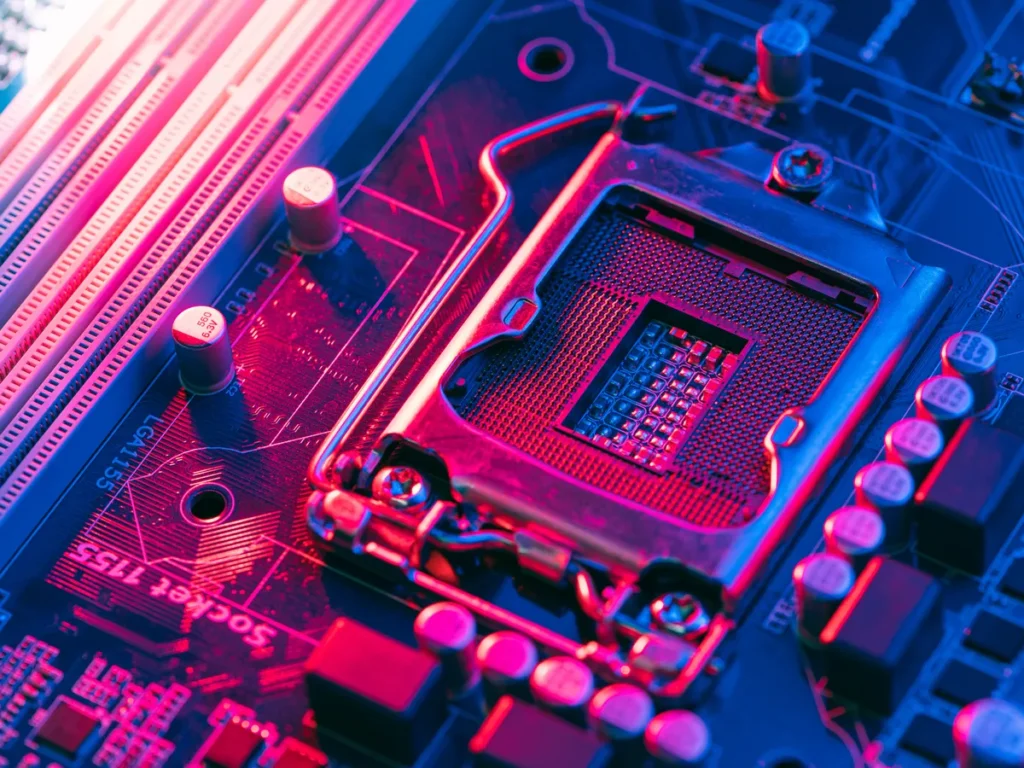
ATX motherboards are the most popular motherboard type in desktop PCs. They provide multiple expansion options and strong power delivery systems.
Main Features
- Multiple RAM slots
- Better airflow support
- High-end VRMs
- Extra storage connectivity
Power Consumption
- Around 40W–80W
ATX motherboards are ideal for gaming and professional workloads.
Micro-ATX Motherboards
Micro-ATX boards are smaller than standard ATX models but still provide decent performance.
Main Features
- Compact size
- Affordable pricing
- Moderate expansion support
- Lower power usage
Power Consumption
- Around 25W–50W
These boards are commonly used in mid-range PCs.
Mini-ITX Motherboards
Mini-ITX motherboards are designed for compact systems and energy-efficient builds.
Main Features
- Small form factor
- Limited expansion slots
- Low heat generation
- Portable system compatibility
Power Consumption
- Around 15W–35W
Mini-ITX boards are excellent for small and silent PCs.
E-ATX Motherboards
E-ATX boards are large enthusiast-grade motherboards built for extreme performance systems.
Main Features
- Advanced overclocking
- Multiple GPU compatibility
- Heavy-duty VRMs
- Professional cooling support
Power Consumption
- Around 60W–120W
These boards require powerful power supplies and advanced cooling systems.
Components That Affect Motherboard Power Consumption
Several motherboard components directly influence electricity usage.
VRMs (Voltage Regulator Modules)
VRMs regulate power delivery to the CPU. High-quality VRMs improve stability but consume more energy.
Benefits of Strong VRMs
- Stable voltage delivery
- Better overclocking support
- Reduced performance drops
- Improved thermal control
Chipsets
The chipset controls communication between hardware components.
Modern premium chipsets include advanced technologies that increase overall power usage. Gaming chipsets usually consume more electricity than budget office chipsets.
RAM Slots
More RAM slots require additional power management.
High-frequency DDR5 RAM consumes more energy than older memory technologies because it operates at higher speeds and voltages.
RGB Lighting
RGB lighting increases motherboard power usage slightly because LEDs and lighting controllers require constant electricity.
RGB Features
- Custom lighting effects
- Gaming aesthetics
- Software synchronization
- Enhanced PC appearance
Although RGB adds only a small increase in energy usage, excessive lighting systems can affect total power draw.
Cooling Systems
Modern gaming motherboards often include active cooling fans and thermal shields.
Cooling Benefits
- Better heat management
- Improved system stability
- Lower VRM temperatures
- Enhanced hardware lifespan
However, additional cooling hardware also consumes extra power.
How CPUs and GPUs Affect Motherboard Power
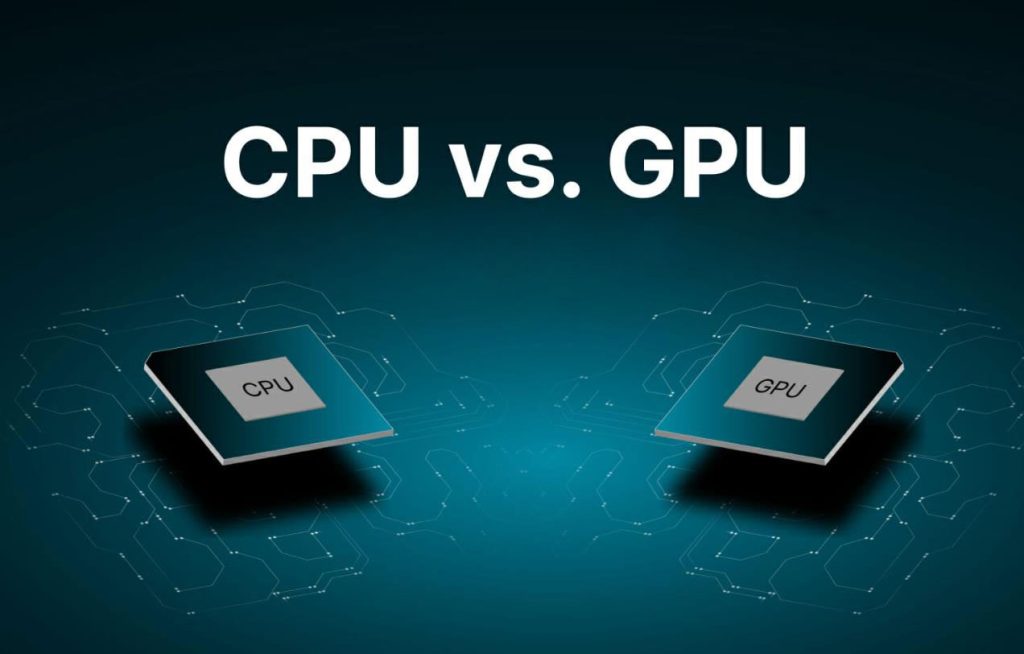
The motherboard distributes electricity to every major component in the system.
High-End CPUs
Processors such as:
- Intel Core i9
- AMD Ryzen 9
require powerful VRMs and stable voltage delivery. High-performance CPUs increase motherboard workload and overall energy consumption.
Powerful GPUs
Gaming graphics cards also affect motherboard power requirements.
GPU Effects
- Increased PCIe power load
- Higher thermal output
- More VRM stress
- Increased cooling requirements
A powerful GPU forces the motherboard to handle additional electrical and thermal pressure.
Motherboard Power Consumption During Different Activities
Idle Usage
When the computer is idle, motherboard power usage remains low.
Average Idle Consumption
- Around 15W–30W
Energy-saving technologies help reduce electricity usage during inactive periods.
Gaming Sessions
Gaming significantly increases motherboard activity because all hardware components operate under heavy load.
Gaming Power Factors
- RGB lighting activity
- Increased VRM usage
- Full PCIe bandwidth operation
- Faster cooling fan speeds
Average Gaming Consumption
- Around 40W–80W
Video Editing and Rendering
Professional workloads require continuous power delivery.
High Workload Factors
- Heavy CPU usage
- Multiple storage devices
- High RAM utilization
- Extended operating hours
These activities increase motherboard energy usage considerably.
Overclocking
Overclocking is one of the biggest reasons for increased motherboard power consumption.
Overclocking Effects
- Higher voltage requirements
- Increased heat generation
- More VRM stress
- Faster fan operation
Extreme overclocking can dramatically raise motherboard electricity usage.
How to Measure Motherboard Power Consumption
Users can measure motherboard power usage using several methods.
Power Meter
A wall power meter measures total PC electricity consumption accurately.
Advantages
- Easy monitoring
- Real-time readings
- Affordable pricing
- Better energy tracking
Monitoring Software
Several software tools estimate motherboard power usage.
Popular Tools
- HWMonitor
- HWiNFO
- Open Hardware Monitor
These programs help users track voltage, temperature, and power usage.
BIOS Monitoring
Modern BIOS systems include built-in monitoring tools for voltage and power readings.
Benefits of Low Motherboard Power Consumption
Choosing an efficient motherboard provides multiple advantages.
Major Benefits
- Lower electricity bills
- Reduced heat output
- Longer hardware lifespan
- Better system reliability
- Quieter cooling systems
- Improved PSU efficiency
- Eco-friendly operation
Efficient motherboards create balanced systems that perform well without excessive energy waste.
How to Reduce Motherboard Power Consumption
Reducing unnecessary power usage improves efficiency and system health.
Disable Unused Features
Turn off features that are not required.
Examples
- RGB lighting
- Unused SATA ports
- Extra controllers
- Wi-Fi modules
Use Efficient Cooling
Efficient cooling systems reduce fan power usage and improve thermal management.
Update BIOS
Manufacturers often release BIOS updates that improve power optimization and voltage management.
Avoid Extreme Overclocking
Extreme overclocking significantly increases motherboard energy requirements and heat generation.
Choose Efficient Hardware
Use components designed for low power consumption.
Recommended Components
- Efficient SSDs
- Low-voltage RAM
- 80 Plus power supplies
- Smart cooling systems
Features of Energy-Efficient Motherboards
Modern motherboards include technologies designed to reduce power consumption.
Important Features
- Smart power phases
- Advanced VRM designs
- Fan control systems
- Sleep mode support
- Efficient chipsets
- Eco performance modes
These features help balance performance with energy efficiency.
Common Myths About Motherboard Power Consumption
Bigger Motherboards Always Use More Power
Size alone does not determine power usage. Component quality and features matter more.
RGB Consumes Huge Electricity
RGB lighting increases power usage slightly but not dramatically.
Cheap Motherboards Are More Efficient
Budget motherboards may lack advanced power-saving technologies.
Only CPUs Consume Significant Power
Motherboards also contribute to total system electricity consumption.
Future of Motherboard Power Efficiency
Technology companies continue improving motherboard efficiency.
Future Trends
- AI-based power management
- Advanced VRM cooling
- Smarter chipsets
- Lower heat production
- Green computing technologies
Future motherboards will become more powerful while consuming less electricity.
FAQ’s
1.What is normal motherboard power consumption?
Most motherboards consume between 15W and 80W depending on chipset quality, VRM design, connected devices, RGB lighting, and workload intensity during regular system operation.
2.Does RGB lighting increase motherboard power usage?
Yes, RGB lighting slightly increases motherboard power consumption because LEDs and lighting controllers require additional electricity while operating continuously during gaming and multitasking sessions.
3.Which motherboard type uses the least power?
Mini-ITX motherboards generally use the least power because they contain fewer expansion slots, compact VRMs, limited hardware support, and smaller cooling requirements overall.
4.Can motherboard power consumption affect gaming performance?
Yes, poor power delivery and overheating can reduce gaming stability, lower CPU efficiency, and create thermal throttling problems during heavy gaming or multitasking workloads.
5.How can I reduce motherboard power consumption?
You can reduce motherboard power usage by disabling unused features, updating BIOS settings, avoiding excessive overclocking, and using efficient cooling and power-saving hardware components.
Conclusion
Motherboard power consumption affects computer performance, stability, and energy efficiency. A high-quality motherboard improves power management, reduces heat, and supports reliable system operation. Understanding motherboard components and optimization methods helps users build efficient gaming, office, and professional PCs. Choosing an energy-efficient motherboard lowers electricity costs, extends hardware lifespan, and improves long-term system performance and overall computing reliability.