Top Motherboard for DIY NAS Builds-a Ultimate Guide 2026
Building a custom NAS system is one of the best ways to gain full control over your storage, performance, and data security. Choosing the right motherboard for DIY NAS is the foundation of a reliable system because it directly affects stability, expandability, and efficiency. Whether you are creating a home media server or a business backup solution, selecting a powerful and compatible motherboard ensures smooth 24/7 operation and long-term durability for your NAS build.
Find the best motherboard for DIY NAS with this complete guide. Learn features, types, and tips to build a reliable, scalable, and efficient NAS system.
- What is a Motherboard for DIY NAS?
- Essential Features of a Motherboard for DIY NAS
- Types of Motherboards for DIY NAS
- Benefits of Using a DIY NAS Motherboard
- How to Choose the Best Motherboard for DIY NAS
- Detailed Buying Considerations
- Common Mistakes to Avoid
- Performance Optimization Tips
- DIY NAS vs Prebuilt NAS Systems
- Use Cases of DIY NAS Systems
- FAQ’s
- Conclusion
- Related post
What is a Motherboard for DIY NAS?
A motherboard for DIY NAS is the central component that connects and manages all hardware parts of your storage server, including the CPU, RAM, and storage drives. It acts as the backbone of the system, ensuring communication between all components.
Unlike standard desktop motherboards, NAS motherboards are selected for their ability to handle continuous workloads, multiple drives, and long operating hours. They are designed with stability and efficiency in mind rather than gaming or high-end graphics performance.
Building a DIY NAS gives users the flexibility to customize hardware based on their storage needs.
This approach is preferred by professionals and enthusiasts who want better performance and scalability than prebuilt NAS systems.
Essential Features of a Motherboard for DIY NAS
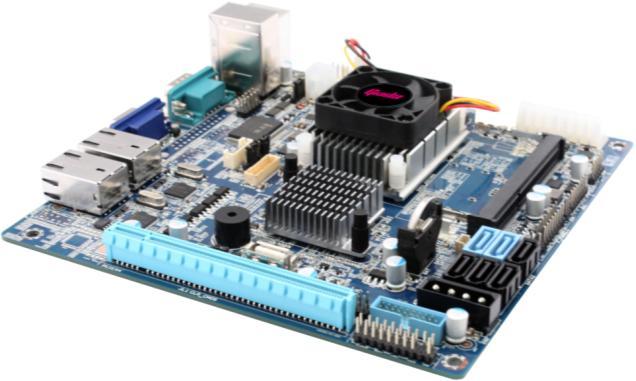
Multiple Storage Connectivity
A high-quality NAS motherboard should include several SATA ports and optionally NVMe slots. This allows you to connect multiple hard drives and SSDs, increasing storage capacity significantly.
RAID Support
RAID functionality provides data redundancy and protection, ensuring your files remain safe even if one of the drives fails. It is a critical feature for both personal and professional use.
ECC Memory Compatibility
ECC RAM support is highly beneficial for NAS systems because it detects and corrects memory errors. This improves system reliability and reduces the risk of data corruption.
Advanced Network Options
Look for motherboards with Gigabit, 2.5G, or even 10G Ethernet ports. Faster network speeds allow quicker file transfers and better performance in multi-user environments.
Energy Efficiency
Since NAS systems run continuously, a motherboard with low power consumption helps reduce electricity costs while maintaining efficiency.
Processor Support
The motherboard should support energy-efficient processors capable of handling storage tasks without overheating or excessive power usage.
Expandability
PCIe slots are important for adding extra storage controllers, SSDs, or network cards, making your system future-ready.
Types of Motherboards for DIY NAS
Mini-ITX Motherboards
Mini-ITX motherboards are compact and ideal for small NAS builds. They are commonly used in home environments where space and noise levels are concerns.
These boards are energy-efficient and easy to manage, but they usually offer limited expansion options.
They are best suited for users who need a simple NAS for media streaming or personal backups.
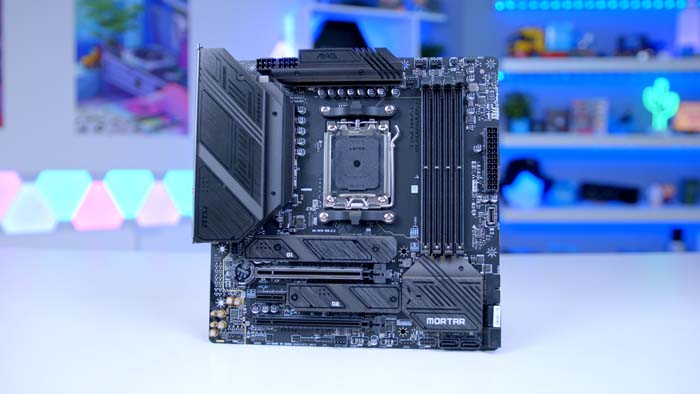
Micro-ATX Motherboards
Micro-ATX motherboards provide a balanced combination of size and expandability. They support more drives and additional PCIe slots compared to Mini-ITX boards.
This makes them a popular choice for DIY NAS users who want moderate to high storage capacity with the flexibility to upgrade in the future.
ATX Motherboards
ATX motherboards are full-sized boards that offer maximum performance and scalability. They can support a large number of drives and multiple expansion cards.
These are ideal for advanced users or businesses that require high storage capacity, better performance, and long-term scalability.
Benefits of Using a DIY NAS Motherboard
- Complete control over hardware selection
- Better performance compared to prebuilt systems
- Supports large-scale storage expansion
- Cost-effective for long-term use
- Enhanced data protection with RAID configurations
- Easy maintenance and upgrades
- Suitable for both home and business applications
- Improved system reliability
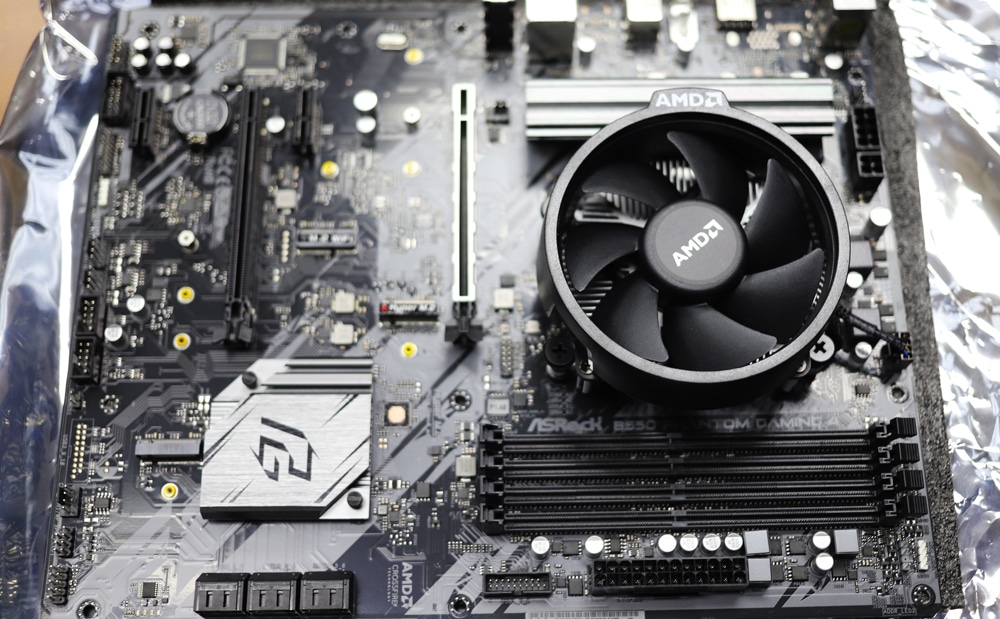
How to Choose the Best Motherboard for DIY NAS
Understand Your Storage Needs
Before selecting a motherboard, determine how many drives you plan to use and whether you will expand in the future.
Check Compatibility
Ensure compatibility between the motherboard, CPU, RAM, and storage devices to avoid performance issues.
Prioritize ECC Memory Support
ECC memory is important for maintaining data integrity and system stability, especially in long-running systems.
Evaluate Network Performance
Choose a motherboard with fast LAN ports to ensure efficient data transfer across your network.
Look for Expansion Options
PCIe slots and additional connectors are essential for future upgrades.
Focus on Power Efficiency
Low power consumption helps reduce operational costs for systems running 24/7.
Detailed Buying Considerations
When selecting a motherboard for DIY NAS, it is important to think beyond basic specifications. Consider the build quality, thermal design, and long-term reliability. A good NAS motherboard should support consistent performance without overheating or failure.
Another important factor is the availability of BIOS updates and manufacturer support. Regular updates ensure compatibility with new hardware and improve system security.
Additionally, consider the number of USB ports and internal connectors. These can be useful for connecting backup devices, external drives, or additional accessories.
Common Mistakes to Avoid
- Choosing a motherboard with insufficient SATA ports
- Ignoring RAID support and data protection features
- Selecting incompatible hardware components
- Not planning for future storage expansion
- Using gaming motherboards instead of NAS-focused boards
- Ignoring proper cooling and airflow
Performance Optimization Tips
- Use SSD caching to improve read/write speeds
- Configure RAID properly for data safety
- Keep BIOS and firmware updated
- Ensure proper cooling with quality fans
- Monitor disk health regularly
- Distribute workload evenly across drives
DIY NAS vs Prebuilt NAS Systems
A DIY NAS system offers greater flexibility and customization compared to prebuilt solutions. You can choose high-performance components and upgrade your system anytime.
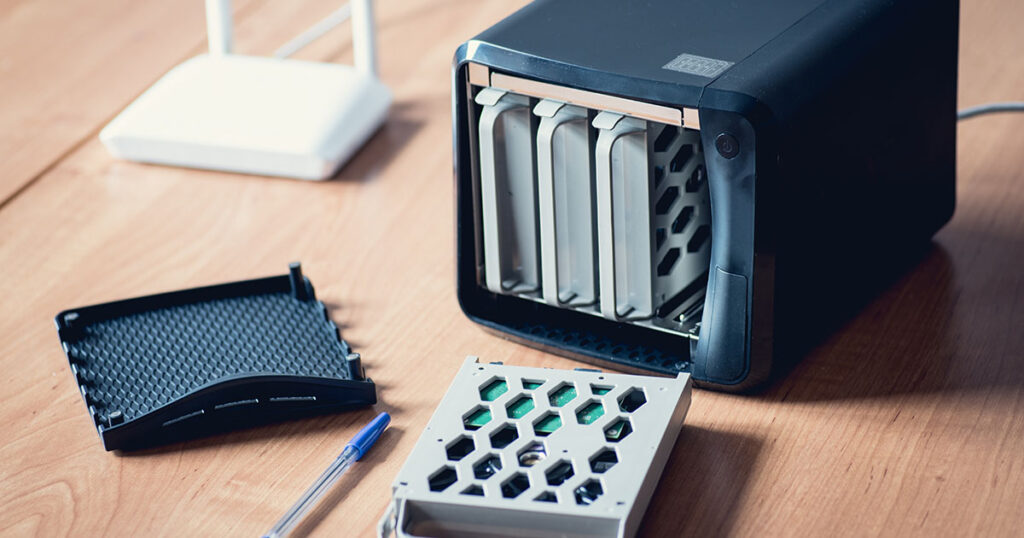
Prebuilt NAS devices are easier to set up but come with limitations in terms of hardware upgrades. DIY NAS systems are more suitable for users who need scalability, better performance, and long-term value.
Use Cases of DIY NAS Systems
- Home media streaming server
- Personal cloud storage solution
- Office file sharing system
- Backup and recovery storage
- CCTV and surveillance storage
- Development and testing environments
FAQ’s
1.What is the best motherboard for DIY NAS?
The best motherboard for DIY NAS is one that supports multiple drives, ECC memory, RAID functionality, and provides stable performance for continuous operation.
2.Can I use a gaming motherboard for DIY NAS?
Yes, but it is not recommended because gaming motherboards lack stability, ECC support, and storage-focused features required for NAS systems.
3.How many drives can a DIY NAS support?
It depends on the motherboard. Most support 4–8 drives, while advanced boards can support 12 or more with expansion cards.
4.Is ECC RAM necessary for DIY NAS?
ECC RAM is not mandatory but highly recommended because it improves system stability and protects against memory-related data errors.
5.Which motherboard size is best for DIY NAS?
Micro-ATX is ideal for most DIY NAS builds because it provides a balance between expandability, storage capacity, and cost while maintaining efficient system performance.
Conclusion
Choosing the right motherboard for DIY NAS is essential for building a reliable and efficient storage system. A well-selected motherboard ensures stability, scalability, and secure data management. By focusing on features like RAID support, ECC memory, and expandability, you can create a powerful NAS system tailored to your needs for both personal and professional use.