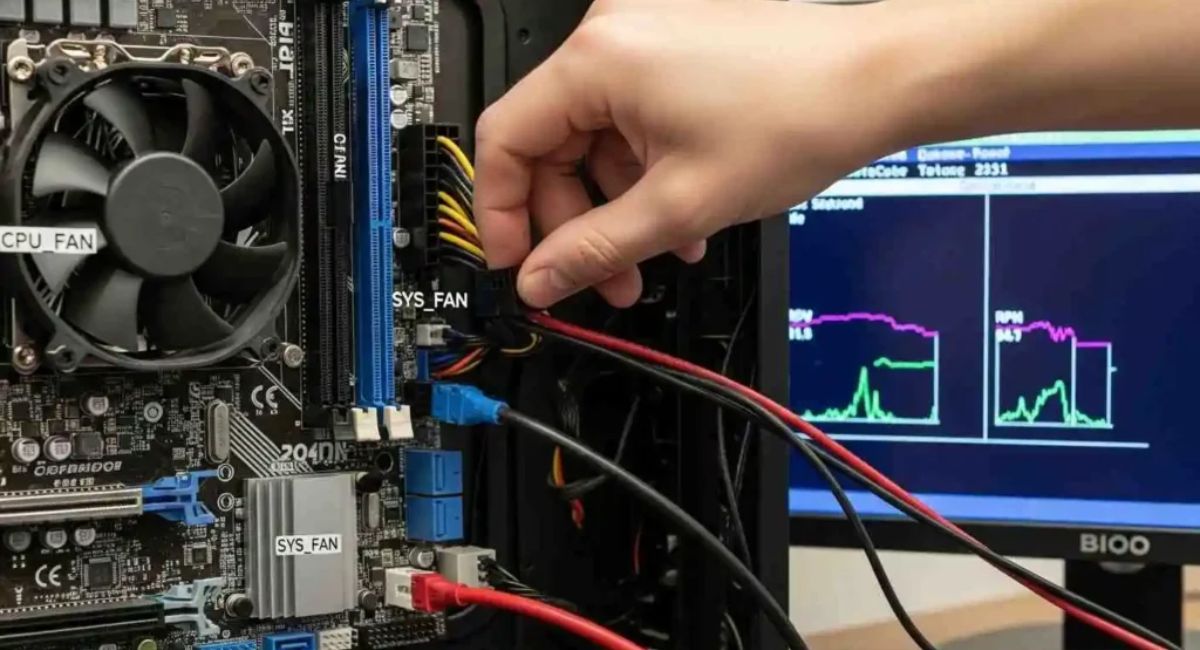
Motherboard Not Turning On But Fans Are- Fix Guide
When a computer powers on but the motherboard is not turning on properly and only fans are spinning, it means the system is receiving power but failing to complete the startup process. This issue is common in desktop computers and is usually caused by hardware faults, loose connections, or BIOS and power supply problems. In most cases, the issue of the motherboard not turning on but fans running can be fixed through proper troubleshooting without replacing hardware immediately.
Fix motherboard not turning on but fans are running issue. Learn causes like PSU, RAM, BIOS, CPU faults and step-by-step troubleshooting solutions.
- What Does This Problem Mean?
- Main Causes of Motherboard Not Turning On But Fans Are
- Detailed Causes Explained
- Step-by-Step Fix for Motherboard Not Turning On But Fans Are Running
- Types of Boot Issues
- Features of a Working Motherboard
- Benefits of Fixing This Issue Early
- Common Mistakes Users Make
- When Should You Replace Hardware?
- Prevention Tips
- FAQ’s
- Conclusion
- Related post
What Does This Problem Mean?
When your PC shows signs of power but does not boot properly, it means the system is failing during POST (Power-On Self Test).
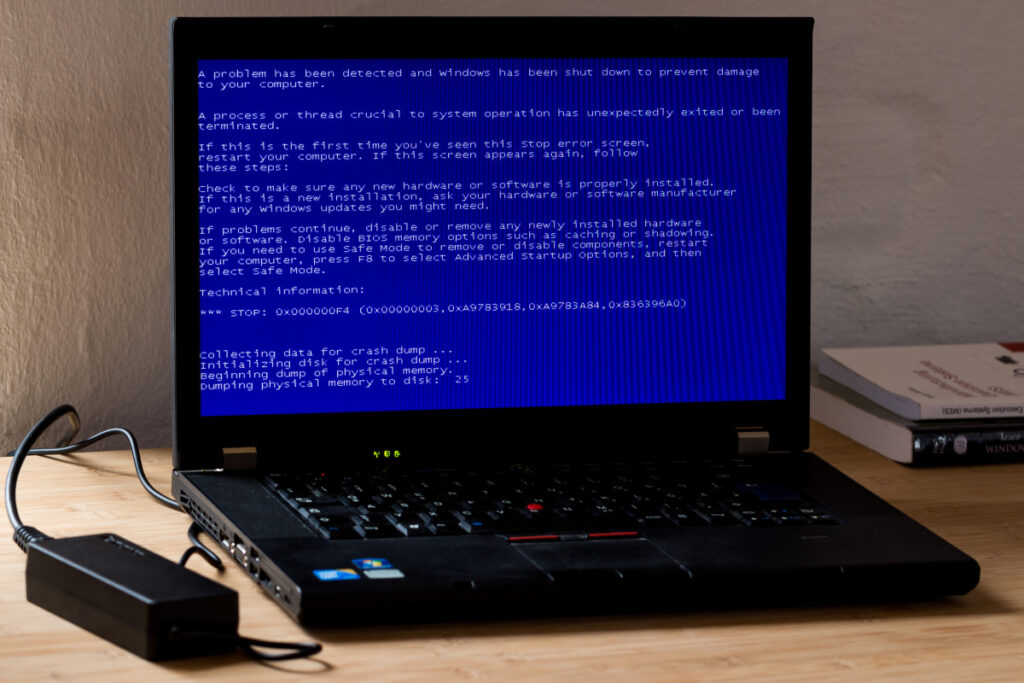
Symptoms include:
- Fans spinning normally
- No display on monitor
- No BIOS screen
- No beep sound
- System stuck at startup
This indicates that electricity is reaching the system, but the motherboard is not completing its startup process.
Main Causes of Motherboard Not Turning On But Fans Are
| Cause | Description |
| Faulty Power Supply | PSU provides unstable or insufficient power |
| RAM Issues | RAM is loose, dirty, or faulty |
| BIOS Corruption | Firmware failure prevents startup |
| CPU Problems | Improper installation or damaged CPU |
| Short Circuit | Dust, moisture, or physical damage on motherboard |
| GPU or Display Issue | System runs but no display output |
Detailed Causes Explained
Faulty Power Supply (PSU)
A weak or damaged Power Supply Unit (PSU) may deliver enough electricity to run fans, but it cannot provide stable and sufficient power required for the motherboard to complete the boot process. As a result, the system fails to start properly.
This is one of the most common reasons behind motherboard not turning on but fans are running issues in desktop computers.
RAM Issues
RAM issues are a common cause of boot failure. If RAM is faulty, loose, or not properly installed, the system cannot complete POST, even though the fans may be running normally and power is available.
BIOS Corruption
The BIOS (Basic Input Output System) controls the startup process of the computer. If it becomes corrupted due to a failed update or sudden power loss, the system may power on but fail to boot.
CPU Problems
RAM problems are very common in boot failures. If RAM is not properly installed, dirty, or defective, the system cannot complete POST, even if fans are running normally and the computer appears to have power.
Short Circuit in Motherboard
A short circuit caused by dust buildup, liquid damage, or improper installation can prevent the motherboard from functioning properly and stop the boot process.
GPU or Display Issue
Sometimes the system is working correctly, but the graphics card or display connection is faulty, which results in a blank screen even when the system is running.
Step-by-Step Fix for Motherboard Not Turning On But Fans Are Running
Step 1: Check Power Connections
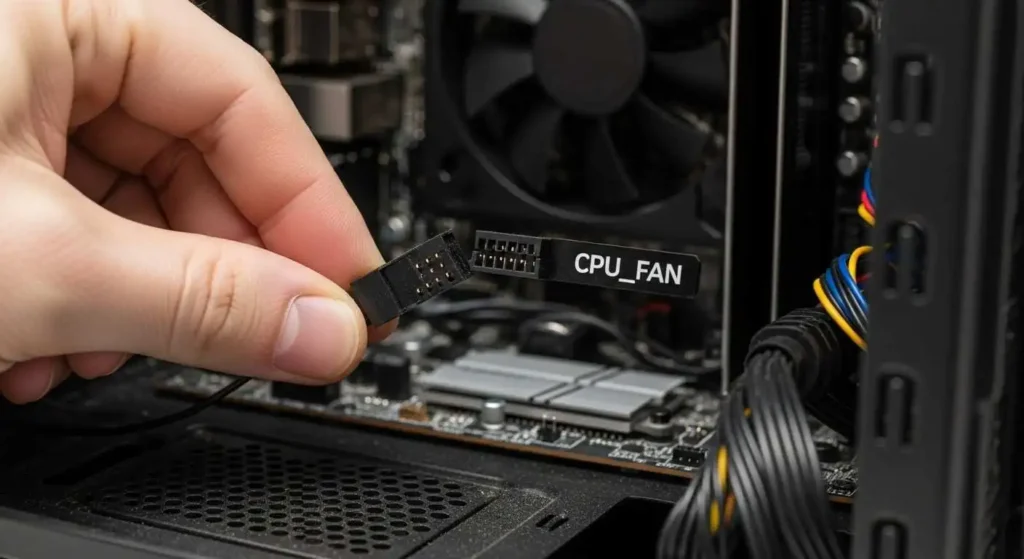
Ensure the following connections are secure:
- 24 pin ATX power cable
- 8 pin CPU power connector
Loose connections can stop the system from booting properly.
Step 2: Reseat RAM
Remove RAM sticks carefully, clean them, and reinstall them one by one. Try different slots to identify faulty memory or slot issues.
Step 3: Reset BIOS (CMOS Reset)
Remove the CMOS battery from the motherboard, wait for 5 to 10 minutes, then reinstall it. This restores default BIOS settings.
Step 4: Test Power Supply Unit
Use a different PSU or a PSU tester to confirm whether the power supply is working properly. A faulty PSU often causes this issue.
Step 5: Check CPU Installation
Ensure the CPU is properly installed, there are no bent pins, and the cooling system is correctly attached.
Step 6: Boot with Minimal Hardware
Disconnect all unnecessary components and try booting with only:
- Motherboard
- CPU
- One RAM stick
This helps isolate the faulty component.
Types of Boot Issues
No Display But Fans Running
The system receives power but fails due to RAM or GPU issues.
No POST Issue
Motherboard fails completely during startup.
Restart Loop Issue
The system keeps restarting due to PSU or BIOS errors.
Features of a Working Motherboard
A properly working motherboard provides:
- Stable power distribution
- Communication between all components
- CPU and RAM coordination
- Storage device management
- System boot control
Benefits of Fixing This Issue Early
- Saves repair cost
- Prevents hardware damage
- Improves system performance
- Helps in better troubleshooting skills
- Reduces downtime
Common Mistakes Users Make
- Assuming motherboard is dead immediately
- Ignoring RAM issues
- Not checking power supply properly
- Skipping BIOS reset
- Not testing minimal hardware setup
When Should You Replace Hardware?
Hardware replacement is needed if:
- No display after all troubleshooting steps
- No POST or beep response
- Physical damage is visible
- PSU and RAM are confirmed working
Prevention Tips
- Use a high quality power supply
- Keep system clean and dust free
- Avoid overheating issues
- Use surge protection
- Handle components carefully during installation
FAQ’s
1.Why is my motherboard not turning on but fans are running?
This usually happens due to RAM issues, PSU problems, BIOS corruption, or loose connections. Fans spin because they require less power, but the motherboard needs stable voltage to boot.
2.Can RAM cause this issue?
Yes, faulty or improperly installed RAM can prevent the system from completing POST, stopping the motherboard from booting even if fans are running.
3.Can a PSU cause fans to spin but no boot?
Yes, a faulty PSU (Power Supply Unit) can provide partial power that runs fans but is not enough for full system startup.
4.How do I know if the motherboard is dead?
If there is no display, no beep sound, and no response after testing RAM, PSU, and BIOS reset, the motherboard may be faulty.
5.Will BIOS reset fix this issue?
Yes, resetting BIOS settings can fix startup issues caused by incorrect configurations, corrupted firmware, or failed updates, helping the system boot normally again.
Conclusion
The issue of the motherboard not turning on but fans running is usually caused by power supply, RAM, BIOS, CPU, or connection-related problems. In most cases, it can be fixed through proper step-by-step troubleshooting without replacing hardware. Understanding each component helps quickly identify the root cause and restore normal system performance efficiently.