Core i5 6500 Motherboard Complete Guide for PC
The Core i5 6500 motherboard platform is still popular for budget and mid-range PC builds due to its stable performance, low power consumption, and reliable everyday use. Based on the Skylake architecture, this 6th generation Intel processor handles office work, browsing, light gaming, and multimedia tasks efficiently. Choosing the right motherboard is crucial as it impacts system stability, upgrade options, and overall performance. This guide explains compatibility, chipsets, features, and installation clearly and professionally.
Explore the core i5 6500 motherboard guide with compatibility, features, performance, and setup tips for stable budget and gaming PC builds.
- Understanding Core i5 6500 Motherboard Platform
- Importance of Choosing the Right Motherboard
- Compatible Chipsets for Core i5 6500 Motherboard
- RAM Support and Performance
- Storage Options and System Speed
- Gaming Performance with Core i5 6500 Motherboard
- Features of Core i5 6500 Motherboard
- Installation Process of Core i5 6500 Motherboard
- Advantages of Core i5 6500 Motherboard Platform
- Limitations of Core i5 6500 Motherboard
- Maintenance and Care Tips
- Upgrade Possibilities
- FAQ’s
- Conclusion
- Related post
Understanding Core i5 6500 Motherboard Platform
The Core i5 6500 motherboard system is based on the LGA 1151 socket, which supports Intel’s 6th generation processors.
The CPU comes with four cores and four threads, making it suitable for multitasking and daily computing needs. It runs at a base speed of 3.2 GHz and can boost up to 3.6 GHz depending on workload demand.
This platform was designed for mainstream users who need balanced performance without high cost or complex hardware requirements.
It does not support hyper-threading, but it still delivers stable performance for everyday applications.
The biggest advantage of this platform is its energy efficiency. With a 65W TDP, it does not require heavy cooling solutions, making it ideal for simple and quiet PC builds.
Importance of Choosing the Right Motherboard
Selecting the correct Core i5 6500 motherboard is extremely important because it determines how your entire system performs.
A motherboard acts as the central hub that connects CPU, RAM, storage, and GPU together.
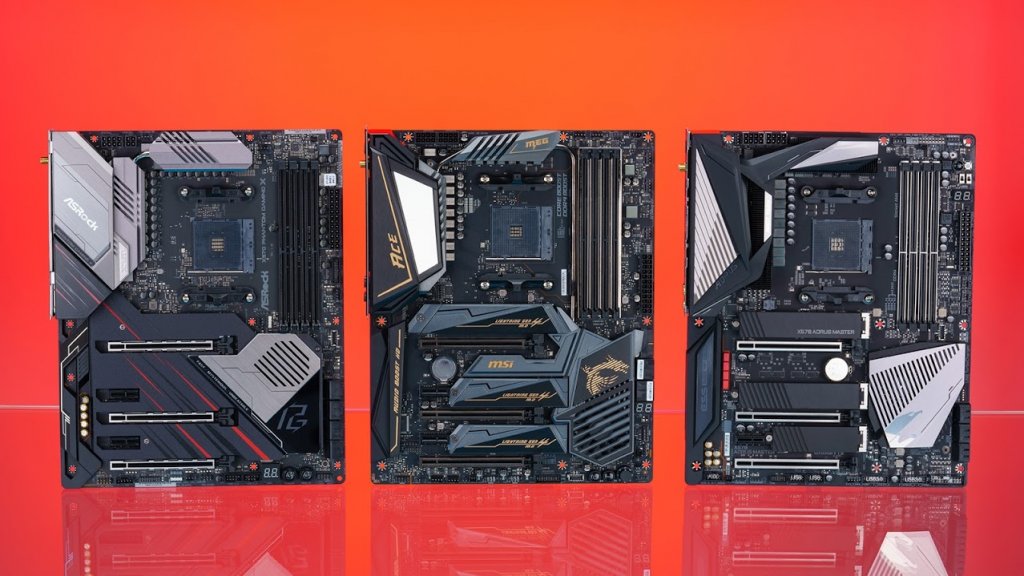
If the motherboard is not compatible or of low quality, you may face system crashes, slow performance, or limited upgrade options. A good motherboard ensures smooth communication between all components.
Another important factor is stability. A well-built motherboard ensures your system runs without overheating, lag, or random shutdowns. It also affects future upgrade possibilities like RAM expansion or storage upgrades.
Compatible Chipsets for Core i5 6500 Motherboard
The Core i5 6500 motherboard works with Intel’s 100-series and 200-series chipsets designed for Skylake processors.
H110 Chipset
The H110 chipset is the most basic option. It is affordable and commonly used in entry-level PCs. It supports basic features but has limited expansion options.
B150 Chipset
The B150 chipset offers a balance between price and performance. It provides better RAM support, more USB ports, and improved system stability.
H170 Chipset
The H170 chipset is a mid-range option with better storage support and additional PCIe lanes, making it suitable for more flexible builds.
Z170 Chipset
The Z170 chipset is the most advanced option. It provides the best performance features, faster memory support, and better system optimization for enthusiasts.
RAM Support and Performance
The Core i5 6500 motherboard platform supports DDR4 RAM, which is faster and more efficient than older DDR3 memory. Officially, it supports up to 2133 MHz RAM speed.
Most users install 8GB or 16GB RAM depending on their usage. For gaming and multitasking, 16GB is recommended for smoother performance.
Dual-channel memory improves speed and responsiveness significantly. Even though higher-speed RAM can be installed, it usually runs at default supported speeds due to CPU limitations.
Storage Options and System Speed
Storage plays a major role in system performance. The Core i5 6500 motherboard supports both HDD and SSD drives.
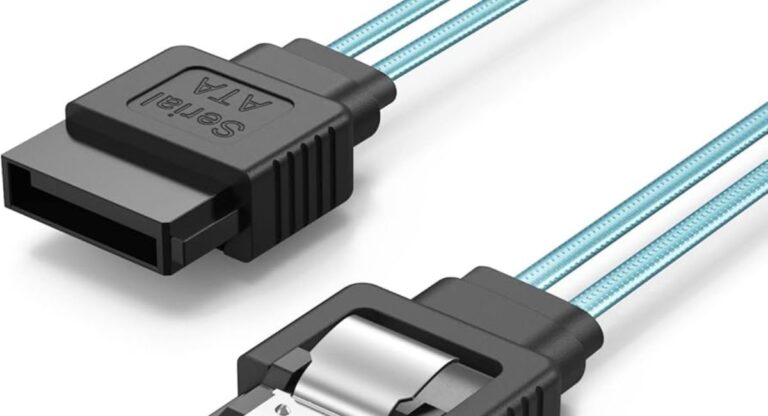
SATA SSDs are commonly used because they significantly improve boot time and application loading speed compared to hard drives.
Some advanced chipsets like H170 and Z170 also support M.2 SSDs, which are much faster and ideal for operating systems and heavy applications.
A combination of SSD for OS and HDD for storage is commonly used to balance speed and capacity.
Gaming Performance with Core i5 6500 Motherboard
The Core i5 6500 motherboard setup is still capable of handling many popular games when paired with a suitable graphics card.
Esports games such as Valorant, CS:GO, and Dota 2 run smoothly at medium to high settings. These games are not heavily CPU dependent, so performance remains stable.
Modern AAA games can also run, but usually at lower settings for smooth gameplay. The GPU plays a major role in gaming performance.
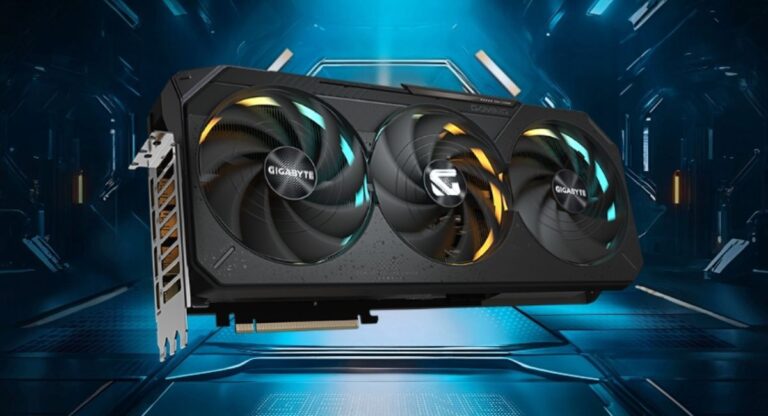
Common GPU pairings include GTX 1050 Ti, GTX 1650, and RX 570, which provide balanced performance for budget gaming systems.
Features of Core i5 6500 Motherboard
The Core i5 6500 motherboard includes several useful features for daily computing.
It supports multiple USB ports, SATA ports, and PCIe slots for graphics cards. It also includes onboard audio and LAN support.
Integrated Intel HD Graphics 530 allows basic display output without a dedicated GPU.
These features make it suitable for home use, office work, and light gaming.
Installation Process of Core i5 6500 Motherboard
Installing a Core i5 6500 motherboard requires careful handling.
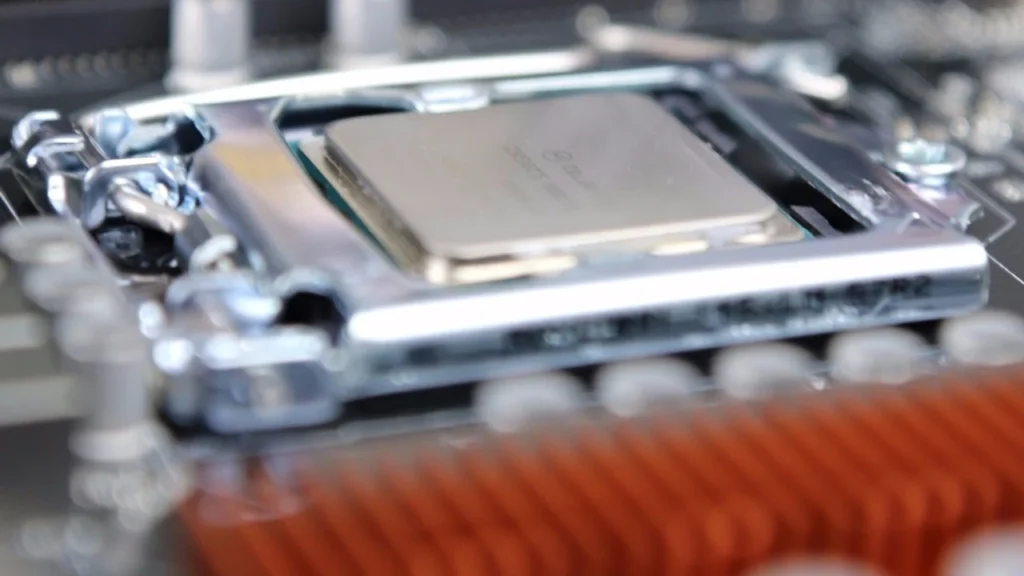
First, the CPU is installed into the LGA 1151 socket. Then thermal paste is applied and the cooler is attached.
Next, RAM modules are inserted into memory slots. After that, the motherboard is placed inside the case and aligned with standoffs.
Screws are tightened carefully to avoid damage. Then power cables are connected including the 24-pin connector and CPU power connector.
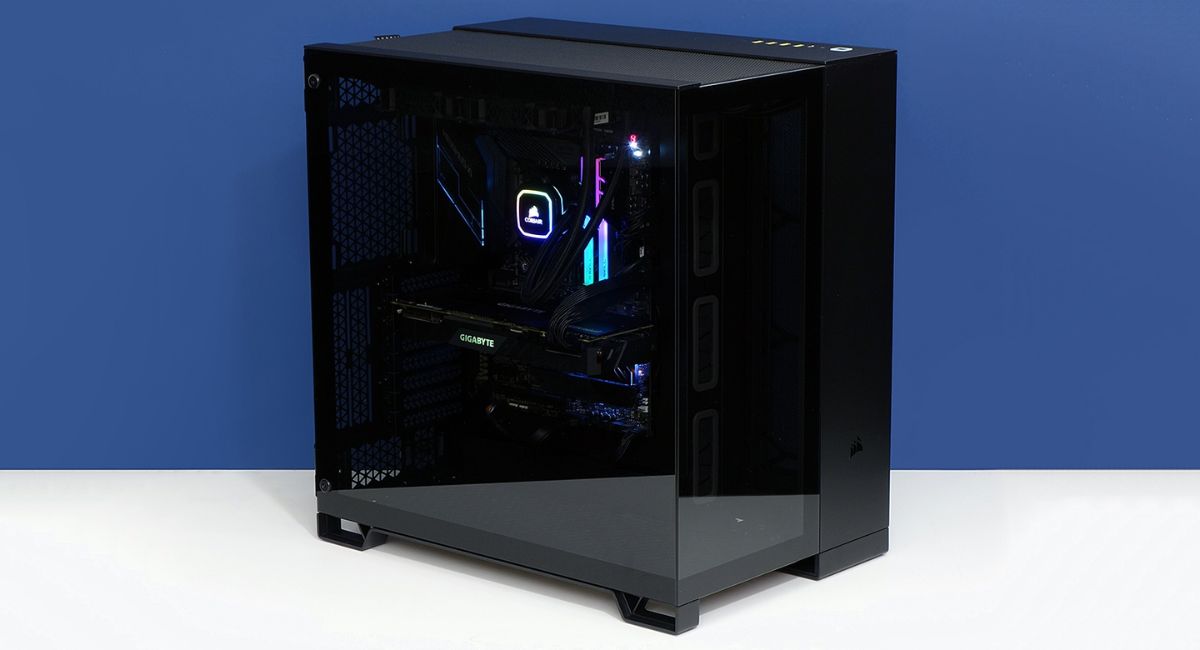
Finally, storage devices and GPU are installed, followed by proper cable management.
Advantages of Core i5 6500 Motherboard Platform
This platform is popular because it offers affordable performance and stable operation.
It consumes low power and generates less heat. It is also widely available in the used market, making it budget-friendly.
It is easy to maintain and repair, and replacement parts are easily available.
For students, office users, and light gamers, it still provides good value.
Limitations of Core i5 6500 Motherboard
Despite its benefits, the Core i5 6500 motherboard platform has limitations.
It does not support modern CPUs or technologies like DDR5 or PCIe 4.0. RAM speed is also limited compared to newer systems.
It is not suitable for heavy workloads, such as professional video editing or 3D rendering.
Upgrade options are limited, making it less future-proof.
Maintenance and Care Tips
Regular maintenance helps keep the system running smoothly.
Dust cleaning is important because dust affects airflow and cooling performance. Proper cooling system should always be ensured.
A stable power supply unit (PSU) helps prevent crashes. BIOS updates can improve system stability.
Regularly checking cables and components ensures long-term reliability.
Upgrade Possibilities
Some upgrades are still possible in the Core i5 6500 motherboard system.
Users can upgrade RAM capacity, install faster SSDs, and upgrade the GPU for better performance.
However, CPU upgrades are limited, so a platform change may be required for major improvements.
FAQ’s
1.What motherboard supports Core i5 6500?
The Core i5 6500 motherboard supports LGA 1151 socket boards with 100-series and 200-series chipsets like H110, B150, H170, and Z170.
2.Is Core i5 6500 good for gaming?
Yes, it is good for light and medium gaming when paired with a suitable GPU, but not ideal for modern high-end gaming.
3.Can Core i5 6500 run DDR4 RAM?
Yes, it supports DDR4 RAM up to 2133 MHz, depending on the motherboard chipset.
4.What is the best motherboard for Core i5 6500?
The Z170 motherboard is the best option because it offers the most features, stability, and performance support.
5.What happens if I use an incompatible motherboard?
An incompatible Core i5 6500 motherboard will cause boot failure or system instability and may not work at all.
Conclusion
The Core i5 6500 motherboard platform remains a reliable option for budget PC builds in 2026, offering stable performance, low power usage, and solid results for daily tasks. Although it lacks modern upgrade support, it still works well for light gaming and office use. With proper configuration, it delivers efficient performance and good value for affordable systems.