Scratch on Motherboard- Causes, Types, Repair & Complete Guide
A scratch on the motherboard may look minor, but it can cause hardware problems, boot issues, and unstable performance if ignored. Modern motherboards contain delicate copper traces and PCB layers that control communication between computer components. Even a small scratch can interrupt electrical signals and affect system efficiency. Understanding motherboard scratch causes, repair methods, and prevention techniques helps users protect hardware, improve reliability, and avoid expensive motherboard damage or replacement in the future.
Learn causes, repair options, and whether a scratched motherboard can still work. Tips to prevent damage and fix PCB scratches safely.
Learn causes, repair options, and whether a scratched motherboard can still work. Tips to prevent damage and fix PCB scratches safely.
- What Is a Scratch on Motherboard?
- How Does a Motherboard Work?
- Common Causes of Motherboard Scratches
- Types of Motherboard Scratches
- Surface Scratch
- Copper Trace Scratch
- Deep PCB Scratch
- Signs of a Damaged Motherboard Scratch
- How to Inspect a Motherboard Scratch
- Can a Scratched Motherboard Still Work?
- How to Repair a Scratch on Motherboard
- Cleaning the Damaged Area
- Repairing Broken Copper Traces
- When Should You Replace the Motherboard?
- Benefits of Maintaining a Scratch-Free Motherboard
- Features of Modern Motherboards
- Common Mistakes During Motherboard Repair
- Importance of Anti-Static Protection
- Motherboard Scratches in Gaming PCs
- How Experts Diagnose Motherboard Damage
- Future of Motherboard Protection Technology
- Frequently Asked Questions
- Conclusion
- Related post
What Is a Scratch on Motherboard?
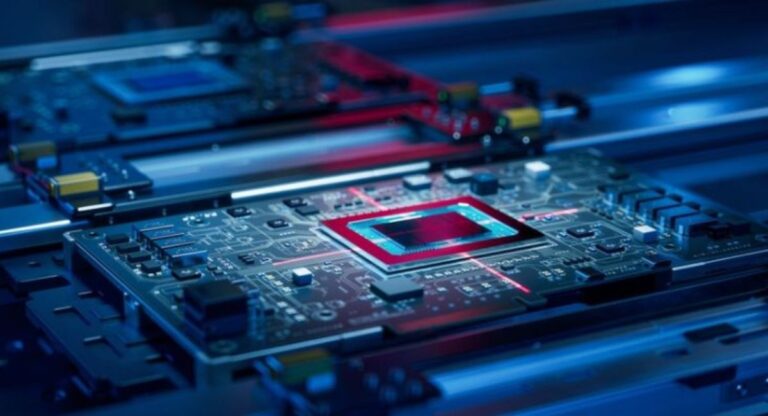
A motherboard scratch is physical damage that appears on the surface of the Printed Circuit Board (PCB).
The motherboard is made of multiple electrical layers that transfer power and data throughout the computer system.
When these layers become scratched, damaged, or broken, the motherboard may stop functioning properly.
Some scratches only affect the outer protective coating, while deep scratches can damage copper traces, interrupt electrical pathways, and create hardware problems. The severity depends on the scratch depth and motherboard area affected.
Important Parts Affected by Motherboard Scratches
- Copper traces
- PCB layers
- Electrical pathways
- Circuit connections
- Solder joints
- Capacitors and resistors
How Does a Motherboard Work?
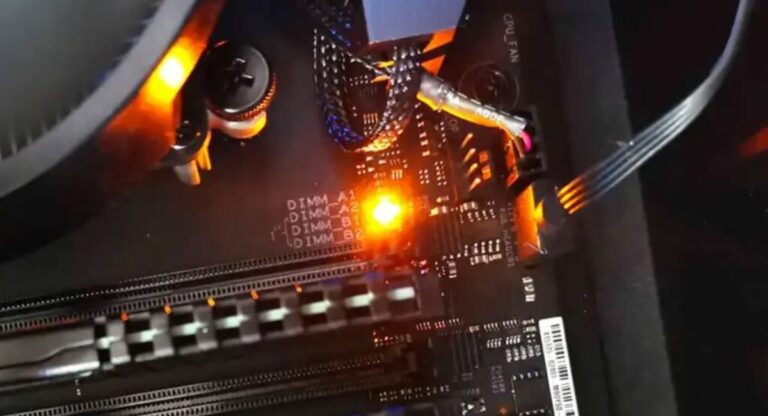
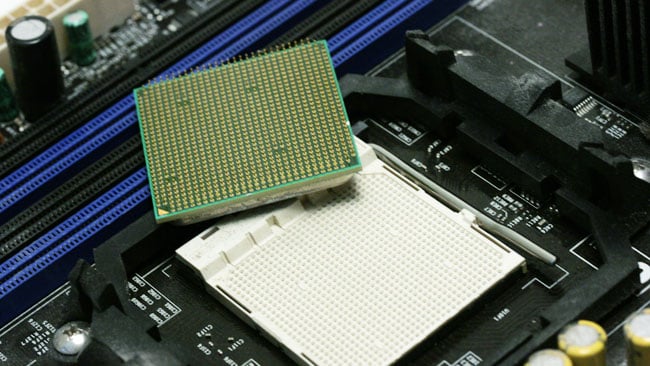
The motherboard acts as the main communication hub inside a computer. Every component including the CPU, RAM, GPU, storage drives, and cooling systems connects directly to the motherboard.
The motherboard distributes power, transfers signals, controls hardware communication, and supports the operating system.
If the motherboard becomes damaged, the entire computer system can become unstable or stop working completely.
Main Functions of a Motherboard
- Connects CPU, GPU, RAM, and SSD
- Transfers electrical signals
- Controls hardware communication
- Manages power distribution
- Supports BIOS and firmware
- Handles expansion devices
Common Causes of Motherboard Scratches
Motherboard scratches usually happen during PC installation, hardware upgrades, transportation, or cleaning. Most scratches occur because users accidentally apply pressure or use improper tools.
A screwdriver slipping during assembly is one of the most common causes of motherboard damage. Loose screws, metal objects, and improper handling can also scratch delicate motherboard circuits.
Major Causes of Motherboard Damage
- Improper hardware installation
- Screwdriver slips
- Loose screws inside case
- Metal object contact
- Poor motherboard handling
- Shipping damage
- Dust and sharp debris
Types of Motherboard Scratches
Different scratches create different levels of motherboard damage. Some are cosmetic while others affect motherboard functionality.
Surface Scratch
A surface scratch only damages the top protective layer of the motherboard PCB. This type of scratch is generally harmless.
Features of Surface Scratches
- Cosmetic damage only
- No exposed copper
- System works normally
- Low repair requirement
Even though surface scratches are usually safe, users should still inspect them carefully.
Copper Trace Scratch
A copper trace scratch damages the thin electrical pathways that transfer signals across the motherboard.
Broken traces may interrupt communication between hardware components and create serious system instability.
Features of Copper Trace Damage
- Exposed copper visible
- Hardware communication issues
- Random crashes possible
- Boot problems may occur
This type of motherboard scratch often requires repair.
Deep PCB Scratch
A deep PCB scratch affects multiple motherboard layers and creates severe hardware damage. These scratches are dangerous because they may interrupt several electrical pathways at once.
Features of Deep PCB Damage
- Severe motherboard failure
- Broken electrical signals
- Short circuit risks
- Difficult repair process
Deep motherboard scratches sometimes require full motherboard replacement.
Signs of a Damaged Motherboard Scratch
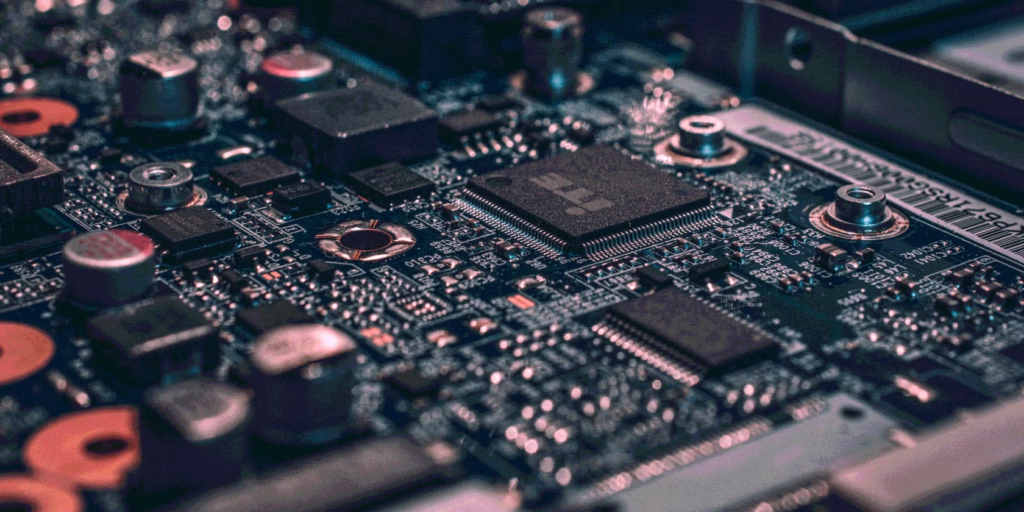
A damaged motherboard often shows warning signs before complete failure occurs. Identifying these symptoms early can prevent expensive hardware damage.
Common Symptoms of Motherboard Damage
- Computer not turning on
- Random shutdowns
- Blue screen errors
- USB ports not working
- RAM not detected
- GPU issues
- Burning smell
- System freezing
- Power instability
- BIOS errors
If these problems appear after physical damage, the motherboard should be inspected immediately.
How to Inspect a Motherboard Scratch
Proper motherboard inspection helps determine whether the scratch is dangerous or harmless. Inspection should always happen carefully to avoid additional damage.
Start by disconnecting the power supply and removing the motherboard safely from the computer case. Use strong lighting and magnification for better visibility.
Best Inspection Methods
- Check exposed copper traces
- Look for broken PCB lines
- Inspect nearby components
- Use a multimeter
- Monitor hardware stability
A professional inspection provides more accurate results for severe motherboard damage.
Can a Scratched Motherboard Still Work?
Yes, many scratched motherboards continue functioning normally if the damage only affects the surface coating. Minor scratches often create no performance problems.
However, deeper scratches affecting electrical pathways can slowly create hardware instability and system crashes over time.
Factors That Affect Motherboard Functionality
- Scratch depth
- PCB layer damage
- Broken copper traces
- Electrical short circuits
- Moisture exposure
Ignoring serious motherboard scratches may increase hardware risks later.
How to Repair a Scratch on Motherboard
Motherboard repair depends on the damage severity. Small scratches may only require cleaning, while deeper scratches need advanced PCB repair techniques.
Before repair begins, users should disconnect all power sources and use anti-static protection equipment.
Cleaning the Damaged Area
Cleaning removes dirt, dust, and contamination before motherboard repair begins.
Cleaning Steps
- Turn off power supply
- Remove motherboard carefully
- Use isopropyl alcohol
- Clean with soft material
- Let motherboard dry completely
Proper cleaning improves repair safety and prevents electrical shorts.
Repairing Broken Copper Traces
Broken motherboard traces can sometimes be repaired using conductive materials or soldering methods.
Common Repair Methods
- Conductive ink pen
- Thin copper wire
- PCB repair kits
- Solder bridge repair
Important Safety Tips
- Avoid overheating motherboard
- Use anti-static wrist straps
- Work carefully under magnification
- Disconnect all power sources
Incorrect repair techniques may permanently damage the motherboard.
When Should You Replace the Motherboard?
Some motherboard scratches are too severe for repair. If multiple PCB layers are damaged or the motherboard continues crashing after repair, replacement is often the safest option.
Replacing a damaged motherboard can protect expensive components such as the CPU, GPU, and RAM from electrical failure.
Replace the Motherboard When
- Multiple PCB layers are damaged
- Burn marks appear
- Hardware instability continues
- Repair cost becomes expensive
- System fails to boot properly
Benefits of Maintaining a Scratch-Free Motherboard
A clean and protected motherboard improves overall system performance and hardware lifespan. Physical protection reduces repair costs and prevents unexpected failures.
Major Benefits
- Better system stability
- Improved performance
- Longer hardware lifespan
- Reduced repair expenses
- Lower overheating risks
- Safe electrical operation
Regular motherboard maintenance helps computers operate efficiently for years.
Features of Modern Motherboards
Modern motherboards include advanced durability features designed to reduce physical and electrical damage risks.
Manufacturers now use stronger PCB materials, reinforced slots, and protective coatings for better reliability.
Protective Motherboard Features
- Multi-layer PCB design
- Reinforced PCIe slots
- Heat-resistant materials
- Better copper quality
- Moisture protection coating
- Stronger solder connections
These improvements increase motherboard durability significantly.
Common Mistakes During Motherboard Repair
Many users accidentally worsen motherboard damage because of improper repair methods or low-quality tools.
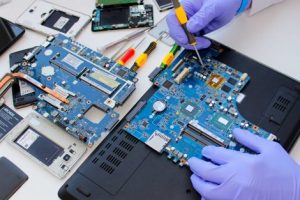
Excessive heat, poor soldering, and ignoring anti-static safety are common repair mistakes.
Repair Mistakes to Avoid
- Using too much solder heat
- Ignoring static protection
- Applying excessive pressure
- Repairing while powered on
- Using incorrect tools
- Skipping motherboard inspection
Professional repair is safer for severe motherboard damage.
Importance of Anti-Static Protection
Static electricity can instantly destroy delicate motherboard circuits. Even a small electrostatic discharge may permanently damage electronic components.
Using proper anti-static equipment reduces hardware risks during installation or repair.
Anti-Static Safety Methods
- Wear grounding straps
- Use anti-static mats
- Avoid carpet surfaces
- Store components safely
Proper safety procedures protect sensitive motherboard circuits effectively.
Motherboard Scratches in Gaming PCs
Gaming computers use high-performance hardware that consumes more power and generates additional heat. Because of this, gaming motherboards are highly sensitive to physical damage.
Even a small motherboard scratch may affect gaming performance, graphics processing, or overclocking stability.
Gaming PC Risks
- High thermal loads
- Increased power consumption
- Expensive hardware damage
- Performance instability
Protecting gaming motherboards is extremely important for long-term performance.
How Experts Diagnose Motherboard Damage
Professional technicians use advanced diagnostic tools to locate motherboard problems accurately. Proper testing helps identify broken traces, damaged circuits, and power delivery issues.
Experts often inspect motherboards under magnification and use electrical continuity testing for detailed analysis.
Professional Diagnostic Methods
- PCB continuity testing
- Thermal inspection
- Voltage testing
- BIOS diagnostics
- Component-level analysis
Professional repair services improve motherboard recovery success rates.
Future of Motherboard Protection Technology
Motherboard technology continues improving every year. Manufacturers are developing stronger materials and advanced protective systems to reduce motherboard damage risks.
Future motherboards may include smart self-protection technologies capable of detecting hardware failures automatically.
Future Innovations
- Self-healing PCB coatings
- Stronger motherboard materials
- Advanced insulation layers
- Smart damage detection
- Improved thermal resistance
These innovations may reduce motherboard failures significantly in the future.
Frequently Asked Questions
1.What happens if a motherboard trace is scratched?
A scratched motherboard trace can interrupt electrical communication and create hardware instability, boot failures, display issues, USB problems, or complete motherboard malfunction over time.
2.Can I repair a motherboard scratch at home?
Yes, small motherboard scratches can sometimes be repaired using conductive ink pens, PCB repair kits, or soldering techniques if the damage is not severe.
3.Is a surface motherboard scratch dangerous?
A surface scratch is usually harmless when copper traces remain protected and no electrical pathways are damaged underneath the motherboard coating layer.
4.How can I identify serious motherboard damage?
Serious motherboard damage often includes exposed copper traces, burn marks, broken PCB lines, hardware detection failures, crashes, and random shutdown problems.
5.Should I replace a deeply scratched motherboard?
A deeply scratched motherboard affecting multiple PCB layers or causing continuous hardware problems should usually be replaced for better safety and reliability.
Conclusion
A scratch on the motherboard may seem minor, but deep damage can cause serious hardware issues, electrical failures, and system instability. Proper inspection, safe handling, and quick repair help protect important computer components. Understanding motherboard scratches, repair methods, and prevention techniques reduces the risk of permanent damage. With proper maintenance, a motherboard can perform efficiently and remain reliable for many years.