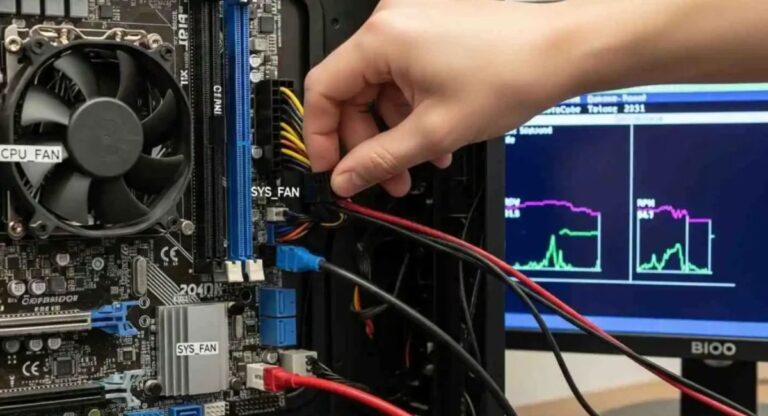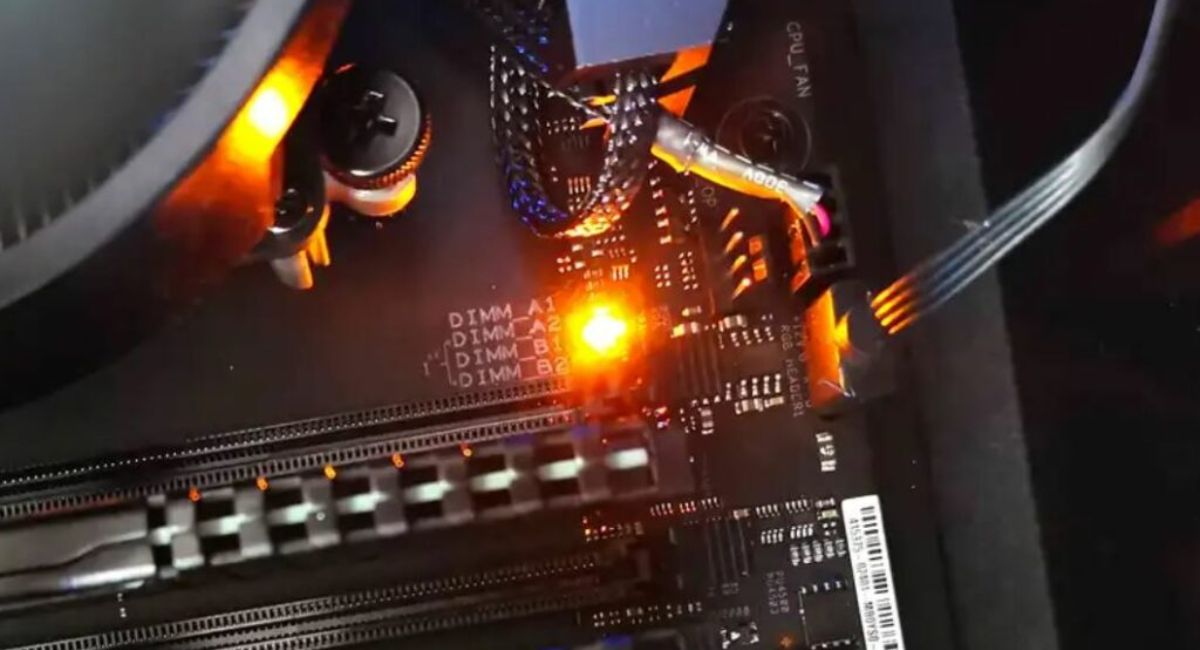
What Does Orange Light on Motherboard Mean? Full Guide
When your computer motherboard shows an orange light, it usually indicates a hardware or power-related issue that needs attention. This light can point to RAM problems, PSU instability, or motherboard faults. Understanding its meaning helps you diagnose and fix your system quickly before damage occurs. In this guide, we will explain causes, types, solutions, and troubleshooting steps in simple language so you can resolve the issue effectively without confusion or unnecessary technical stress at all.
What does it mean when the motherboard pulses orange light? Learn causes, fixes, and solutions for RAM, PSU, and hardware issues in simple guide.
- What is an Orange Light on Motherboard?
- Why Does Motherboard Show Orange Light?
- Common Causes of Orange Light Issue
- How to Fix Motherboard Orange Light Issue
- Features of Motherboard Diagnostic Light
- Types of Orange Light Indicators
- Benefits of Identifying Orange Light Early
- Advanced Troubleshooting Tips
- Prevention Tips for Future
- FAQ’s
- Conclusion
- Related post
What is an Orange Light on Motherboard?
The orange light on a motherboard is an indicator LED used to show system status or hardware errors.
It is usually found near RAM slots, CPU areas, or power connectors. Depending on the brand and model, it may indicate standby power, RAM failure, or hardware initialization issues.
This light is part of the diagnostic system that helps users quickly identify boot problems and faulty components during startup.
Why Does Motherboard Show Orange Light?
The orange light appears when the system detects irregular hardware behavior or power instability. It does not always mean serious damage, but it indicates that something is not functioning correctly.
In most cases, the issue is related to RAM, PSU, or loose connections. Some motherboards also use orange/amber lights as normal standby indicators, so interpretation depends on the model and manufacturer design.
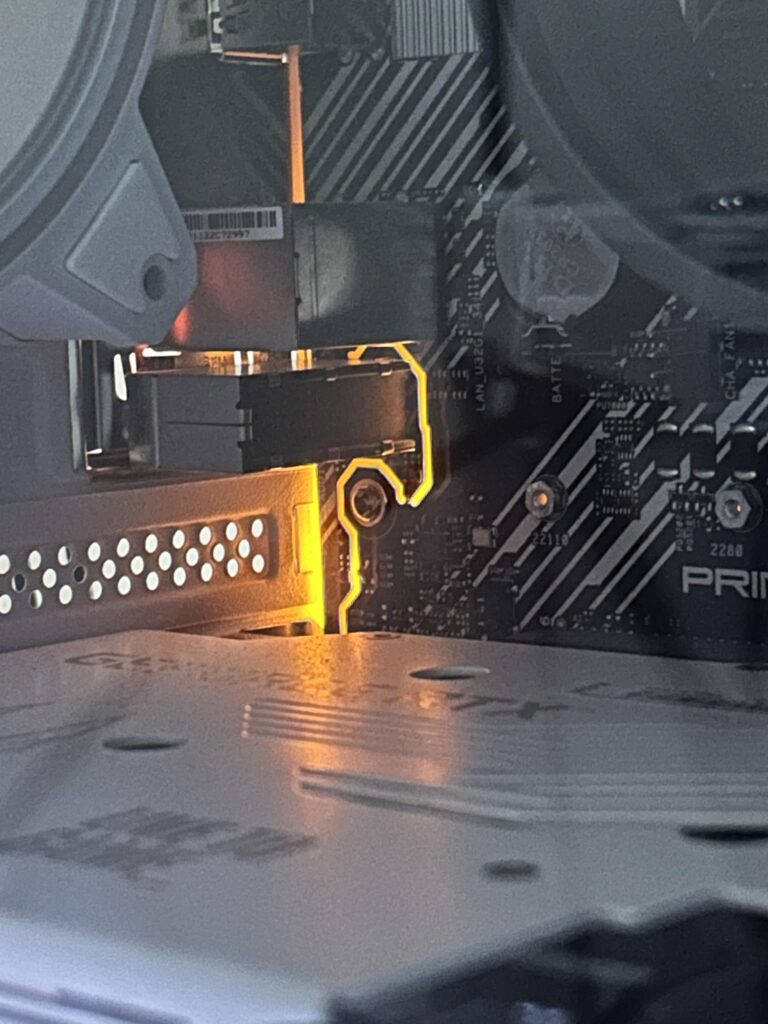
Common Causes of Orange Light Issue
1. RAM Problems
Faulty or improperly seated RAM is one of the most common reasons for orange light errors.
- RAM not inserted properly
- Dust in RAM slots
- Damaged memory modules
- Incompatible RAM type
2. Power Supply Unit (PSU) Issues
A weak or unstable PSU can trigger motherboard warning lights.
- Insufficient wattage
- Damaged power cables
- Voltage fluctuations
- Loose 24-pin connector
3. Motherboard Faults
Sometimes the issue lies within the motherboard itself.
- Damaged circuits
- BIOS corruption
- Aging components
- Manufacturing defects
4. CPU Installation Issues
Incorrect CPU placement or overheating may also cause indicator lights.
- Improper CPU seating
- Bent pins
- Thermal paste issues
- Cooler malfunction
5. Peripheral Device Conflicts
External hardware can sometimes interfere with the boot process.
- Faulty GPU
- USB device short circuit
- Damaged storage drives
How to Fix Motherboard Orange Light Issue
Step 1: Check Power Connections
Ensure all power cables are tightly connected, especially the 24-pin and CPU power connectors.
Step 2: Reseat RAM Modules
Remove RAM sticks and reinstall them properly after cleaning dust from slots.
Step 3: Test PSU
Try using a different power supply unit (PSU) to rule out voltage problems.
Step 4: Reset BIOS
Clear CMOS using jumper or battery removal method to reset BIOS settings.
Step 5: Check CPU and Cooler
Make sure the CPU is properly installed and the cooling system is working efficiently.
Step 6: Disconnect External Devices
Remove all USB devices and non-essential hardware and try booting again.
Step 7: Inspect Motherboard
Look for physical damage like burns, swelling capacitors, or broken components.
Features of Motherboard Diagnostic Light
- Built-in error detection system
- Quickly identifies hardware faults
- Saves troubleshooting time
- Supports pre-boot diagnostics
- Found in gaming motherboards
- Improves system stability monitoring
- Detects CPU, RAM, GPU issues early
- Helps in fast system repair process
- Reduces chances of hardware damage
- Assists technicians in debugging
- Provides instant boot status feedback
- Enhances overall system reliability
Types of Orange Light Indicators
The orange light indicators on a motherboard vary by brand and model, so their meaning is not always the same.
In basic boards, a single orange LED usually shows a general boot or hardware issue, often linked to RAM or power detection problems.
In gaming motherboards, there are separate debug LEDs like CPU, DRAM, VGA, and BOOT. If the orange light appears near DRAM, it usually means a memory issue such as loose or faulty RAM.
Some boards also use orange light with beep codes, which helps identify specific hardware errors more clearly.
In other cases, the light may simply indicate standby power, meaning the system is receiving power even when turned off.
Always check the motherboard manual because each manufacturer defines orange light indicators differently..
Benefits of Identifying Orange Light Early
- Prevents major hardware damage
- Saves repair costs
- Improves system lifespan
- Helps quick troubleshooting
- Avoids data loss risks
- Enhances system performance stability
Advanced Troubleshooting Tips
If basic steps do not work, deeper hardware inspection may be required. Updating BIOS can fix compatibility issues with newer RAM or CPU. Testing components individually helps isolate faulty hardware parts.
Professional diagnostic tools can detect hidden motherboard issues. If the orange light persists, consulting a technician is recommended.

Prevention Tips for Future
- Keep system clean from dust
- Use stable power supply
- Avoid cheap PSU units
- Update BIOS regularly
- Handle RAM and CPU carefully
- Use proper cooling system
FAQ’s
1. What does orange light on the motherboard mean?
The orange light usually means a hardware initialization issue, often related to RAM, power supply, or motherboard communication errors during system startup.
2. Is the orange light on the motherboard dangerous?
No, it is not always dangerous. It is an alert signal indicating something is wrong, but not necessarily permanent hardware damage in most cases.
3. How do I fix the orange light on my PC?
You can fix it by reseating RAM, checking power cables, resetting BIOS, testing PSU, and removing unnecessary external devices.
4. Can faulty RAM cause orange light?
Yes, faulty or improperly installed RAM is one of the most common causes of motherboard orange light issues during boot.
5. What does orange light mean when a PC is stuck on boot for a long time?
It usually indicates serious hardware initialization failure, often related to RAM, CPU seating issues, or insufficient power supply causing boot delay or failure.
Conclusion
The motherboard orange light is a warning indicator that helps detect hardware or power issues early. It is commonly linked to RAM, PSU, or connection problems rather than permanent damage. By following proper troubleshooting steps, most issues can be fixed. Regular maintenance, stable power supply, and careful installation ensure smooth system performance and prevent future motherboard errors effectively.