Can I Upgrade CPU Without Changing Motherboard?
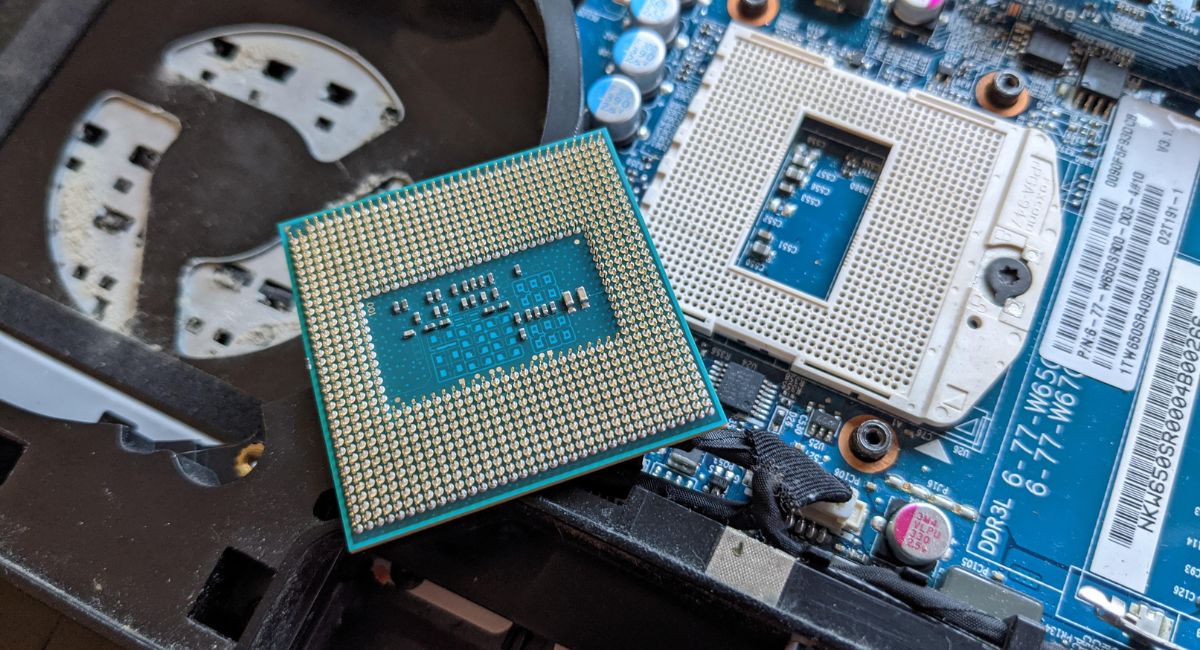
Upgrading a CPU without replacing the motherboard is possible in many cases, but compatibility is the key factor. Users often upgrade processors to improve gaming, multitasking, video editing, and overallPC speed without building a completely new system. Before installing a new CPU, it is important to check the socket type, chipset support, BIOS compatibility, cooling system, and power requirements. A compatible processor upgrade can deliver better performance, extend PC lifespan, and save money while keeping the existing hardware setup efficient and reliable.
Can i upgrade cpu without changing motherboard? Learn compatibility, socket, BIOS, and performance tips to upgrade CPU safely without replacing motherboard.
- Understanding CPU and Motherboard Compatibility
- Why People Upgrade CPUs Without Changing Motherboards
- How to Check Motherboard Compatibility
- Signs Your CPU Needs an Upgrade
- Benefits of Upgrading CPU Without Replacing Motherboard
- Risks of CPU Upgrade Without Motherboard Replacement
- Types of CPU Upgrades
- Important Factors Before Upgrading CPU
- Can Intel CPUs Be Upgraded Without Changing the Motherboard?
- Can AMD CPUs Be Upgraded Without Changing the Motherboard?
- Best Situations for CPU-Only Upgrade
- When You Should Replace the Motherboard Too
- CPU Upgrade for Gaming
- CPU Upgrade for Productivity
- Common CPU Upgrade Mistakes
- How to Install a New CPU
- Performance Improvements After CPU Upgrade
- Is CPU Upgrade Worth It?
- Future-Proofing Your PC
- Frequently Asked Questions
- Conclusion
- Related post
Understanding CPU and Motherboard Compatibility
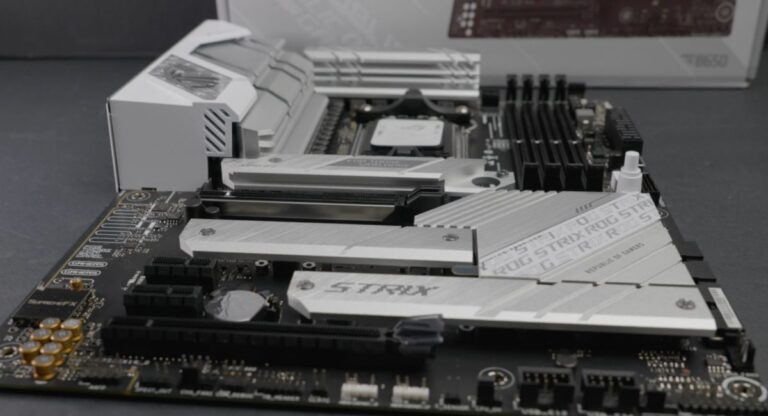
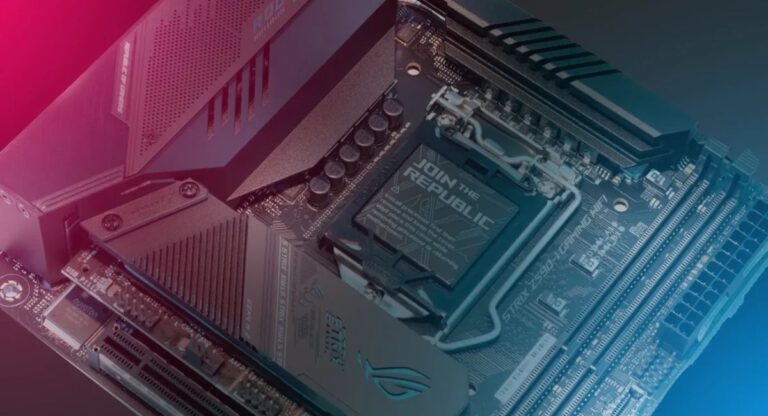
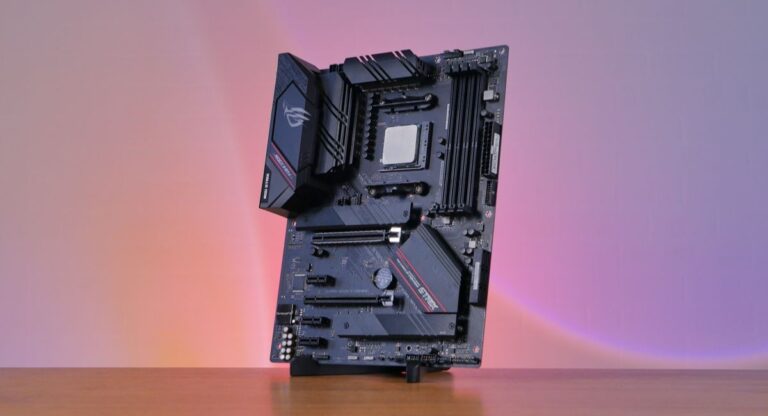
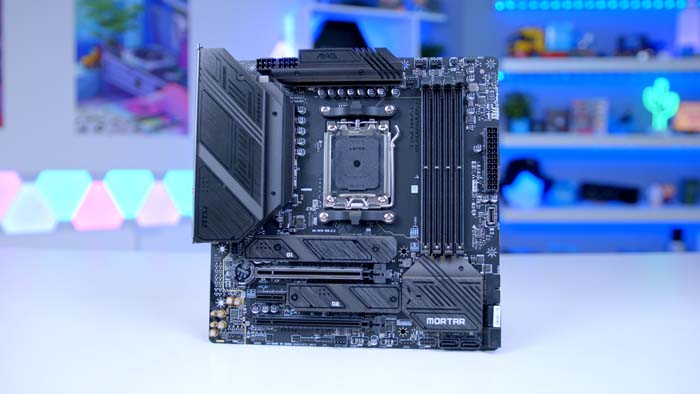
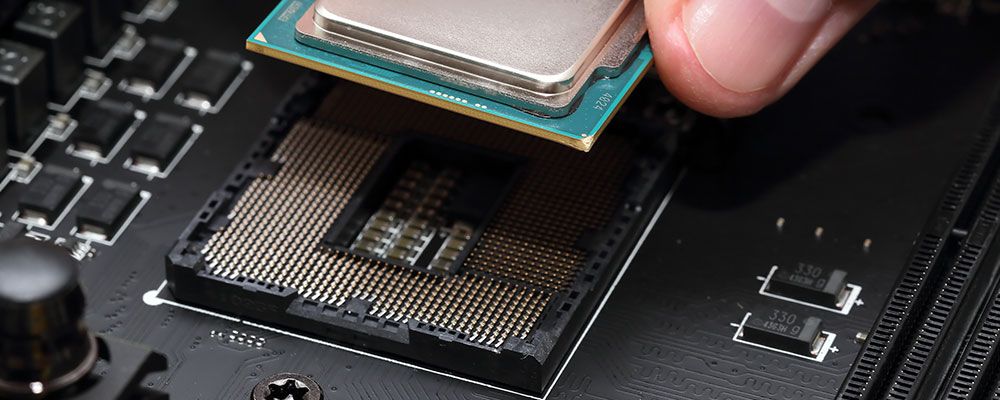
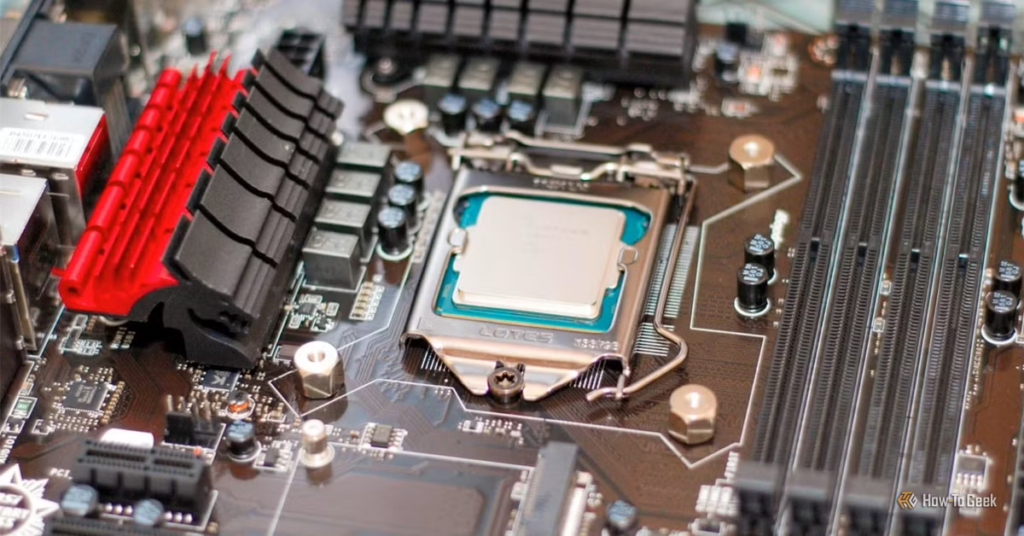
A processor and motherboard communicate through a specific socket and chipset. If the socket type is different, the processor will not fit physically. Even when the CPU fits, the motherboard must still support it properly through BIOS and chipset compatibility.
Important Compatibility Factors
- Socket type must match
- Chipset support is required
- BIOS updates may be necessary
- Power delivery should handle the new CPU
- Cooling system must support higher temperatures
Common Socket Examples
- AM4
- AM5
- LGA 1151
- LGA 1200
- LGA 1700
Choosing the correct socket is the first step before upgrading your processor.
Why People Upgrade CPUs Without Changing Motherboards
Many users prefer replacing only the CPU because it is more affordable and easier than building an entirely new system. This method helps improve system speed while reducing upgrade costs.
Main Reasons for CPU Upgrade
- Better gaming performance
- Faster multitasking
- Improved rendering speed
- Lower overall upgrade cost
- Longer PC lifespan
- Reduced hardware replacement
- Easier installation process
For budget users, this approach offers excellent value and noticeable performance improvements.
How to Check Motherboard Compatibility
Before purchasing a processor, users should confirm that the motherboard supports the desired CPU.
Check the Socket Type
Every motherboard supports a limited socket family. The new processor must use the same socket.
For example:
- AMD Ryzen AM4 CPUs require an AM4 motherboard
- Intel LGA 1700 CPUs require an LGA 1700 motherboard
Verify Chipset Support
The motherboard chipset controls hardware compatibility and features.
Examples include:
- B450
- X570
- Z690
- B760
A chipset may support multiple processor generations depending on BIOS compatibility.
Visit the Manufacturer Website
Motherboard manufacturers provide official CPU support lists.
Popular Motherboard Brands
- ASUS
- MSI
- Gigabyte
- ASRock
Checking the official support page prevents compatibility problems.
Update BIOS if Necessary
Some motherboards require a BIOS update before supporting newer processors. Without updating BIOS, the system may fail to boot properly.
Signs Your CPU Needs an Upgrade
A slow or outdated processor affects overall computer performance. If your system struggles during daily tasks, upgrading the CPU may help.
Common Signs
- Slow application loading
- Low FPS in games
- Frequent lag during multitasking
- High CPU usage
- Video editing delays
- System freezing
- Poor streaming quality
These issues often indicate that the processor is becoming outdated.
Benefits of Upgrading CPU Without Replacing Motherboard
Replacing only the processor provides several advantages, especially for users with modern motherboards.
Major Benefits
- Saves money
- Improves overall performance
- Avoids full system rebuild
- Maintains existing components
- Faster installation process
- Less downtime
- Better gaming experience
This type of upgrade is ideal for users seeking affordable performance improvements.
Risks of CPU Upgrade Without Motherboard Replacement
Although upgrading a CPU is beneficial, ignoring compatibility can create serious problems.
Possible Risks
- Unsupported processor
- BIOS incompatibility
- Overheating issues
- Weak motherboard VRM support
- Power supply limitations
- System instability
Researching hardware compatibility reduces these risks significantly.
Types of CPU Upgrades
Different CPU upgrades depend on system requirements and motherboard support.
Same Generation Upgrade
This upgrade involves moving to a more powerful processor within the same generation.
Examples
- Intel Core i3 to Intel Core i7
- Ryzen 3 to Ryzen 7
This method usually works without major compatibility issues.
Cross-Generation Upgrade
Some motherboards support newer CPU generations after BIOS updates.
Example:
A B450 motherboard supporting Ryzen 5000 series processors after BIOS installation.
Budget CPU Upgrade
Users replace entry-level processors with mid-range CPUs for affordable performance improvements.
High-Performance Upgrade
Professional users and gamers upgrade to premium processors for demanding workloads like rendering and streaming.
Important Factors Before Upgrading CPU
Several hardware components affect upgrade success and system stability.
Cooling System
A powerful processor generates more heat. Users may need:
- Better air coolers
- Liquid cooling
- Improved case airflow
Power Supply
High-end processors consume more power.
Check These Factors
- PSU wattage
- CPU power connectors
- Efficiency rating
RAM Compatibility
Modern CPUs perform better with faster memory speeds and optimized RAM configurations.
GPU Bottleneck
A powerful CPU paired with a weak graphics card may limit gaming improvements.
Can Intel CPUs Be Upgraded Without Changing the Motherboard?
Yes, many Intel processors can be upgraded without replacing the motherboard if compatibility requirements are satisfied.
Important Intel Upgrade Points
- Socket compatibility matters
- BIOS updates may be required
- Chipset support is essential
- Some generations share sockets
For example, Intel 10th and 11th Gen CPUs both support certain LGA 1200 motherboards.
Can AMD CPUs Be Upgraded Without Changing the Motherboard?
AMD processors are widely known for better upgrade flexibility.
The AM4 platform supported multiple Ryzen generations for several years, making upgrades easier and more affordable.
AMD Upgrade Advantages
- Long motherboard support
- Better backward compatibility
- Easier BIOS updates
- Affordable upgrade path
This flexibility makes AMD popular among budget PC builders.
Best Situations for CPU-Only Upgrade
A CPU-only upgrade works best when the current motherboard already supports newer processors.
Ideal Scenarios
- Modern motherboard installed
- Compatible socket available
- Reliable power supply present
- Good cooling system installed
- Limited upgrade budget
In these situations, upgrading only the processor provides strong performance value.
When You Should Replace the Motherboard Too
Sometimes replacing only the CPU is not enough for modern performance requirements.
Replace Motherboard If
- Socket is outdated
- BIOS support is unavailable
- VRM quality is weak
- Modern features are missing
- RAM type is unsupported
- PCIe upgrades are required
A full platform upgrade may provide better long-term performance and future compatibility.
CPU Upgrade for Gaming
Gamers often upgrade processors to improve gameplay quality and system responsiveness.
Gaming Benefits
- Higher FPS
- Reduced stuttering
- Faster game loading
- Better streaming performance
- Improved multiplayer stability
Modern games depend heavily on strong processors and balanced hardware.
CPU Upgrade for Productivity
Professional users also benefit greatly from processor upgrades.
Productivity Improvements
- Faster video rendering
- Better multitasking
- Improved software compiling
- Enhanced 3D modeling
- Quicker editing performance
A stronger processor helps complete demanding workloads more efficiently.
Common CPU Upgrade Mistakes
Many users damage hardware or face performance issues because of simple mistakes.
Mistakes to Avoid
- Buying incompatible CPUs
- Ignoring BIOS updates
- Using weak coolers
- Applying excessive thermal paste
- Forgetting power requirements
- Mishandling CPU pins
Careful installation prevents unnecessary problems.
How to Install a New CPU
Installing a processor requires patience and careful handling.
Basic Installation Steps
- Turn off the computer
- Disconnect power cables
- Remove the CPU cooler
- Unlock the processor socket
- Install the new CPU carefully
- Apply thermal paste
- Reattach the cooler
- Start the system and check BIOS
Following the motherboard manual ensures safer installation.
Performance Improvements After CPU Upgrade
The level of improvement depends on the applications, games, and hardware balance.
Expected Improvements
- Faster boot speed
- Better multitasking
- Improved gaming FPS
- Reduced lag
- Faster processing times
- Smoother editing workflow
Performance gains are usually noticeable in demanding tasks.
Is CPU Upgrade Worth It?
A CPU upgrade is worth considering if the motherboard still supports modern processors and the current CPU limits performance.
Worthwhile Upgrade Situations
- Current processor is outdated
- Gaming performance feels slow
- Productivity tasks take longer
- Budget is limited
- Existing motherboard remains compatible
A successful processor upgrade can extend PC lifespan for several years.
Future-Proofing Your PC
Choosing the right processor helps maintain good performance for future software and games.
Future-Proofing Tips
- Choose more CPU cores
- Select higher thread counts
- Ensure BIOS compatibility
- Upgrade RAM if necessary
- Improve cooling system
Planning upgrades carefully reduces future expenses.
Frequently Asked Questions
1.Can every motherboard support a CPU upgrade?
No, every motherboard supports only specific processors based on socket compatibility, chipset support, BIOS version, and motherboard power delivery capabilities.
2.Do I need to reinstall Windows after upgrading CPU?
Usually, Windows works normally after a processor upgrade, but reinstalling the operating system can improve stability and driver optimization in some cases.
3.Will upgrading CPU increase gaming FPS?
Yes, upgrading to a stronger processor can improve gaming FPS, reduce lag, and provide smoother gameplay in CPU-intensive games.
4.Is BIOS update necessary before installing a new CPU?
Some processors require updated BIOS versions before installation because older BIOS firmware may not recognize newer CPU models properly.
5.Can overheating happen after CPU upgrade?
Yes, overheating may occur if the existing CPU cooler cannot handle higher thermal output or if airflow inside the computer case is poor.
Conclusion
Upgrading a CPU without changing the motherboard is possible if the processor is compatible with the existing socket, chipset, and BIOS version. A successful upgrade improves gaming, multitasking, and overall system performance while saving money. Users should also check cooling and power requirements before installation to ensure stable performance and extend their PC lifespan effectively.