Defective Motherboard Symptoms and How to Identify Them
A motherboard is the central backbone of any computer system, responsible for connecting and managing all hardware components. It acts as a communication hub between the CPU, RAM, storage devices, and peripheral components. When a motherboard becomes defective, it can lead to system instability, performance issues, or complete failure. Identifying the symptoms early is crucial to prevent further damage, reduce repair costs, and protect valuable data. Understanding how motherboard problems occur and how to detect them ensures better system maintenance and long-term reliability.
Learn defective motherboard symptoms, causes, and fixes. Identify issues early to prevent damage, improve performance, and extend your computer’s lifespan.
- What is a Motherboard?
- Common Defective Motherboard Symptoms
- Causes of Motherboard Failure
- Types of Motherboard Issues
- How to Diagnose a Faulty Motherboard
- Features of a Healthy Motherboard
- Benefits of Early Detection
- Preventive Measures
- When to Repair or Replace a Motherboard
- Advanced Troubleshooting Techniques
- Long-Term Effects of a Faulty Motherboard
- FAQ’s
- Conclusion
- Related post
What is a Motherboard?
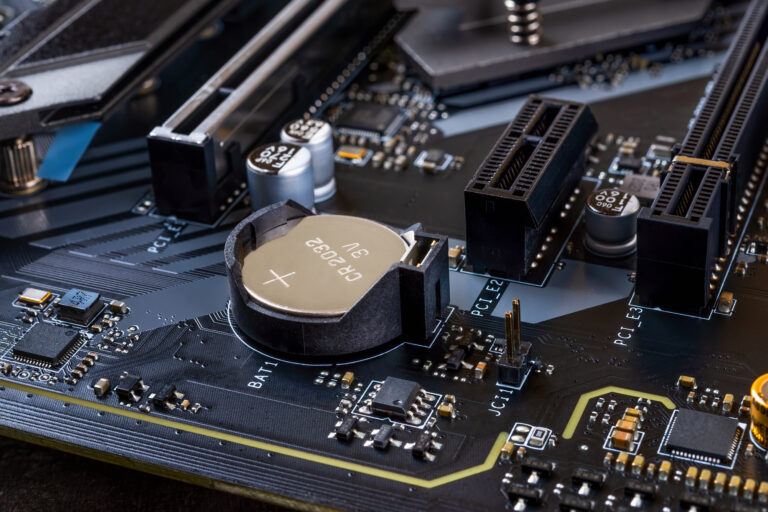
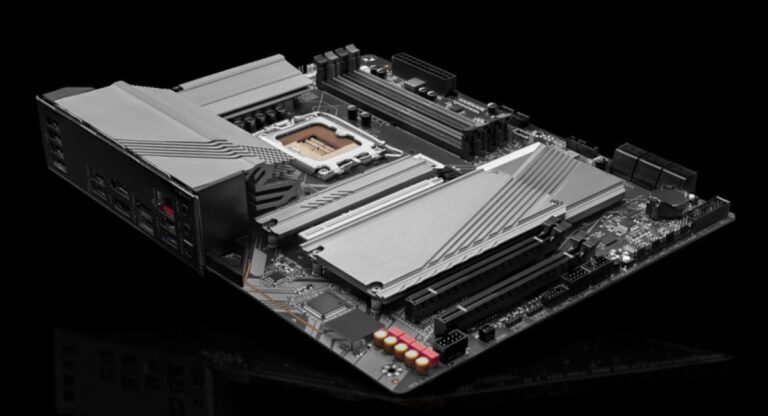
The motherboard is the main printed circuit board (PCB) that connects all internal components of a computer.
It distributes power, manages data flow, and ensures that every component works in coordination. Without a properly functioning motherboard, even high-end components cannot operate efficiently.
It also includes important elements such as the BIOS, expansion slots, and connectors for storage and external devices.
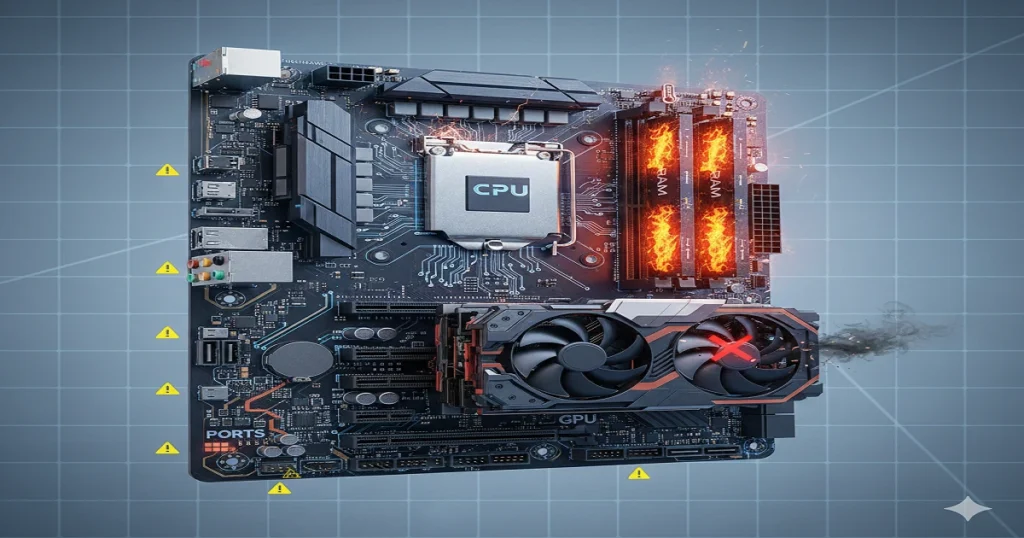
Common Defective Motherboard Symptoms
System Fails to Boot
One of the most noticeable signs of a faulty motherboard is when the system does not boot. Pressing the power button may result in no response, or the system may turn on briefly and then shut down. This often indicates serious issues with power delivery or internal circuitry.
Random Freezing and Crashes
Frequent system freezes, unexpected shutdowns, or application crashes can be linked to motherboard failure. These issues occur due to unstable communication between components.
Blue Screen Errors
Recurring blue screen errors are often associated with hardware problems. If these errors persist despite software troubleshooting, the motherboard may be the root cause.
No Display Output
If your computer appears to be running but shows no display, the motherboard might not be transmitting signals properly to the graphics unit.
Overheating Issues
Excessive heat generation without heavy usage is another warning sign. A faulty motherboard may fail to regulate voltage properly, causing overheating.
Unusual Beeping Sounds
Motherboards produce beep codes to indicate hardware issues. Continuous or irregular beeping patterns suggest internal faults.
USB and Port Failures
When USB ports, audio jacks, or other connectors stop working or behave inconsistently, it often indicates motherboard damage.
Slow or Unstable Performance
A defective motherboard can cause slow performance, lag, and inconsistent system behavior even when other components are functioning correctly.
Causes of Motherboard Failure
Power Surges
Sudden voltage spikes can damage delicate circuits and permanently affect motherboard functionality.
Overheating
Poor cooling systems, blocked airflow, or dust accumulation can cause excessive heat, leading to component degradation.
Physical Damage
Improper handling, dropping, or incorrect installation can result in cracks or broken circuits.
Aging Components
Over time, internal components such as capacitors wear out, reducing efficiency and stability.
Manufacturing Defects
Some motherboards may have factory defects that cause early failure.
Moisture and Dust Exposure
Environmental factors like humidity and dust can corrode circuits and disrupt electrical connections.
Types of Motherboard Issues
Complete Failure
The motherboard stops working entirely, and the system does not power on.
Partial Failure
Certain components like RAM slots or ports may stop working while others continue to function.
Intermittent Problems
Issues occur randomly, making them difficult to diagnose and fix.
BIOS Corruption
Corrupted firmware can prevent the system from starting properly.
Power Circuit Damage
Damage to power circuits can disrupt voltage distribution across the motherboard.
How to Diagnose a Faulty Motherboard
Visual Inspection
Check for burn marks, swollen capacitors, or any visible physical damage.
Test the Power Supply
Ensure the power supply unit (PSU) is functioning correctly before suspecting the motherboard.
Minimal Hardware Testing
Run the system with only essential components like CPU and RAM to isolate the issue.
Listen for Beep Codes
Use motherboard beep patterns to identify specific hardware problems.
Swap Components
Replace components such as RAM or CPU with working ones to confirm whether the motherboard is faulty.
Reset or Update BIOS
Resetting or updating the BIOS can resolve firmware-related issues.
Features of a Healthy Motherboard
- Stable and consistent performance
- Efficient power distribution system
- Fully functional ports and connectors
- Proper temperature management
- Reliable and fast boot process
Benefits of Early Detection
- Prevents further hardware damage
- Saves repair and replacement costs
- Reduces system downtime
- Protects important data
- Extends overall system lifespan
Preventive Measures
Use Surge Protectors
A surge protector helps safeguard your system from sudden voltage spikes.
Maintain Proper Cooling
Ensure that fans and cooling systems are working efficiently to avoid overheating.
Regular Cleaning
Removing dust from internal components prevents heat buildup and improves airflow.
Safe Handling Practices
Always use anti-static precautions when handling computer components.
Update BIOS Carefully
Avoid interruptions during BIOS updates to prevent firmware corruption.
When to Repair or Replace a Motherboard
If the motherboard has minor issues such as faulty capacitors, it may be repairable. However, if multiple components are affected or the damage is severe, replacement is often the best option.
Upgrading to a modern motherboard can also improve performance and compatibility with newer hardware.
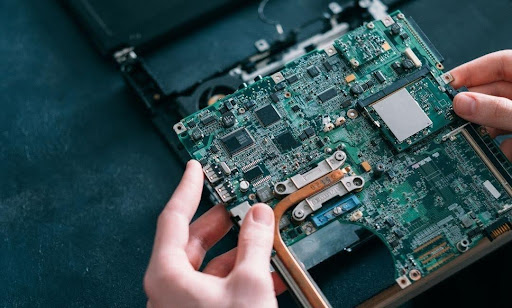
Advanced Troubleshooting Techniques
Check Voltage Levels
Monitoring voltage output ensures that the motherboard is receiving proper power.
Inspect Capacitors
Look for bulging or leaking capacitors, which indicate failure.
Test RAM Slots
Sometimes only specific slots are faulty, causing system instability.
Disconnect External Devices
Removing peripherals helps rule out external conflicts.
Re-seat Components
Loose connections can mimic motherboard failure, so ensure all parts are properly installed.
Long-Term Effects of a Faulty Motherboard
Ignoring motherboard problems can lead to severe consequences, including damage to the CPU, RAM, and storage devices. It can also cause permanent data loss and reduced system performance. Over time, the system may become completely unusable.
FAQ’s
1.What are the early signs of a defective motherboard?
Early signs include boot failure, random crashes, overheating, and non-working ports, which indicate internal communication or power distribution issues.
2.Can a motherboard be repaired or replaced?
Minor issues can be repaired, but severe damage usually requires replacement for reliable performance and long-term stability.
3.How long does a motherboard last?
A motherboard typically lasts between 5 to 10 years depending on usage, maintenance, and environmental conditions.
4.Can overheating damage a motherboard permanently?
Yes, prolonged exposure to excessive heat can damage circuits and reduce the lifespan of the motherboard significantly over time.
5.Is it worth replacing a faulty motherboard?
If repair costs are high or the system is outdated, replacing the motherboard is often the best option for improved performance and reliability.
Conclusion
A defective motherboard can disrupt the entire computer system, causing issues ranging from minor slowdowns to complete failure. Recognizing the symptoms early, understanding the causes, and performing proper diagnostics are essential steps in maintaining system health. Regular maintenance and preventive measures can significantly extend the lifespan of your motherboard. If problems persist despite troubleshooting, replacing the motherboard is often the most reliable solution to restore system performance, stability, and long-term usability.