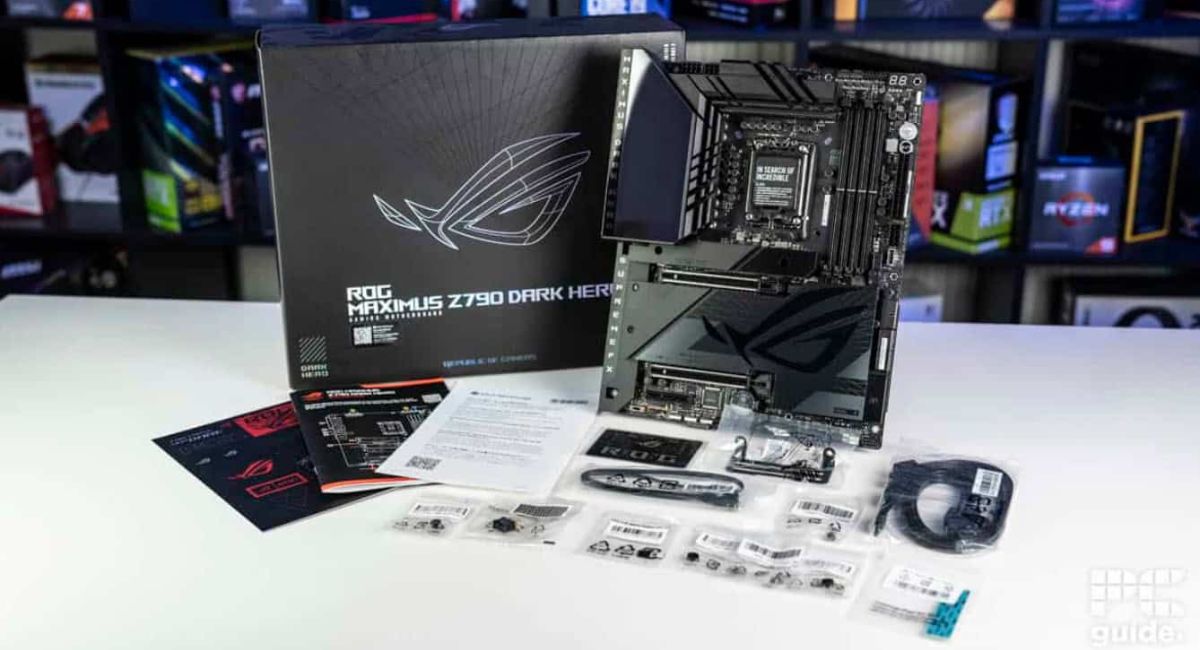
Motherboard Compatible with i7- Complete Buying Guide
Choosing the right motherboard compatible with i7 is one of the most important steps when building or upgrading a computer. A motherboard acts as the backbone of your system, connecting all components and ensuring smooth communication between them. If the motherboard is not compatible with your Intel Core i7 processor, you may face performance issues or complete system failure. This guide explains everything you need to know, from compatibility factors to features, types, and expert tips for making the best decision.
Find the best motherboard compatible with i7 processors. Learn socket types, chipsets, RAM support, and key features for a powerful PC build.
- What Does Motherboard Compatible with i7 Mean?
- CPU Socket Compatibility
- Chipset Compatibility
- RAM Compatibility
- Graphics Card (GPU) Support
- Power Delivery and VRM Quality
- Storage Support
- Cooling Features
- Types of Motherboards Compatible with i7
- Features of a Good Motherboard Compatible with i7
- Benefits of Choosing the Right Motherboard
- Common Mistakes to Avoid
- How to Choose the Best Motherboard
- Best Use Cases
- Future-Proofing Tips
- FAQ’s
- Conclusion
- Related post
What Does Motherboard Compatible with i7 Mean?
A motherboard compatible with i7 refers to a motherboard that supports a specific generation of Intel Core i7 processors.
Intel releases new generations regularly, and each generation comes with changes in architecture, sockets, and chipsets. Because of this, not all motherboards can support every i7 processor.
Compatibility depends on three main elements: CPU socket, chipset, and BIOS support. If any of these do not match your processor, the system may not work properly. Understanding this concept helps you avoid costly mistakes and ensures your PC performs at its best.
CPU Socket Compatibility
The CPU socket is the physical interface where the processor is installed. It must match your i7 processor exactly. Different i7 generations use different sockets:
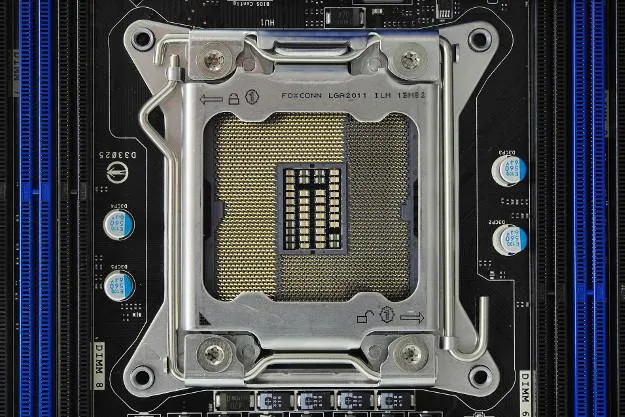
- LGA 1151 → 8th and 9th Gen i7
- LGA 1200 → 10th and 11th Gen i7
- LGA 1700 → 12th, 13th, and 14th Gen i7
If the socket type does not match, the processor will not fit into the motherboard. This is why checking the socket is always the first step when selecting a motherboard compatible with i7.
Chipset Compatibility
The chipset determines the features and capabilities of your motherboard. Even if the socket matches, the chipset must support your processor.
- Z-Series (Z790, Z690) → High performance and overclocking
- B-Series (B760, B660) → Balanced performance and affordability
- H-Series (H610) → Basic computing needs
For users who want maximum performance, Z-series motherboards are the best choice. They provide advanced features like overclocking, better connectivity, and improved power delivery.
RAM Compatibility
RAM plays a vital role in system performance. A good motherboard compatible with i7 must support the correct RAM type:
- DDR4 → Affordable and widely available
- DDR5 → Faster speeds and future-proof
Modern i7 processors support both DDR4 and DDR5, but the motherboard will support only one type. You should also check the maximum RAM capacity and speed to ensure optimal performance.
Graphics Card (GPU) Support
If you are building a gaming or editing system, GPU support is crucial. Your motherboard should include:
- PCIe x16 slot
- Support for PCIe 4.0 or PCIe 5.0
This ensures that your graphics card operates at full performance without bottlenecks.
Power Delivery and VRM Quality
The VRM (Voltage Regulator Module) is responsible for supplying stable power to your CPU. Since i7 processors are powerful, they require strong VRM support.
A good motherboard should offer:
- Efficient power phases
- Heat-resistant components
- Stable voltage supply
Poor VRM design can lead to overheating and reduced performance.
Storage Support
Modern motherboards offer multiple storage options:
- M.2 NVMe SSD slots for fast storage
- SATA ports for traditional drives
- Support for PCIe Gen 4 and Gen 5 SSDs
These features improve boot speed, loading times, and overall system performance.
Cooling Features
Cooling is essential for maintaining system stability. A quality motherboard compatible with i7 should include:
- Built-in heatsinks
- Multiple fan headers
- Support for liquid cooling
Good cooling ensures consistent performance during heavy workloads.
Types of Motherboards Compatible with i7
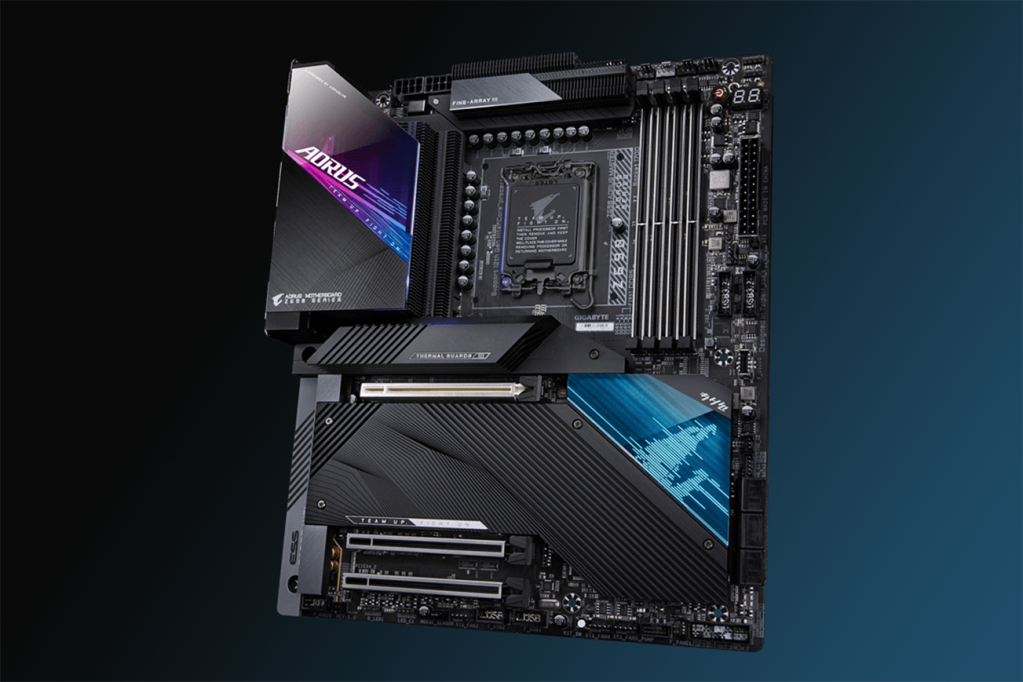
High-End Motherboards
High-end motherboards are designed for enthusiasts and professionals. They offer:
- Advanced VRM design
- Overclocking support
- DDR5 and PCIe 5.0 compatibility
These boards are ideal for gaming and demanding tasks.
Mid-Range Motherboards
Mid-range options provide a balance between cost and performance. They include:
- Reliable features
- Good build quality
- Decent connectivity
They are suitable for most users.
Budget Motherboards
Budget motherboards are designed for basic use:
- Limited features
- Lower cost
- Suitable for office work
They are not ideal for heavy workloads.
Features of a Good Motherboard Compatible with i7
Important features include:
- High-speed USB ports
- WiFi and Bluetooth connectivity
- Multiple expansion slots
- Quality audio system
- Durable build materials
These features enhance usability and performance.
Benefits of Choosing the Right Motherboard
- Stable system performance
- Better multitasking capabilities
- Longer hardware lifespan
- Upgrade flexibility
- Efficient power management
Choosing the right motherboard improves your overall computing experience.
Common Mistakes to Avoid
Avoid these common errors:
- Not checking CPU generation
- Ignoring socket compatibility
- Buying the cheapest option
- Skipping BIOS updates
- Overlooking VRM quality
These mistakes can lead to compatibility issues.
How to Choose the Best Motherboard
Follow these steps:
- Identify your i7 processor model
- Check the socket type
- Select a compatible chipset
- Verify RAM and GPU support
- Compare features and price
This approach ensures a smart purchase.
Best Use Cases
Gaming
- Z-series motherboard
- High-speed RAM
- Strong cooling system
Office Work
- B-series motherboard
- Standard RAM
- Budget-friendly setup
Content Creation
- High RAM capacity
- Fast storage support
- Reliable power delivery
Future-Proofing Tips
To ensure long-term usability:
- Choose DDR5 support
- Look for PCIe 5.0 compatibility
- Select latest chipset boards
- Ensure upgrade options
Future-proofing saves money in the long run.
FAQ’s
1. Can any motherboard support an Intel Core i7?
No, only motherboards with the correct socket and chipset can support specific i7 processors.
2. Which chipset is best for i7?
Z-series chipsets are best because they offer high performance and advanced features.
3. Is DDR5 necessary for i7?
No, but it provides better performance and future-proofing compared to DDR4.
4. Can I upgrade my motherboard later?
Yes, but you may need to change other components depending on compatibility.
5. How do I check compatibility?
Check CPU generation, socket type, chipset support, BIOS compatibility, and manufacturer specifications carefully before purchasing to ensure your motherboard works perfectly with your Intel Core i7 processor.
Conclusion
Choosing the right motherboard compatible with i7 is essential for building a reliable and high-performance system. By focusing on socket compatibility, chipset, RAM support, and features, you can ensure smooth operation and long-term usability. A well-matched motherboard not only boosts performance but also protects your investment and allows future upgrades without major issues.