Normal Motherboard Temperature for Stable PC Performance
Understanding normal motherboard temperature is important for maintaining a stable, fast, and safe computer system. The motherboard connects all major hardware components, so excessive heat can affect performance and reduce hardware lifespan. Many users monitor CPU and GPU temperatures but ignore motherboard heat levels. Proper temperature control helps prevent overheating, lag, crashes, and hardware damage. Whether you use your PC for gaming, office work, or editing, maintaining safe motherboard temperatures improves system stability, efficiency, and long-term performance.
Learn the ideal normal motherboard temp, safe temperature ranges, overheating causes, cooling tips, and ways to improve PC performance safely.
- What Is a Normal Motherboard Temperature?
- Why Motherboard Temperature Matters
- Common Causes of High Motherboard Temperature
- Signs of Motherboard Overheating
- How to Check Motherboard Temperature
- Ideal Motherboard Temperature for Gaming PCs
- Best Ways to Reduce Motherboard Temperature
- Improve PC Airflow
- Clean Dust Regularly
- Upgrade Cooling Systems
- Replace Old Thermal Paste
- Factors That Affect Motherboard Temperature
- Can High Motherboard Temperature Damage Your PC?
- Difference Between CPU and Motherboard Temperature
- Best Motherboard Cooling Features
- Tips for Long-Term Motherboard Health
- FAQ’s
- Conclusion
- Related post
What Is a Normal Motherboard Temperature?
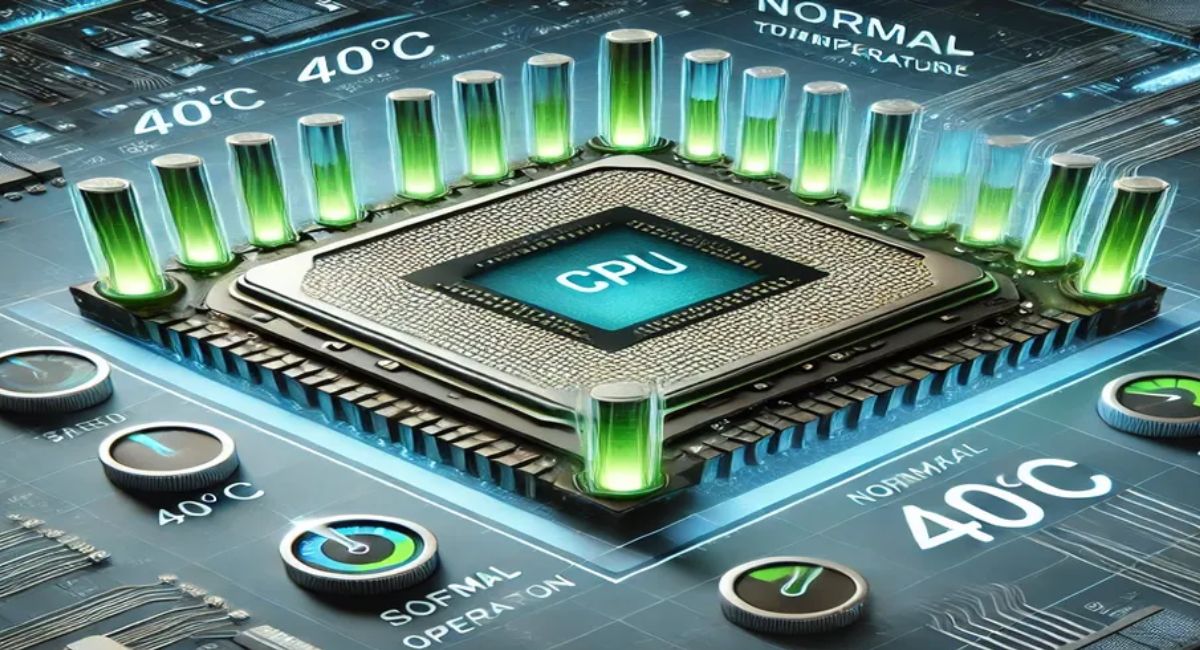
A normal motherboard temperature typically stays between 30°C and 50°C during regular computer use. During gaming or heavy workloads, temperatures can rise to around 60°C without causing serious issues.
Different PCs produce different heat levels depending on hardware quality, airflow, cooling systems, and room temperature.
High-performance gaming computers naturally generate more heat than basic office systems.
Safe Motherboard Temperature Range
- Idle Temperature: 30°C to 40°C
- Normal Usage: 40°C to 50°C
- Gaming or Heavy Tasks: 50°C to 60°C
- Critical Temperature: Above 70°C
Keeping your motherboard within these limits helps improve system reliability and hardware lifespan.
Why Motherboard Temperature Matters
The motherboard acts as the central communication hub of your computer. Excessive heat can damage circuits, reduce efficiency, and create stability problems.
Benefits of Maintaining Safe Motherboard Temperature
- Improves overall system stability
- Prevents sudden shutdowns and crashes
- Increases hardware lifespan
- Enhances gaming performance
- Supports smooth multitasking
- Reduces overheating risks
- Protects internal components
A properly cooled motherboard allows your computer to operate efficiently without unnecessary stress on hardware parts.
Common Causes of High Motherboard Temperature
Several factors can increase motherboard temperature and reduce system performance.
Poor Airflow
Bad airflow traps hot air inside the PC case. If fresh air cannot enter properly, temperatures rise quickly during gaming or multitasking.
Dust Build-Up
Dust blocks vents and cooling fans, making heat dissipation difficult. Over time, dust accumulation becomes one of the biggest reasons for overheating.
Faulty Cooling Fans
Damaged or slow fans reduce airflow efficiency. Without proper cooling, motherboard temperatures can increase rapidly.
High Room Temperature
Warm environments naturally raise internal computer temperatures. PCs placed in closed spaces or near sunlight often experience overheating issues.
Overclocking
Overclocking boosts system performance but also generates additional heat, especially around the motherboard and VRM area.
Low-Quality Thermal Paste
Old or poor thermal paste reduces heat transfer efficiency between components and cooling systems.
Signs of Motherboard Overheating
Recognizing overheating symptoms early can prevent serious hardware damage.
Common Warning Signs
- Random computer restarts
- System freezing during gaming
- Slow PC performance
- Loud fan noise
- Blue screen errors
- Unexpected crashes
- Burning smell from the PC case
Ignoring these signs may eventually damage important motherboard components permanently.
How to Check Motherboard Temperature
Monitoring motherboard temperature regularly helps maintain safe operating conditions.
Use BIOS Settings
Most modern motherboards include built-in temperature monitoring tools inside the BIOS menu.
Use Temperature Monitoring Software
Popular tools include:
- HWMonitor
- MSI Afterburner
- Core Temp
- NZXT CAM
- Open Hardware Monitor
These programs display real-time temperature readings and help detect overheating issues quickly.
Ideal Motherboard Temperature for Gaming PCs
Gaming computers produce more heat because of powerful CPUs and graphics cards.
Recommended Gaming Temperatures
| Usage Type | Safe Temperature |
| Light Gaming | 45°C to 55°C |
| Heavy Gaming | 55°C to 65°C |
| Critical Level | Above 70°C |
Maintaining proper cooling during gaming sessions is important for long-term performance and hardware protection.
Best Ways to Reduce Motherboard Temperature
Lowering motherboard temperature improves system stability and prevents overheating.
Improve PC Airflow
Good airflow removes hot air and keeps internal components cool.
Airflow Improvement Tips
- Install intake and exhaust fans
- Keep air vents clean
- Organize cables properly
- Use spacious PC cases
- Avoid blocking ventilation areas
Balanced airflow is one of the most effective cooling methods.
Clean Dust Regularly
Dust cleaning should be part of regular PC maintenance.
Effective Cleaning Methods
- Use compressed air
- Clean fan blades carefully
- Remove dust filters regularly
- Avoid wet cleaning materials inside the PC
Routine cleaning instantly improves cooling efficiency.
Upgrade Cooling Systems
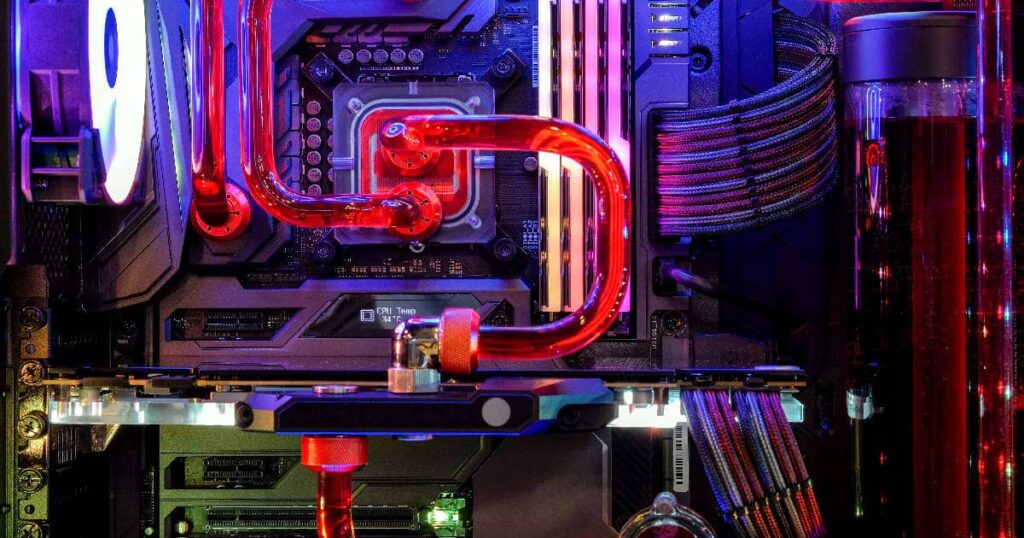
Advanced cooling systems help maintain lower temperatures during heavy workloads.
Popular Cooling Options
- Air coolers
- Liquid cooling systems
- RGB cooling fans
- Heat sinks
- AIO coolers
High-quality cooling systems provide better thermal control for gaming and professional use.
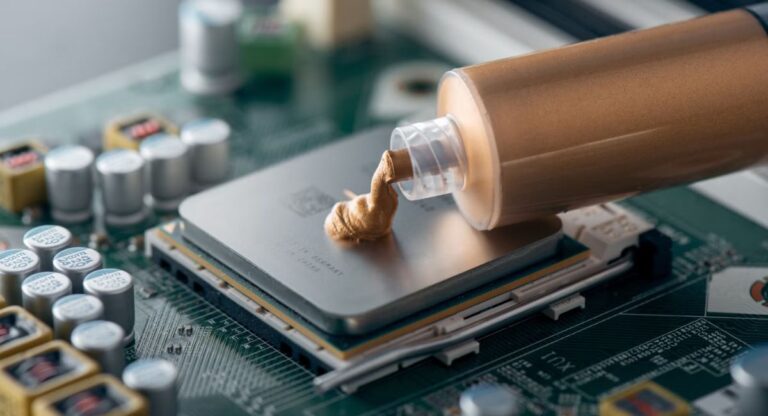
Replace Old Thermal Paste
Thermal paste loses effectiveness over time and should be replaced periodically.
Benefits of Fresh Thermal Paste
- Better heat transfer
- Lower system temperatures
- Improved motherboard stability
- Enhanced CPU cooling
- Reduced overheating risk
Replacing thermal paste every few years improves cooling performance significantly.
Factors That Affect Motherboard Temperature
Several internal and external factors influence motherboard heat levels.
Important Factors Include
- PC case design
- Cooling fan quality
- Cable management
- Graphics card power
- Processor workload
- Room temperature
- Ventilation quality
Understanding these factors helps users maintain better cooling efficiency.
Can High Motherboard Temperature Damage Your PC?
Yes, prolonged overheating can permanently damage your motherboard and other components.
Risks of Excessive Heat
- Hardware failure
- Reduced system lifespan
- Data corruption
- Gaming lag and instability
- CPU and RAM damage
- Random shutdowns
Maintaining safe temperatures protects your investment and improves long-term system reliability.
Difference Between CPU and Motherboard Temperature
Many users confuse CPU temperature with motherboard temperature, but both are different.
CPU Temperature
This measures the heat generated by the processor during operations.
Motherboard Temperature
This measures heat around motherboard circuits, chipset areas, and voltage regulators.
Both temperatures are important for maintaining stable PC performance.
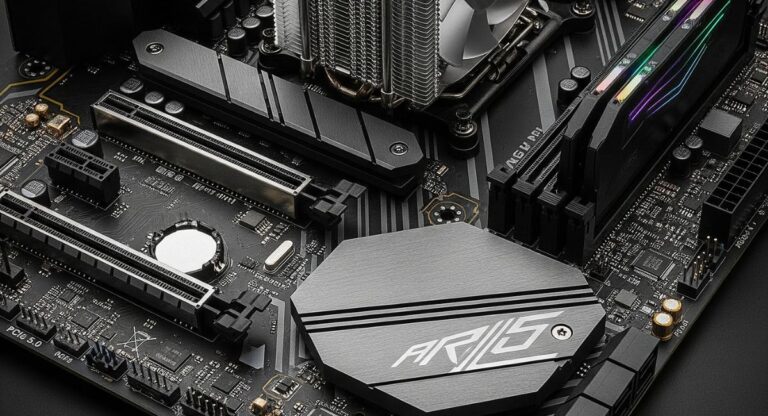
Best Motherboard Cooling Features
Modern motherboards include advanced cooling technologies to improve thermal management.
Popular Cooling Features
- Built-in heat sinks
- Smart fan control
- VRM cooling systems
- Temperature sensors
- Multiple fan headers
Premium motherboards usually offer better cooling efficiency and stability.
Tips for Long-Term Motherboard Health
Regular maintenance keeps motherboard temperatures under control and improves hardware lifespan.
Expert Maintenance Tips
- Clean your PC monthly
- Update BIOS regularly
- Replace damaged fans quickly
- Avoid extreme overclocking
- Maintain proper airflow
- Use high-quality cooling systems
Good maintenance habits help prevent overheating and improve overall system performance.
FAQ’s
1.What is the ideal motherboard temperature during normal use?
The ideal motherboard temperature during normal use usually stays between 30°C and 50°C, depending on airflow, hardware quality, and cooling system performance.
2.Is 70°C too hot for a motherboard?
Yes, temperatures above 70°C are considered dangerous because excessive heat can reduce stability, damage circuits, and shorten motherboard lifespan over time.
3.How can I lower the motherboard temperature quickly?
You can lower motherboard temperature by improving airflow, cleaning dust, upgrading cooling fans, replacing thermal paste, and keeping the room temperature cooler.
4.Which software is best for monitoring motherboard temperature?
Popular monitoring tools like HWMonitor, MSI Afterburner, and Open Hardware Monitor provide accurate real-time motherboard temperature readings and system monitoring features.
5.Does motherboard temperature affect gaming performance?
Yes, high motherboard temperatures can reduce gaming performance by causing lag, instability, thermal throttling, and unexpected system crashes during heavy gaming sessions.
Conclusion
Maintaining a normal motherboard temperature is essential for stable performance, smooth gaming, and longer hardware life. Most motherboards work safely between 30°C and 50°C, while gaming PCs may reach higher temperatures during heavy use. Proper airflow, regular cleaning, and effective cooling systems help prevent overheating and hardware damage. Monitoring temperatures regularly improves system efficiency, stability, and overall computer performance for long-term reliability.