Motherboard Integrated Graphics- Complete Guide, Features & Fixes
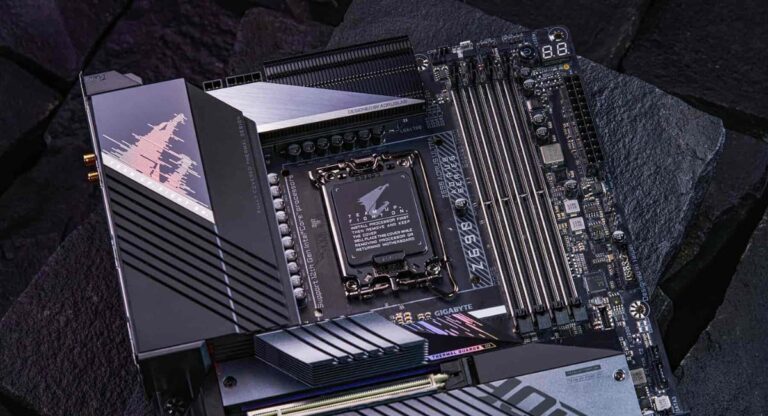
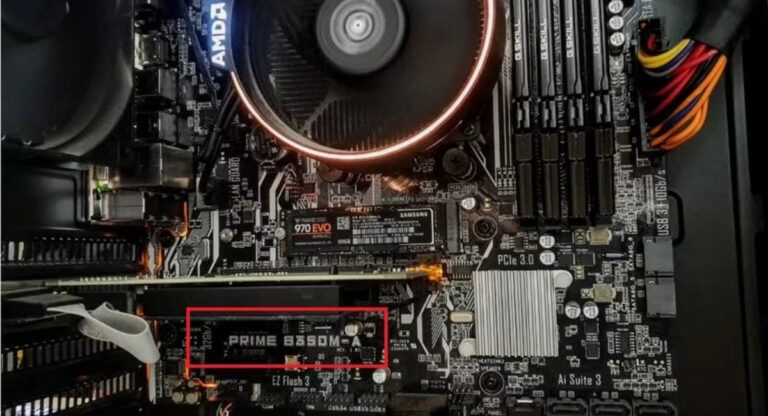
Motherboard integrated graphics are built-in GPU systems that allow a computer to display visuals without a dedicated graphics card. These graphics are usually part of the CPU or motherboard chipset and use system RAM instead of separate VRAM. They are widely used in office PCs, laptops, and budget systems. This guide explains how motherboard integrated graphics work, their benefits, limitations, troubleshooting methods, and performance impact for users who want stable and cost-effective computing solutions.
Learn everything about motherboard integrated graphics, including how they work, benefits, limitations, setup steps, and easy troubleshooting fixes.
- What is Motherboard Integrated Graphics?
- How Motherboard Integrated Graphics Work
- Types of Motherboard Integrated Graphics
- Features of Motherboard Integrated Graphics
- Benefits of Motherboard Integrated Graphics
- Limitations of Motherboard Integrated Graphics
- Uses of Motherboard Integrated Graphics
- Integrated Graphics vs Dedicated Graphics
- How to Enable Motherboard Integrated Graphics
- Common Problems with Motherboard Integrated Graphics
- How to Fix Motherboard Integrated Graphics Issues
- Performance of Motherboard Integrated Graphics
- Future of Motherboard Integrated Graphics
- Tips to Improve Integrated Graphics Performance
- Common Mistakes Users Make
- Frequently Asked Questions
- Conclusion
- Related post
What is Motherboard Integrated Graphics?
Motherboard integrated graphics refer to a built-in graphics processing system that is embedded inside the CPU or motherboard chipset.
Instead of using a separate graphics card, the system relies on internal graphics processing to produce display output.
These graphics use shared system memory (RAM) instead of dedicated VRAM. Because of this, they are more cost-effective and energy-efficient, but they also offer limited performance compared to dedicated GPUs. They are commonly found in Intel UHD Graphics, Intel Iris Xe, and AMD Ryzen APUs.
How Motherboard Integrated Graphics Work
Motherboard integrated graphics work by sharing system resources between the CPU and RAM. When the computer starts, the CPU handles both general processing and graphics tasks if no dedicated GPU is installed.
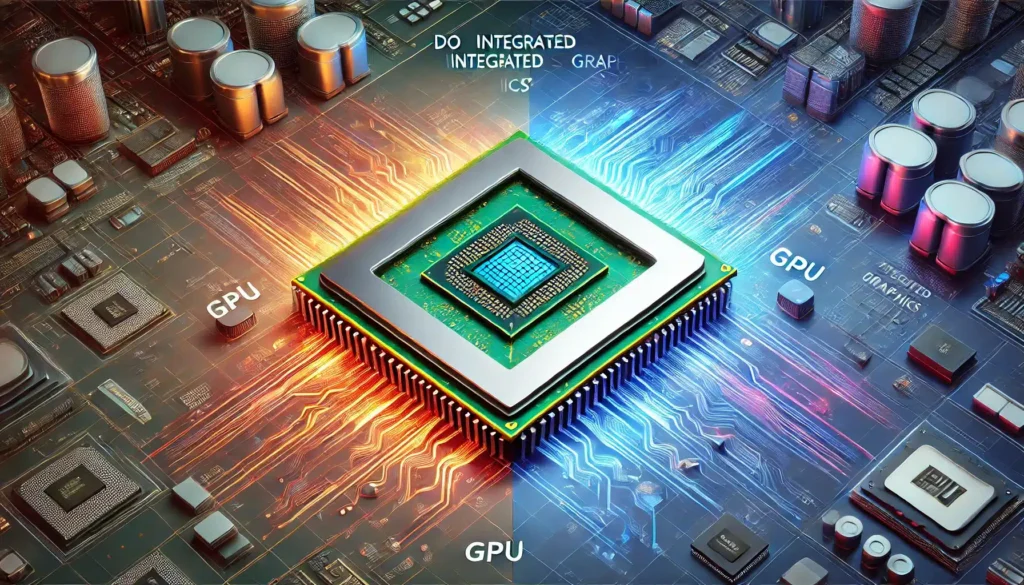
The integrated graphics unit processes visual data and temporarily stores it in system RAM, which acts as shared video memory.
The motherboard then sends the final display output to the monitor through ports like HDMI, VGA, or DisplayPort.
In modern systems, the BIOS automatically detects and activates iGPU (integrated GPU) when no external graphics card is present.
Types of Motherboard Integrated Graphics
CPU-Based Integrated Graphics (Modern Systems)
Modern processors include built-in graphics known as iGPU (Integrated Graphics Processing Unit). These are widely used in current systems.
Examples include:
- Intel UHD Graphics
- Intel Iris Xe Graphics
- AMD Radeon Vega Graphics
These are capable of handling daily tasks, HD video playback, and light gaming.
Motherboard Chipset Graphics (Older Systems)
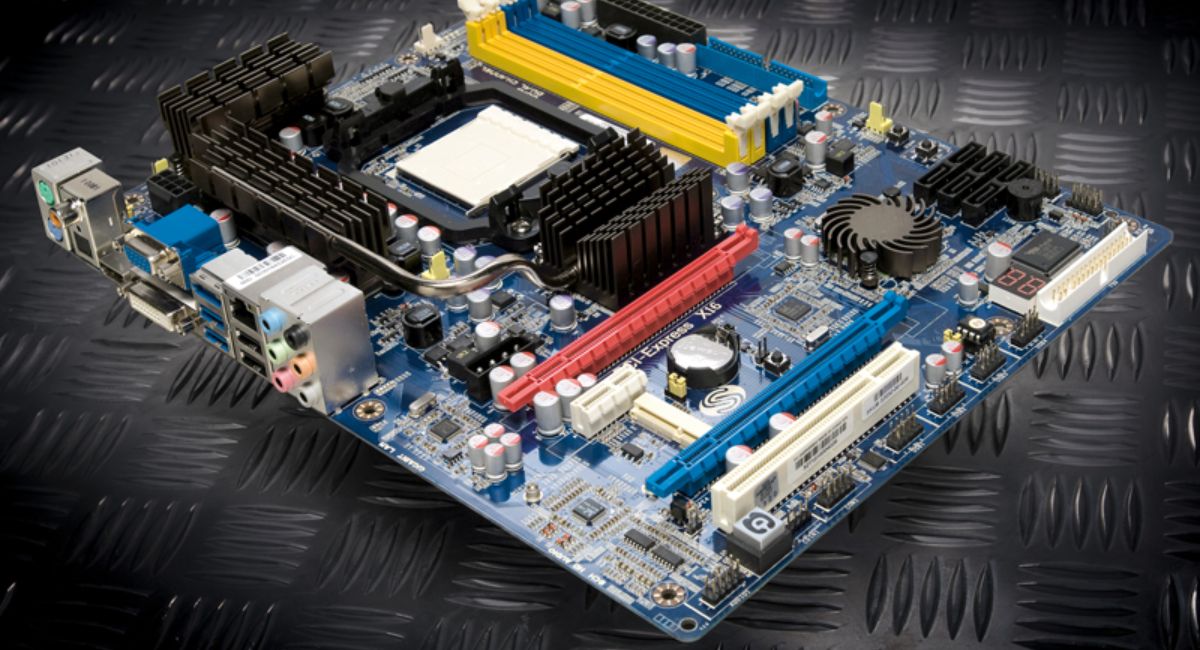
Older computers used chipset-based integrated graphics, which were directly built into the motherboard.
These systems are now outdated but were used for basic display output.
Key features:
- Very low performance
- Basic display support only
- Used in legacy desktop systems
Features of Motherboard Integrated Graphics
Motherboard integrated graphics come with several important built-in features that make them suitable for basic users.
They do not require any additional hardware, which makes system building easier and cheaper. Since they use system RAM instead of dedicated VRAM, they consume less power and generate less heat.
Key Features:
- Built into CPU or motherboard chipset
- Uses system RAM (shared memory)
- No need for a dedicated GPU
- Supports multiple display outputs
- Low power consumption
- Silent operation (no GPU fan noise)
- Automatic switching in hybrid systems
Benefits of Motherboard Integrated Graphics
Motherboard integrated graphics are highly useful for users who do not need high-performance graphics.
One of the biggest advantages is cost savings, as users do not need to buy a separate graphics card. They also reduce power usage, making them ideal for energy-efficient systems. Additionally, they are very easy to set up and maintain.
Main Benefits:
- Cost-effective solution
- No dedicated GPU required
- Lower power consumption
- Reduced heat generation
- Easy installation and setup
- Ideal for office and student use
- Stable performance for daily tasks
Additional Benefits:
- Useful for system troubleshooting
- Works without extra hardware
- Suitable for lightweight applications
Limitations of Motherboard Integrated Graphics
Despite their advantages, motherboard integrated graphics have performance limitations.
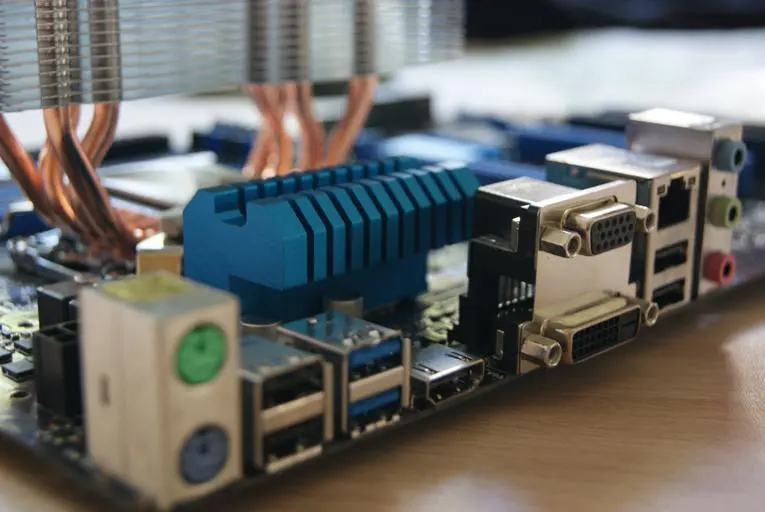
Since they share system RAM, overall system memory is reduced. They also lack the power needed for modern gaming and professional graphics work.
Main Limitations:
- Not suitable for high-end gaming
- Limited video editing performance
- Uses shared system RAM
- Lower performance than dedicated GPUs
- Weak for 3D rendering and design software
Uses of Motherboard Integrated Graphics
Motherboard integrated graphics are designed for basic computing tasks and everyday usage.
They are commonly used in office environments, student systems, and business laptops where performance demands are low.
Common Uses:
- MS Office applications (Word, Excel, PowerPoint)
- Web browsing and online research
- Video streaming (YouTube, Netflix)
- Online meetings and classes
- Basic photo editing
- System installation and troubleshooting
Integrated Graphics vs Dedicated Graphics
Integrated graphics and dedicated graphics cards serve different purposes.
Integrated graphics are built into the CPU or motherboard and use shared RAM. They are budget-friendly and energy-efficient but offer limited performance.
Dedicated graphics cards, on the other hand, come with their own VRAM and deliver much higher performance, making them ideal for gaming, video editing, and 3D rendering.
How to Enable Motherboard Integrated Graphics
Sometimes motherboard integrated graphics must be enabled manually from BIOS settings, especially if a dedicated GPU was previously installed.
To enable it, users must enter the BIOS during startup, locate the Integrated Graphics (iGPU) option, enable it, and save the settings. After restarting, the system will automatically use built-in graphics.
Common Problems with Motherboard Integrated Graphics
Users may experience several issues related to motherboard integrated graphics, especially after hardware changes or BIOS updates.
Common problems include no display output, low resolution, or system failure to detect integrated graphics.
These issues are usually caused by incorrect BIOS settings, missing drivers, or faulty cable connections.
Common Issues:
- No display signal
- Low screen resolution
- Missing graphics drivers
- BIOS GPU priority conflict
- Disabled integrated graphics
How to Fix Motherboard Integrated Graphics Issues
Fixing motherboard integrated graphics issues usually involves basic troubleshooting steps.
Updating graphics drivers is one of the most effective solutions, as it ensures system compatibility.
Checking BIOS settings is also important to make sure integrated graphics are enabled. Using the correct HDMI or VGA cable can also resolve display issues.
In some cases, increasing allocated RAM for graphics can slightly improve performance.
Performance of Motherboard Integrated Graphics
The performance of motherboard integrated graphics depends on the CPU generation and RAM speed.
Modern systems like Intel Iris Xe and AMD Vega graphics can handle HD video playback and light gaming smoothly. However, they struggle with demanding tasks such as AAA games, 3D modeling, and professional video editing.
Future of Motherboard Integrated Graphics
The future of motherboard integrated graphics is becoming more advanced with new CPU technologies.
Manufacturers are improving performance, efficiency, and AI-based rendering capabilities. Future integrated graphics are expected to support higher resolutions, better gaming performance, and more efficient video processing.
Tips to Improve Integrated Graphics Performance
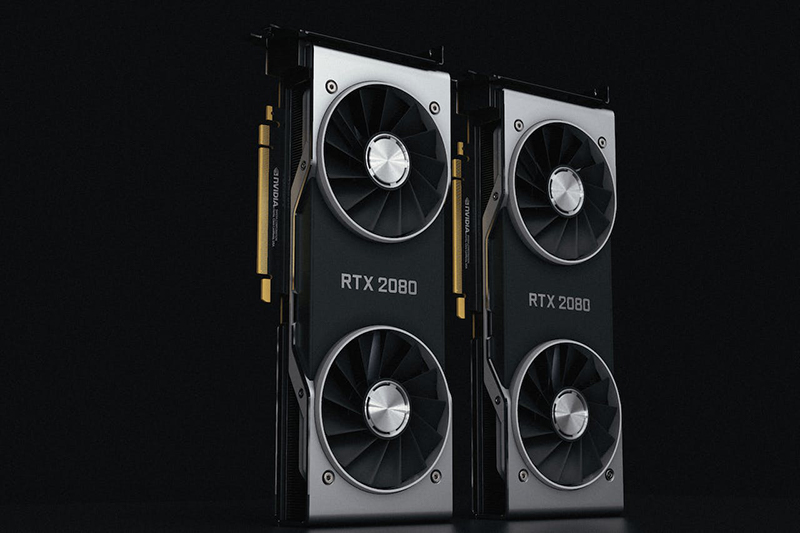
Optimization Tips:
- Use dual-channel RAM
- Keep graphics drivers updated
- Increase RAM frequency
- Close background applications
- Enable performance mode in BIOS
Common Mistakes Users Make
Many users unintentionally reduce performance by making simple mistakes.
- Using single-channel RAM
- Not updating drivers
- Disabling iGPU in BIOS
- Ignoring system updates
- Using slow RAM modules
Frequently Asked Questions
1.What is motherboard integrated graphics?
Motherboard integrated graphics is a built-in GPU system inside the CPU or chipset that provides display output without a dedicated graphics card.
2.Is integrated graphics good for gaming?
Integrated graphics are only suitable for light gaming, not for modern AAA games or professional gaming setups.
3.Can integrated graphics be upgraded?
No, motherboard integrated graphics cannot be upgraded. However, a dedicated GPU can be installed for better performance.
4.Does integrated graphics use RAM?
Yes, it uses system RAM as shared memory, which reduces available memory for other tasks.
5.Why is integrated graphics not working on my PC?
It may be disabled in BIOS, drivers may be missing, or display cable may be incorrectly connected causing no output.
Conclusion
Motherboard integrated graphics offer a cost-effective and energy-efficient solution for everyday computing tasks. They are ideal for office work, browsing, and media playback, but not suitable for heavy gaming or professional editing. With proper BIOS settings, updated drivers, and optimized RAM configuration, integrated graphics can deliver stable, reliable, and smooth performance for general users.