Motherboard vs Processor- Understanding the Key Differences and How They Work Together
When building or upgrading a computer, two components often create confusion among beginners and even some experienced users: the motherboard and the processor. While both are essential parts of a computer system, they perform completely different functions.
Understanding the difference between a motherboard and a processor can help you make better purchasing decisions, improve system performance, and ensure compatibility when upgrading your PC.
In this guide, we’ll explain what a motherboard is, what a processor does, how they work together, and which component has the biggest impact on your computer’s performance.
Learn the difference between a motherboard and processor, how they work together, their functions, and which component matters most for your PC performance.
- What Is a Motherboard?
- What Is a Processor?
- Motherboard vs Processor: Key Differences
- How the Motherboard and Processor Work Together
- Why Compatibility Matters
- Which Component Is More Important?
- Motherboard vs Processor for Gaming
- Motherboard vs Processor for Content Creation
- Signs You Should Upgrade Your Processor
- Signs You Should Upgrade Your Motherboard
- Common Misconceptions About Motherboards and Processors
- Tips for Choosing the Right Motherboard and Processor
- FAQ’s
- Final Thoughts
- Related post
What Is a Motherboard?
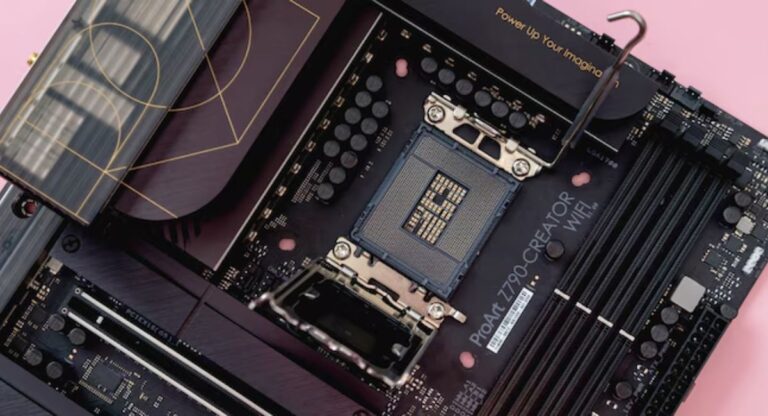
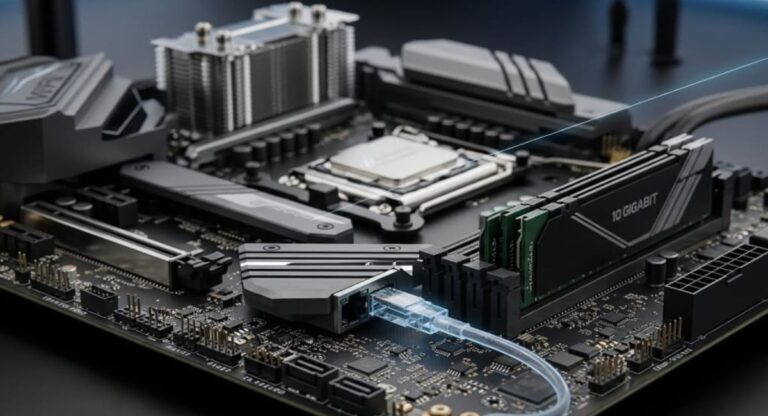
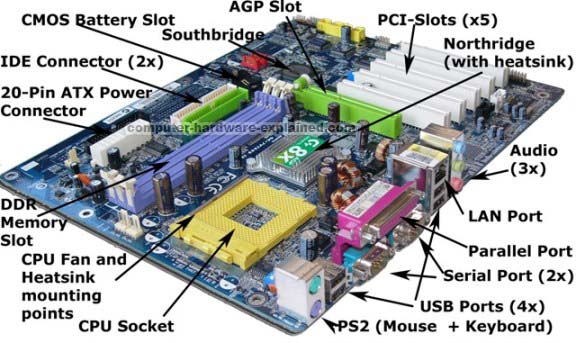
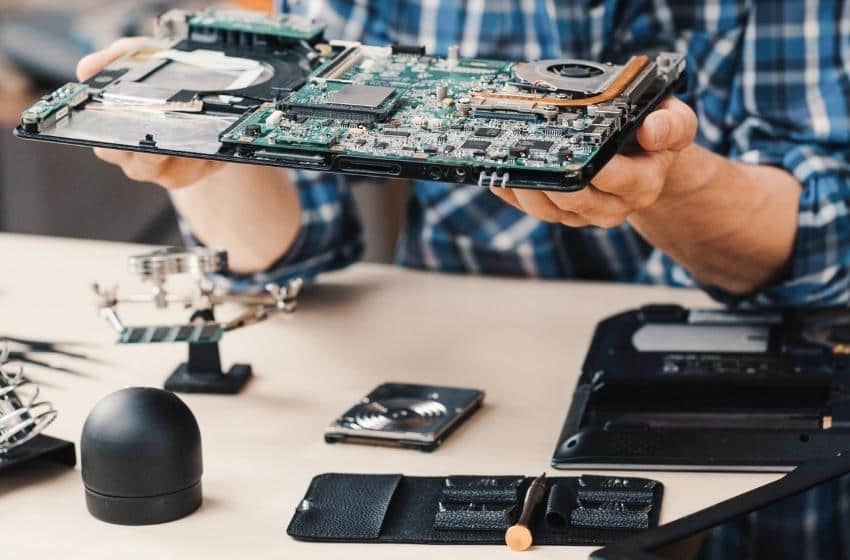
A motherboard is the main circuit board of a computer. It acts as the central platform that connects all hardware components and allows them to communicate with each other.
Every major component in your computer is either directly connected to or communicates through the motherboard. This includes:
- Processor (CPU)
- RAM
- Graphics card (GPU)
- Storage drives (SSD and HDD)
- Power supply
- Cooling systems
- Expansion cards
- USB devices and peripherals
Without a motherboard, individual computer components would not be able to work together as a complete system.
Main Functions of a Motherboard
The motherboard performs several critical tasks:
Connects Hardware Components
It provides physical connections and communication pathways for all computer parts.
Distributes Power
The motherboard delivers power from the power supply unit to connected components.
Enables Data Transfer
Data moves between the CPU, memory, storage devices, and peripherals through motherboard circuits.
Supports Expansion
Modern motherboards include slots and ports for adding graphics cards, storage devices, networking cards, and other hardware.
What Is a Processor?
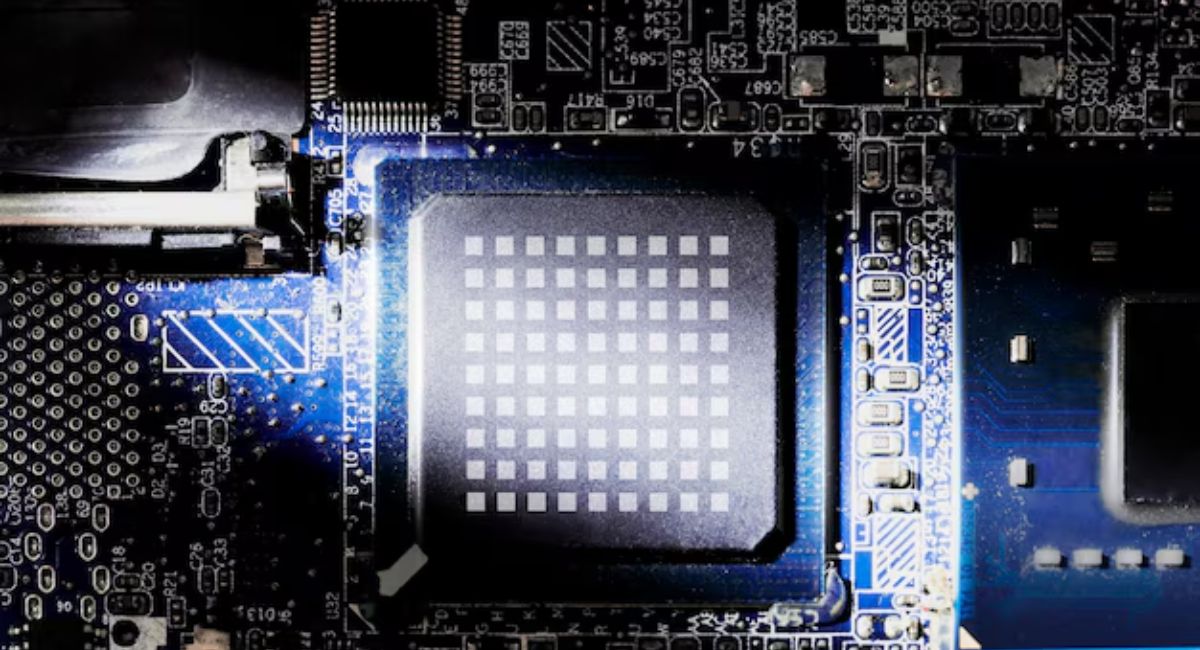
A processor, also known as a CPU (Central Processing Unit), is the brain of the computer. It performs calculations, executes instructions, and processes data required to run software and operating systems.
Every action you perform on your computer relies on the processor.
Whether you are:
- Browsing the internet
- Playing games
- Editing videos
- Running applications
- Writing documents
The processor handles the instructions needed to complete those tasks.
Main Functions of a Processor
The CPU is responsible for:
Executing Instructions
It processes commands from programs and the operating system.
Performing Calculations
The processor handles mathematical and logical operations at extremely high speeds.
Managing System Operations
It coordinates activities between software and hardware components.
Improving Overall Performance
A faster processor typically results in quicker application loading, smoother multitasking, and better responsiveness.
Motherboard vs Processor: Key Differences
Although the motherboard and processor work closely together, they serve entirely different purposes.
| Feature | Motherboard | Processor |
| Purpose | Connects and supports hardware | Executes instructions and processes data |
| Role | Communication hub | Computer’s brain |
| Performance Impact | Influences compatibility and expansion | Directly affects speed and processing power |
| Physical Size | Large circuit board | Small chip mounted on motherboard |
| Upgrade Frequency | Less frequent | More frequent |
| Cost Range | Moderate to high | Moderate to very high |
The motherboard provides the foundation, while the processor performs the actual computing work.
How the Motherboard and Processor Work Together
The motherboard and processor are designed to function as a team.
When you launch a program:
- The software sends instructions.
- The processor receives and executes those instructions.
- The motherboard routes data between the CPU, RAM, storage, and other components.
- Results are displayed on your screen.
Without the motherboard, the processor cannot communicate with other hardware. Without the processor, the motherboard has no intelligence to process instructions.
This partnership makes the entire computer system functional.
Why Compatibility Matters
One of the most important considerations when choosing a motherboard and processor is compatibility.
Not every processor works with every motherboard.
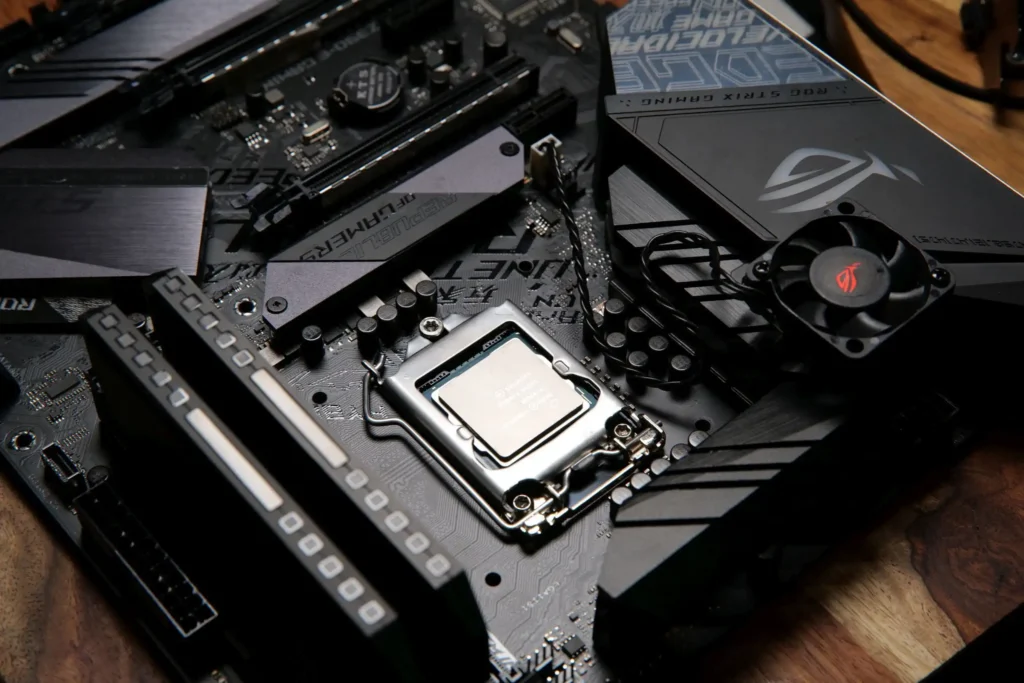
CPU Socket Compatibility
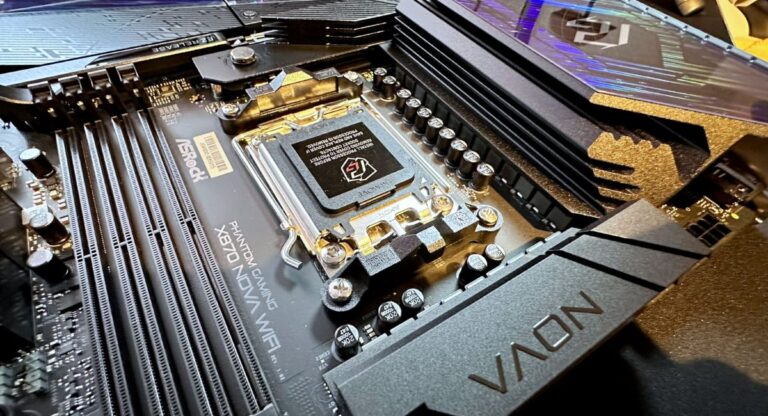
Processors fit into specific motherboard sockets.
Examples include:
- Intel LGA 1700
- Intel LGA 1851
- AMD AM4
- AMD AM5
If the motherboard socket doesn’t match the processor, installation will not be possible.
Chipset Compatibility
The motherboard chipset determines which processor features are supported.
Higher-end chipsets generally offer:
- Better overclocking support
- More PCIe lanes
- Additional USB ports
- Enhanced connectivity
BIOS Support
Sometimes a motherboard may require a BIOS update before supporting a newer processor generation.
Always check manufacturer compatibility lists before purchasing components.
Which Component Is More Important?
Many users ask whether the motherboard or processor is more important.
The answer depends on your goals.
For Performance
The processor has a greater impact on overall system speed.
A powerful CPU can:
- Run demanding software efficiently
- Improve gaming performance
- Handle multitasking better
- Speed up content creation workflows
For System Features
The motherboard determines:
- Upgrade options
- Connectivity features
- Memory support
- Expansion capabilities
A good motherboard ensures your system remains flexible for future upgrades.
The Best Approach
Rather than prioritizing one component over the other, focus on balance.
A high-end processor paired with a low-quality motherboard may limit performance and upgrade potential.
Likewise, an expensive motherboard cannot compensate for a weak processor.
Motherboard vs Processor for Gaming
Gaming performance depends on multiple components, but the processor plays a major role.
How the Processor Affects Gaming
The CPU handles:
- Game physics
- AI calculations
- Background processes
- Frame generation support
Modern games benefit from processors with multiple cores and high clock speeds.
How the Motherboard Affects Gaming
The motherboard contributes by supporting:
- Faster RAM
- Advanced cooling
- PCIe 4.0 and PCIe 5.0 technology
- Graphics card compatibility
While it doesn’t directly increase FPS, a quality motherboard helps maximize the performance of your gaming hardware.
Motherboard vs Processor for Content Creation
Content creators often use demanding software that requires both strong processing power and reliable system infrastructure.
Processor Benefits for Creators
Tasks such as:
- Video editing
- 3D rendering
- Animation
- Streaming
Depend heavily on CPU performance.
Motherboard Benefits for Creators
A premium motherboard offers:
- Multiple storage options
- High-speed data transfer
- More RAM support
- Better connectivity for external devices
For professional workloads, investing in both components is essential.
Signs You Should Upgrade Your Processor
You may need a CPU upgrade if you notice:
- Slow application performance
- High CPU usage
- Long rendering times
- Frequent system lag
- Poor multitasking capability
A newer processor can significantly improve responsiveness and productivity.
Signs You Should Upgrade Your Motherboard
A motherboard upgrade may be necessary when:
- You need support for a newer processor
- Additional RAM slots are required
- More storage connections are needed
- Modern connectivity features are missing
- Existing hardware is no longer compatible
Often, motherboard upgrades occur alongside CPU upgrades.
Common Misconceptions About Motherboards and Processors
A Better Motherboard Makes the PC Faster
Not directly.
A motherboard improves features and stability but doesn’t dramatically increase processing speed.
The Processor Works Without a Motherboard
The CPU requires a compatible motherboard to function.
Neither component can operate independently in a standard PC setup.
Expensive Motherboards Are Always Necessary
Most users don’t need premium motherboards.
Choose one that supports your processor and provides the features you actually need.
Tips for Choosing the Right Motherboard and Processor
When building a computer:
Define Your Purpose
Determine whether the PC is for:
- Gaming
- Office work
- Content creation
- Programming
- General use
Set a Budget
Balance spending between the CPU, motherboard, RAM, and GPU.
Check Compatibility
Verify:
- Socket type
- Chipset support
- RAM compatibility
- Expansion requirements
Plan for Future Upgrades
Choose a motherboard that supports future processor generations whenever possible.
FAQ’s
1. What is the main difference between motherboard and processor?
The motherboard connects all components, while the processor (CPU) performs all calculations and processing tasks.
2. Which is more important: motherboard or processor?
Both are important, but the processor has a bigger impact on overall computer performance.
3. Can a computer work without a motherboard?
No, the motherboard is required for all components, including the CPU, to function together.
4. Does a better motherboard increase speed?
Not directly. A motherboard improves compatibility and features, but speed mainly depends on the processor.
5. How do I know if my CPU and motherboard are compatible?
Check the CPU socket type, chipset support, and manufacturer compatibility list before buying.
Final Thoughts
The comparison between motherboard vs processor is not about choosing one over the other but understanding how both work together. The motherboard connects and powers all components, while the processor (CPU) executes instructions and handles calculations. A balanced combination of a suitable processor and compatible motherboard ensures better performance, reliability, and a long-lasting, efficient PC build.