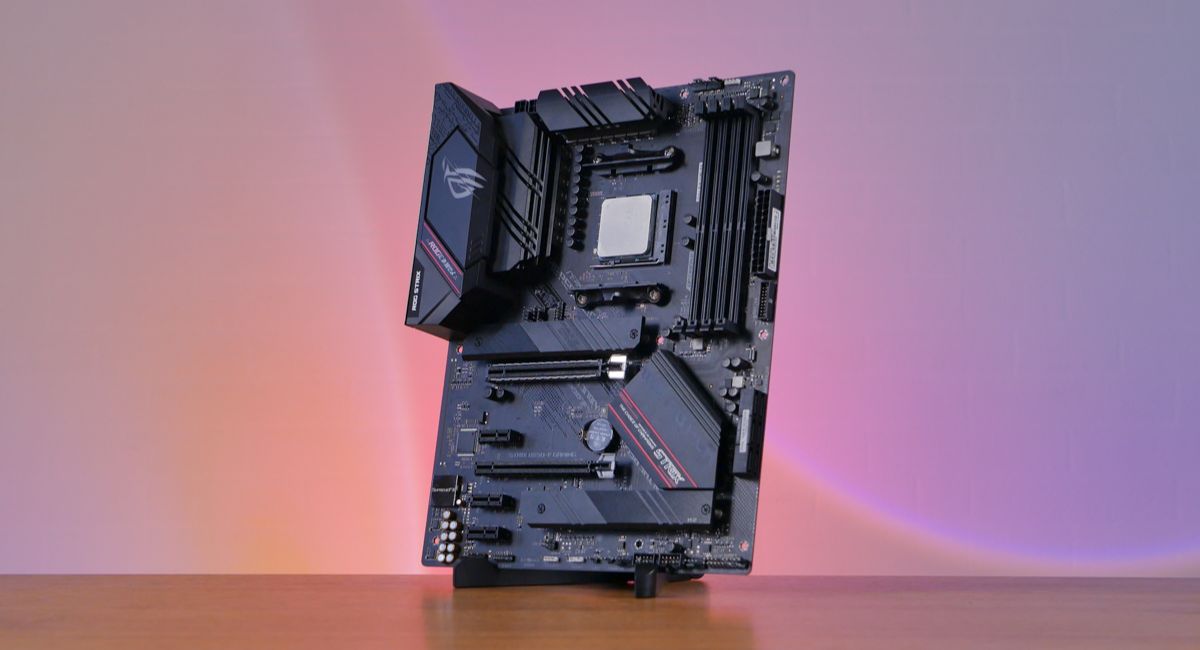
Good LGA 1150 Motherboard Guide for Performance and Upgrades
Choosing a good LGA 1150 motherboard is still a practical option for users who want a stable and budget-friendly PC build. Even though this platform is older, it continues to deliver reliable performance, decent compatibility, and strong value for everyday computing tasks. Many users still rely on it for office work, study, browsing, and light gaming because it supports essential hardware without requiring expensive upgrades. With the right motherboard, you can improve system efficiency, stability, and overall usability while keeping costs low.
A good 1150 motherboard guide for Intel systems, covering compatibility, performance, and upgrade tips to build a stable and efficient PC easily.
- What Is an LGA 1150 Motherboard?
- Why a Good LGA 1150 Motherboard Still Matters
- Processor Compatibility and Performance
- Chipsets and Their Importance
- Memory and Storage Support
- Design, Form Factor, and Build Quality
- Connectivity and Expansion Options
- Performance in Real Usage
- Installation Considerations
- Common Mistakes to Avoid
- Upgrade Potential
- Power Efficiency and Cooling
- Who Should Use a Good LGA 1150 Motherboard
- FAQ’s
- Conclusion
- Related post
What Is an LGA 1150 Motherboard?
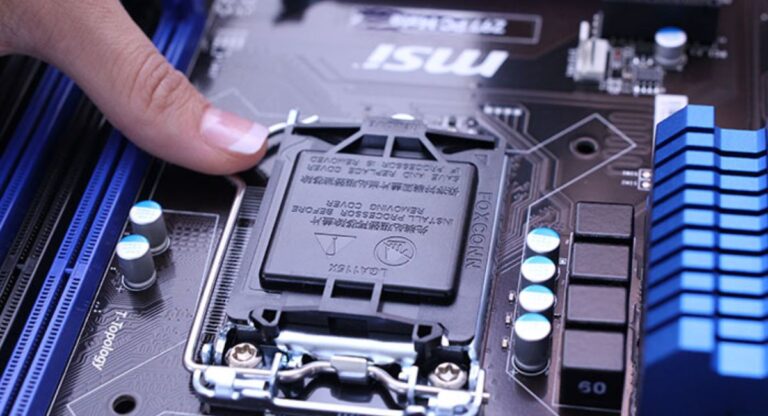
An LGA 1150 motherboard is designed for Intel processors that use the LGA 1150 socket, also known as Socket H3.
It supports 4th and 5th generation Intel Core processors such as Core i3, i5, and i7. This platform was widely used because it offered a strong balance between price and performance, making it popular for home and office PCs.
Why a Good LGA 1150 Motherboard Still Matters
A good LGA 1150 motherboard ensures stable system operation and helps prevent common hardware issues such as crashes, overheating, or boot failures.
A quality board improves power delivery, enhances hardware compatibility, and increases overall system lifespan by keeping all components running in a balanced and efficient way.
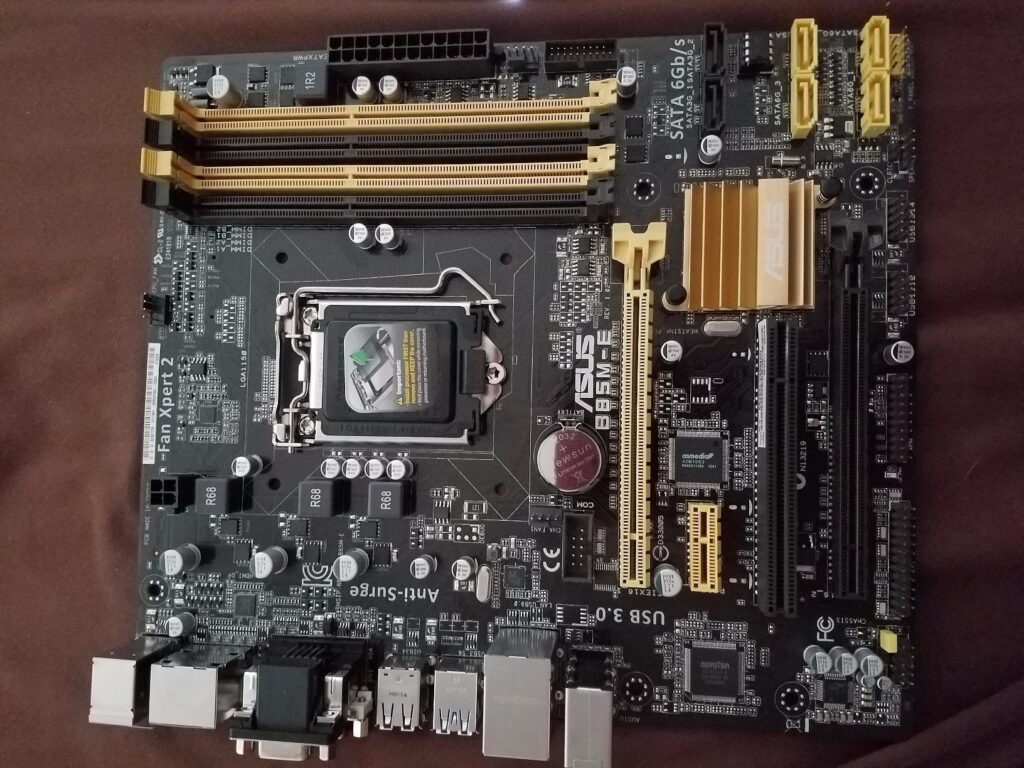
It is still useful today for users who do not want to spend heavily on a new system but still need a reliable computer for daily tasks like browsing, office work, and light usage.
Processor Compatibility and Performance
LGA 1150 motherboards support a wide range of Intel processors including Core i7, i5, i3, as well as Pentium and Celeron models.
This flexibility allows users to build systems according to their budget and performance needs.
However, the overall system performance depends greatly on the processor you choose along with the quality of the motherboard and other components.
Higher-end processors like Core i7 models can still deliver strong performance even today, especially for multitasking, office applications, web browsing, and light creative work such as photo editing or basic video editing.
When paired with a good LGA 1150 motherboard, these processors provide stable performance, smooth operation, and better efficiency for everyday computing tasks.
Chipsets and Their Importance
Different chipsets provide different levels of features and performance.
H81 is a basic chipset suitable for simple tasks and budget builds.
B85 offers better stability and is commonly used in office systems.
H97 provides balanced performance with improved storage support.
Z97 is the most advanced chipset, offering better features and overclocking support.
Choosing the right chipset ensures better performance and usability.
Memory and Storage Support
A good LGA 1150 motherboard supports DDR3 RAM, usually up to 32GB or 64GB depending on the model. More RAM improves multitasking and system responsiveness.
For storage, SATA III ports are commonly used for HDDs and SSDs. Some higher-end boards also support M.2 SSDs, which significantly improve boot speed and performance.
Design, Form Factor, and Build Quality
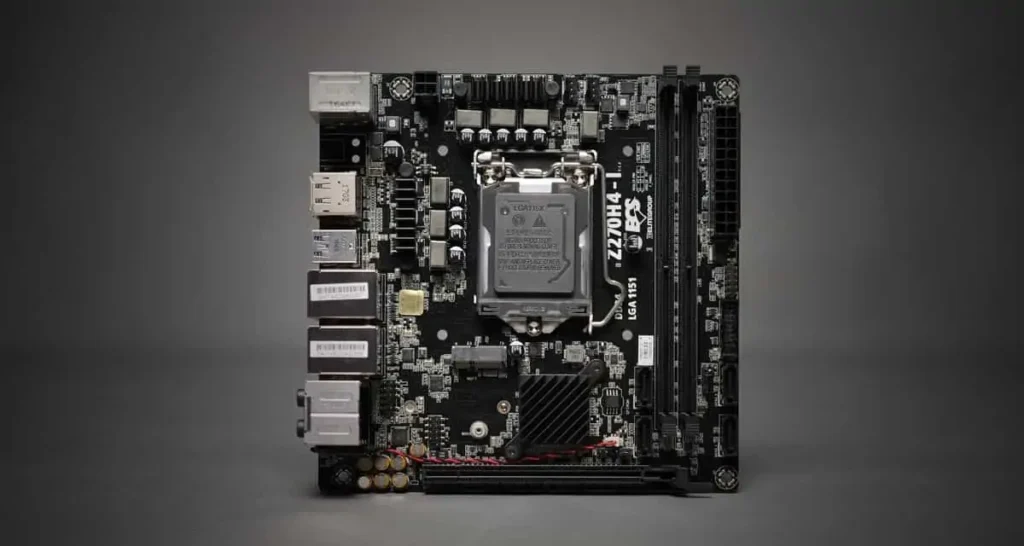
LGA 1150 motherboards come in different sizes such as ATX, Micro-ATX, and Mini-ITX. ATX boards offer the most expansion options, while Micro-ATX boards provide a balance between size and features. Mini-ITX boards are compact but have limited expansion.
Build quality is also important because durable components ensure long-term reliability and stable performance.
Connectivity and Expansion Options
These motherboards typically include USB 3.0 ports, Ethernet connectivity, and audio outputs. Some models also offer HDMI or VGA display outputs.
Expansion slots like PCIe allow users to install graphics cards or other hardware upgrades, making the system more flexible.
Performance in Real Usage
A good LGA 1150 motherboard performs well in everyday tasks such as browsing, office applications, video playback, and light gaming.
When paired with an SSD and sufficient RAM, the system becomes much faster and more responsive.

Although it is not designed for modern heavy workloads, it still provides stable performance for basic and moderate usage.
Installation Considerations
Installing an LGA 1150 motherboard requires careful handling. Proper CPU alignment, correct RAM installation, and secure cable connections are essential.
Good airflow and proper thermal paste application also help maintain system stability and prevent overheating issues.
Common Mistakes to Avoid
Many users face issues due to incorrect component matching. Using incompatible CPU or RAM can prevent the system from booting.
Choosing a low-quality motherboard or skipping BIOS updates can also lead to performance problems and instability.
Upgrade Potential
Even though LGA 1150 is an older platform, it still allows useful upgrades. Users can increase RAM, switch to SSD storage, or upgrade to a higher-end processor within the supported generation.
Adding a dedicated graphics card can also improve performance for gaming and multimedia tasks.
Power Efficiency and Cooling
LGA 1150 motherboards are generally energy-efficient and do not require high-end power supplies. However, proper cooling is still important to maintain performance and prevent overheating.
Good airflow inside the case ensures long-term system stability.
Who Should Use a Good LGA 1150 Motherboard
This platform is suitable for users who want a budget-friendly system for daily tasks. It is ideal for students, office workers, and users upgrading older PCs.
It provides enough performance for basic computing without requiring expensive hardware upgrades.
FAQ’s
1. Is a good LGA 1150 motherboard still worth buying in 2026?
Yes, it is still worth buying for basic tasks like office work, browsing, and light gaming. It is a budget-friendly option for older systems.
2. Which processor works best with LGA 1150 motherboard?
The best processors are Intel Core i7 4th and 5th generation CPUs, as they offer the highest performance on this platform.
3. Can I use DDR4 RAM on LGA 1150 motherboard?
No, LGA 1150 motherboards only support DDR3 RAM, so DDR4 is not compatible.
4. Is LGA 1150 good for gaming?
It can handle light to moderate gaming when paired with a good graphics card, but it is not suitable for modern high-end gaming.
5. What is the best chipset for LGA 1150?
The Z97 chipset is considered the best because it offers better performance, features, and overclocking support.
Conclusion
A good LGA 1150 motherboard is still a reliable and cost-effective choice for users who need stable performance for everyday tasks. While it may not support the latest technologies, it offers strong compatibility, decent performance, and useful upgrade options. By selecting the right motherboard, users can build a stable and efficient system that continues to perform well for years.