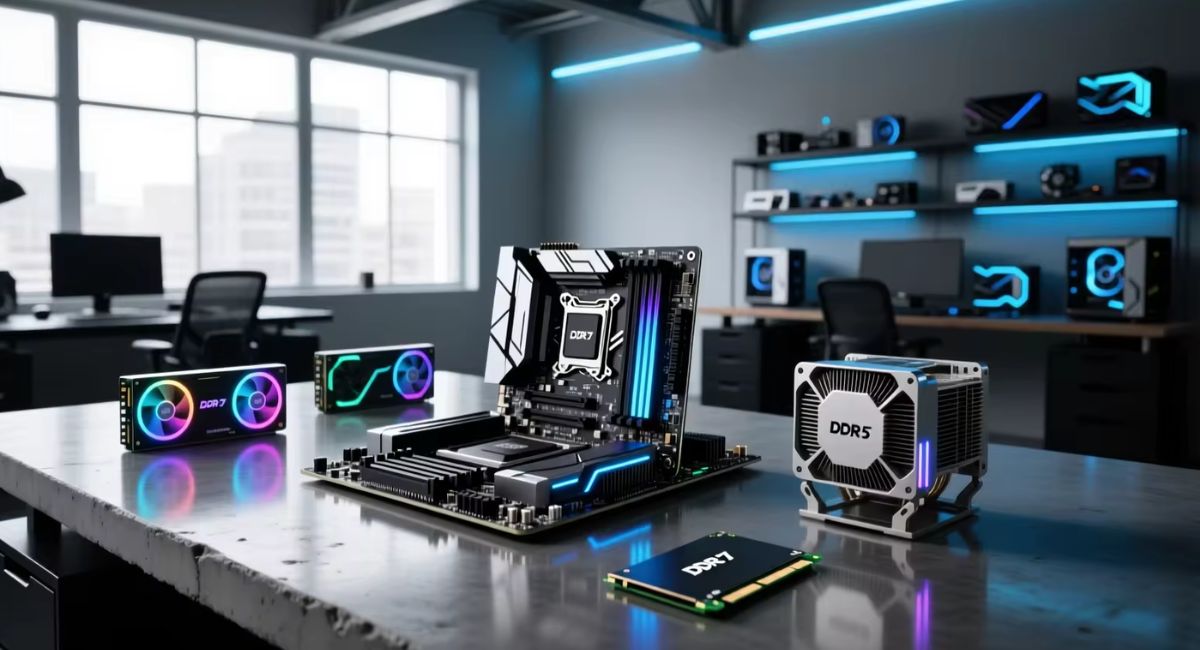
DDR5 Motherboard Guide- Features, Benefits, and How to Choose the Best One
DDR5 motherboards have become the standard choice for modern PC builders looking for faster performance, better efficiency, and stronger upgrade potential. Whether you are building a gaming PC, content creation workstation, or productivity system, the right DDR5 motherboard can greatly improve overall performance. As newer processors increasingly supportDDR5, many users are upgrading from DDR4 to benefit from higher speeds, increased bandwidth, and advanced features. However, choosing the right motherboard can be difficult due to the variety of chipsets and form factors available.
This guide explains everything you need to know about DDR5 motherboards, including their benefits, key features, compatibility considerations, and how to choose the best model for your needs.
Learn how to choose the best DDR5 motherboard. Compare features, chipsets, PCIe 5.0 support, RAM compatibility, and buying tips.
- What Is a DDR5 Motherboard?
- Why DDR5 Motherboards Are Becoming the New Standard
- DDR5 vs DDR4 Motherboards
- Key Features to Look for in a DDR5 Motherboard
- Best DDR5 Motherboard Form Factors
- How to Choose the Best DDR5 Motherboard
- Common Mistakes to Avoid When Buying a DDR5 Motherboard
- Are DDR5 Motherboards Worth It?
- Frequently Asked Questions
- Final Thoughts
- Related post
What Is a DDR5 Motherboard?
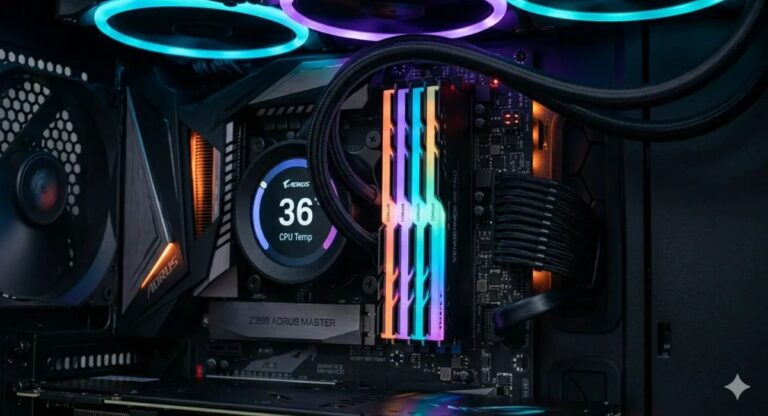
A DDR5 motherboard is a motherboard designed to support DDR5 memory modules. DDR5 is the latest generation of RAM technology, offering substantial improvements over DDR4 in terms of speed, bandwidth, power efficiency, and capacity.
Unlike previous memory transitions, DDR5 introduces several architectural improvements that help modern processors handle demanding workloads more efficiently.
These enhancements make DDR5 motherboards ideal for gaming, multitasking, video editing, 3D rendering, software development, and AI-related applications.
Modern Intel and AMD platforms now offer widespread DDR5 support, making it the preferred option for new PC builds.
Why DDR5 Motherboards Are Becoming the New Standard
The shift toward DDR5 is driven by increasing performance demands from modern software and hardware.
New games, creative applications, and productivity tools require faster memory access and higher system responsiveness.
Higher Memory Speeds
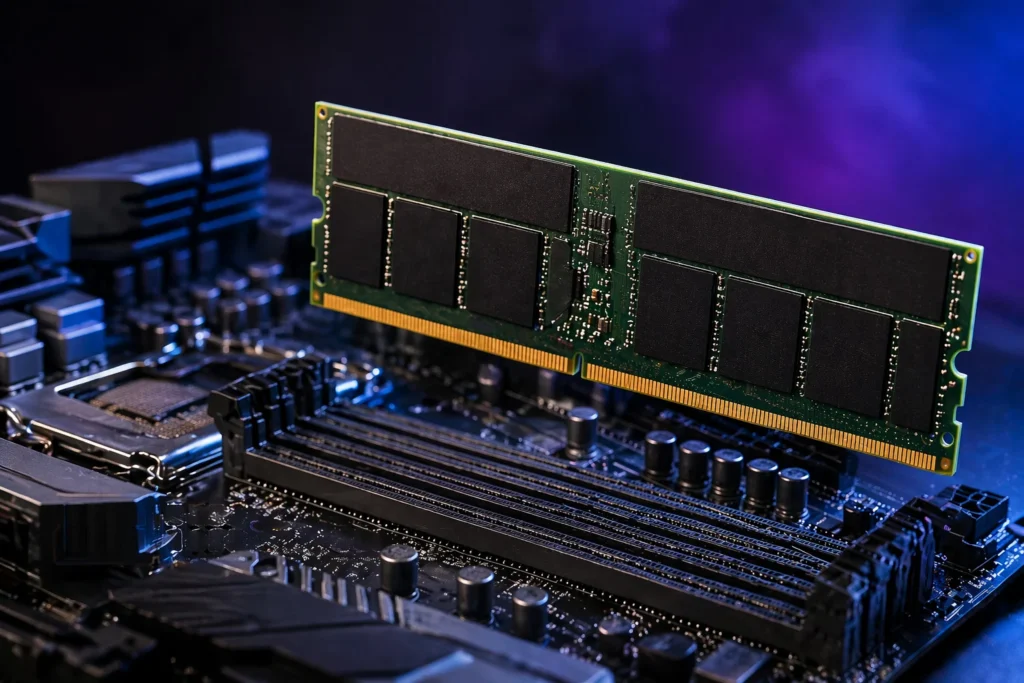
One of the biggest advantages of DDR5 memory is its significantly higher operating speeds. DDR5 memory starts where DDR4 performance typically ends, providing greater bandwidth for data transfer between memory and the processor.
This improvement helps reduce bottlenecks in gaming, content creation, and multitasking scenarios.
Improved Power Efficiency
DDR5 memory operates at lower voltage levels than DDR4. Lower power consumption generates less heat and improves system efficiency, especially during extended workloads.
For users who run their PCs for long hours, this can contribute to better thermal performance and stability.
Increased Memory Capacity
DDR5 supports larger memory capacities per module. This allows users to install more RAM without occupying every memory slot on the motherboard.
Higher capacities benefit professional workloads such as:
- Video editing
- Virtual machines
- Data analysis
- Software development
- 3D rendering
- AI workloads
Better Future-Proofing
Investing in a DDR5 motherboard today helps prepare your system for future hardware upgrades.
Since upcoming processors and memory technologies will continue to focus on DDR5, users can enjoy longer platform longevity.
DDR5 vs DDR4 Motherboards
Many users wonder whether upgrading to a DDR5 motherboard is worth the investment.
Performance Comparison
DDR5 generally offers:
- Faster memory speeds
- Greater bandwidth
- Improved multitasking
- Better support for modern processors
- Enhanced performance in memory-intensive workloads
While casual users may notice only modest gains in everyday tasks, gamers, creators, and professionals often benefit from the additional performance.
Upgrade Potential
DDR4 platforms are gradually reaching the end of their lifecycle. DDR5 platforms offer stronger long-term upgrade paths, making them a more practical choice for new PC builds.
Pricing Considerations
DDR5 memory and motherboards were initially expensive, but prices have become significantly more affordable.
Today, many DDR5 motherboard options are available across entry-level, mid-range, and enthusiast segments.
Key Features to Look for in a DDR5 Motherboard
Not all DDR5 motherboards are created equal. Understanding the most important features can help you make an informed purchasing decision.
Chipset Selection
The chipset determines the motherboard’s features, expansion options, and compatibility.
Intel DDR5 Chipsets
Popular Intel DDR5 chipsets include:
- B760
- Z790
- B860
- Z890
Budget users often choose B-series boards, while enthusiasts typically prefer Z-series motherboards for overclocking and advanced features.
AMD DDR5 Chipsets
Popular AMD DDR5 chipsets include:
- B650
- B650E
- X670
- X670E
- X870
- X870E
AMD’s X-series chipsets generally offer more PCIe lanes, connectivity options, and premium features.
Memory Capacity and Speed Support
Always check:
- Maximum RAM capacity
- Supported DDR5 speeds
- Memory overclocking support
- Number of DIMM slots
Higher memory speeds can improve system responsiveness and gaming performance in certain scenarios.
PCIe 5.0 Support
PCIe 5.0 is one of the most important features available on modern DDR5 motherboards.
Benefits include:
- Faster SSD performance
- Improved GPU compatibility
- Better future expansion capabilities
While not every user requires PCIe 5.0 immediately, it provides valuable future-proofing.
M.2 SSD Slots
Storage expansion is critical for modern systems.
Look for motherboards that offer:
- Multiple M.2 slots
- PCIe Gen 4 SSD support
- PCIe Gen 5 SSD compatibility
- Integrated heatsinks
Additional M.2 slots allow easier upgrades without sacrificing performance.
USB Connectivity
Modern users connect multiple devices to their systems.
Useful connectivity options include:
- USB-C ports
- USB 3.2 Gen 2
- USB 3.2 Gen 2×2
- Front-panel USB-C support
More USB connectivity improves flexibility and convenience.
Networking Features
Reliable networking is essential for gaming and productivity.
Look for:
- 2.5Gb Ethernet
- Wi-Fi 6E
- Wi-Fi 7
- Bluetooth support
These features help ensure fast and stable connectivity.
Best DDR5 Motherboard Form Factors
Choosing the correct form factor affects your build size, cooling options, and upgrade flexibility.
ATX DDR5 Motherboards
ATX remains the most popular motherboard size.
Benefits include:
- More expansion slots
- Better cooling support
- Additional M.2 slots
- Enhanced connectivity
ATX boards are ideal for gaming and high-performance builds.
Micro-ATX DDR5 Motherboards
Micro-ATX offers a balance between size and functionality.
Advantages include:
- Smaller footprint
- Lower cost
- Adequate expansion options
These boards work well for mainstream users and budget-conscious builders.
Mini-ITX DDR5 Motherboards
Mini-ITX boards are designed for compact PC builds.
Benefits include:
- Small form factor
- Portable systems
- Space-saving design
They are excellent for users building compact gaming or productivity systems.
How to Choose the Best DDR5 Motherboard
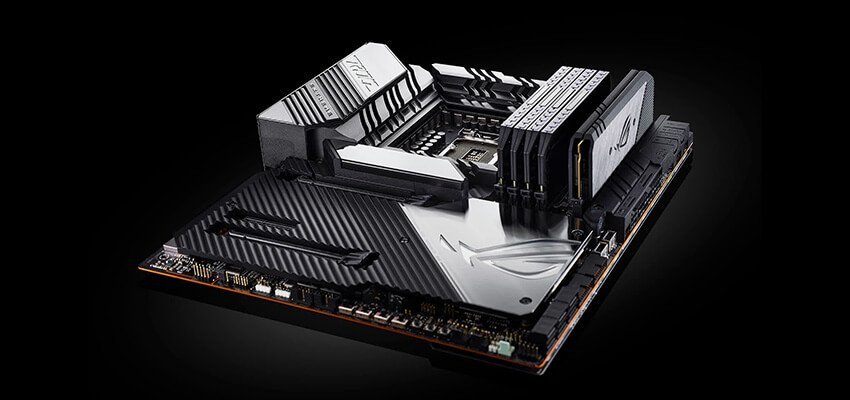
Selecting the right motherboard depends on your specific needs and budget.
For Gaming
Gamers should prioritize:
- PCIe 5.0 support
- High-speed DDR5 compatibility
- Strong VRM design
- Efficient cooling
- Fast networking features
A quality gaming motherboard helps ensure stable performance during demanding gaming sessions.
For Content Creation
Content creators benefit from:
- Multiple M.2 slots
- Large RAM capacity
- High-speed USB connectivity
- Strong power delivery systems
These features improve workflow efficiency and reduce project processing times.
For Professional Workstations
Professional users should consider:
- Reliability
- Expandability
- High RAM support
- Advanced networking
- Multiple storage options
A workstation-focused motherboard supports demanding workloads without compromising stability.
For Budget Builds
Budget builders should focus on essential features rather than premium extras.
Look for:
- Reliable power delivery
- DDR5 support
- Basic PCIe 5.0 readiness
- Sufficient USB ports
This approach maximizes value while maintaining future upgrade potential.
Common Mistakes to Avoid When Buying a DDR5 Motherboard
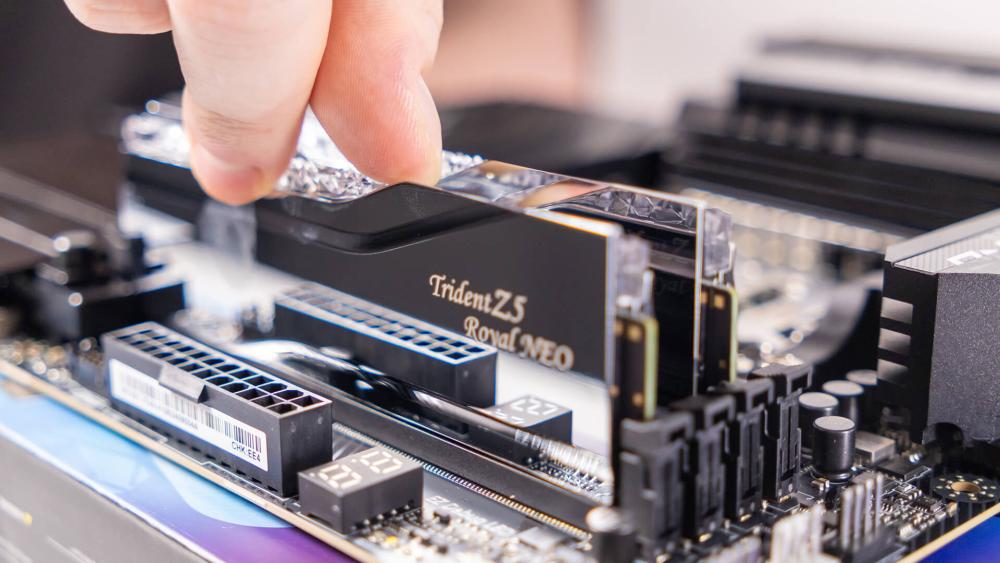
Many buyers make avoidable mistakes that can limit system performance or compatibility.
Ignoring CPU Compatibility
Always verify that the motherboard supports your chosen processor.
Intel and AMD platforms use different sockets and chipsets.
Buying Features You Will Never Use
Premium motherboards often include advanced features that many users do not need.
Choose a motherboard based on your actual requirements rather than marketing specifications.
Overlooking Storage Expansion
Insufficient M.2 slots can restrict future upgrades.
Always consider future storage needs before purchasing.
Not Checking Case Compatibility
Motherboard form factors must match your PC case.
Verify compatibility before purchasing components.
Ignoring VRM Quality
Power delivery affects system stability, especially when using high-performance processors.
A quality VRM design contributes to reliable long-term performance.
Are DDR5 Motherboards Worth It?
For most users building a new PC, the answer is yes.
DDR5 motherboards offer:
- Better future-proofing
- Improved memory performance
- Advanced connectivity
- PCIe 5.0 support
- Compatibility with modern processors
Although older DDR4 systems remain capable, DDR5 platforms provide a stronger foundation for future upgrades and emerging technologies.
Frequently Asked Questions
1.Is a DDR5 Motherboard Worth It?
Yes, a DDR5 motherboard is worth it for modern CPU upgrades, offering faster performance, improved efficiency, and better future-proofing.
2.Are There DDR5 Motherboards?
Yes, DDR5 motherboards are available and offer faster performance, better efficiency, and improved future-ready computing.
3.Does DDR5 need a special motherboard?
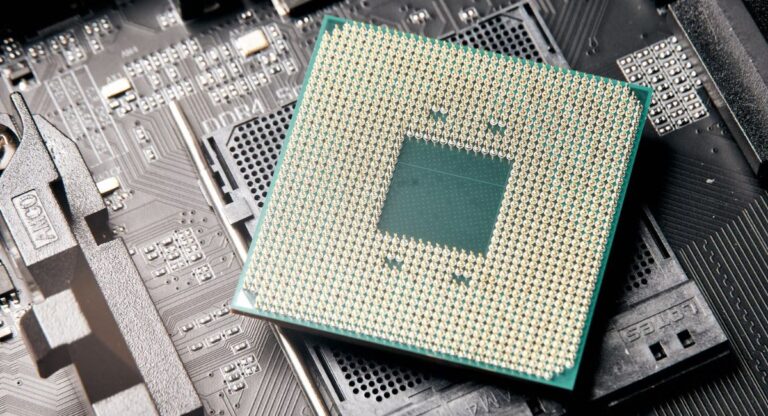
Yes, DDR5 RAM requires a new compatible motherboard (and often CPU) because it has a different pin layout and is not compatible with DDR4 slots.
4.Is 32GB DDR5 overkill for gaming?
No, 32GB DDR5 is not overkill for gaming as it is the current sweet spot for smooth performance, multitasking, and future-proofing.
5.Is 64 GB of DDR5 overkill?
64GB DDR5 is overkill for gaming and daily use but ideal for content creators, heavy multitasking, and professional workloads.
Final Thoughts
A DDR5 motherboard is more than just a component hub, as it defines your system’s performance, upgrade potential, and overall experience. Whether you’re building a gaming PC or workstation, the right choice ensures long-term reliability. Always consider your CPU, memory, storage, connectivity, and future upgrade needs to build a balanced, efficient, and future-ready system.