Best Server Motherboards – Performance and Reliability
Choosing the best server motherboard is essential for building a powerful, stable, and scalable system. It directly affects performance, uptime, and long-term efficiency. Whether you are managing databases, hosting websites, or running enterprise applications, the right motherboard ensures smooth operations. Server motherboards come with advanced features like multi-CPU support, ECC memory, and high storage capacity, making them perfect for demanding workloads and professional environments where reliability and performance are critical for success.
Best server motherboards for performance and reliability. Explore top features, benefits, and guide to choose the best server motherboards for your needs.
- What is a Server Motherboard?
- Types of Server Motherboards
- Key Features of the Best Server Motherboards
- Benefits of Using Server Motherboards
- Factors to Consider Before Buying
- Popular Server Motherboard Brands
- Performance Optimization Tips
- Common Use Cases
- Installation and Setup Tips
- Future Trends in Server Motherboards
- FAQ’s
- Conclusion
- Related post
What is a Server Motherboard?
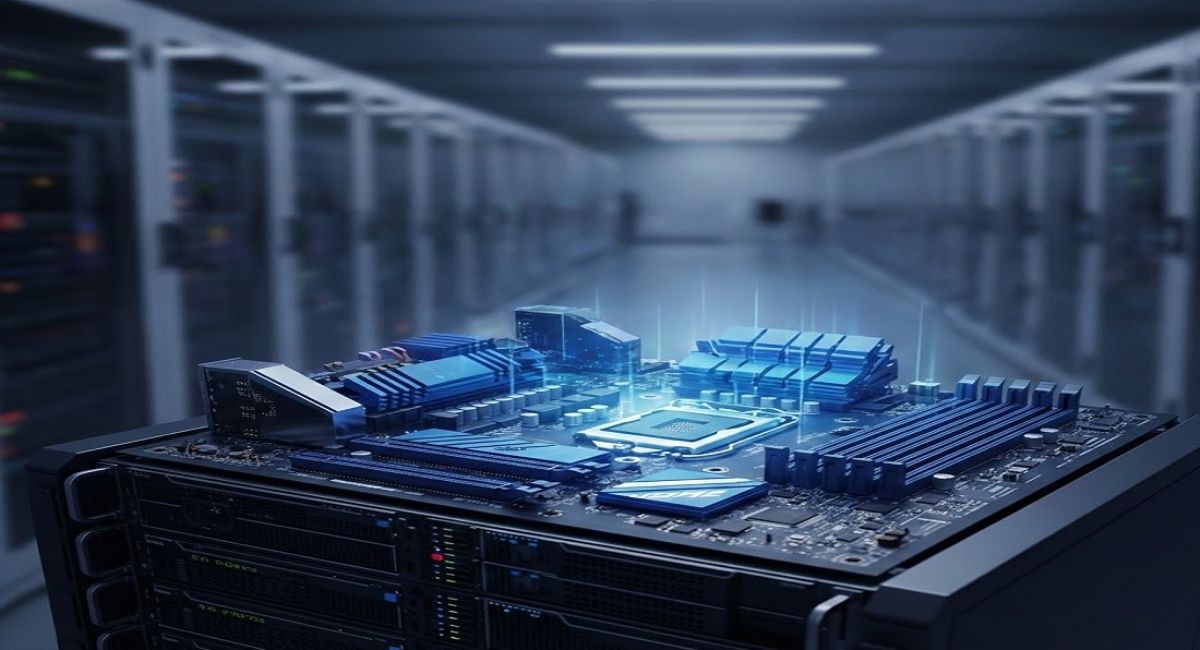
A server motherboard is a specialized circuit board designed for handling heavy workloads and continuous operations. Unlike desktop motherboards, it focuses on reliability, durability, and long-term usage.
These motherboards support enterprise-grade components such as ECC RAM, multiple processors, and large storage systems. They are commonly used in data centers, cloud computing platforms, and business-critical environments where downtime is not acceptable.
Types of Server Motherboards
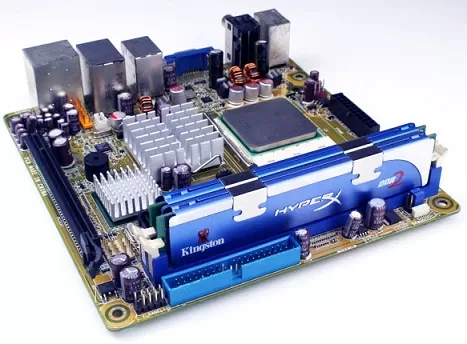
Single Processor Motherboards
Single processor server motherboards are suitable for small-scale tasks and basic operations. They provide a simple and efficient solution for businesses with limited workload requirements.
- Cost-effective solution
- Low power consumption
Dual Processor Motherboards
Dual processor motherboards support two CPUs, offering improved performance and multitasking capabilities. They are ideal for medium-sized businesses and growing infrastructures.
- Better multitasking
- Improved performance efficiency
Multi-Processor Motherboards
Multi-processor motherboards are designed for enterprise-level environments where maximum computing power is required. They can handle complex workloads with ease.
- High processing power
- Handles heavy workloads
Rackmount Server Motherboards
Rackmount server motherboards are designed to fit into server racks, allowing better organization and scalability in professional setups.
- Space-efficient design
- Easy scalability
Key Features of the Best Server Motherboards
Processor Compatibility
Server motherboards support powerful processors like Intel Xeon and AMD EPYC, which are optimized for high-performance computing and multitasking.
Memory Support
Memory plays a critical role in server performance. These motherboards support ECC memory, which ensures data accuracy and system stability during continuous operations.
Storage Options
Modern server motherboards provide flexible storage options, allowing businesses to manage large amounts of data efficiently. They support technologies like SATA, SAS, and NVMe for faster data access.
- RAID support for protection
- High-speed data transfer
Expansion Slots
Expansion slots allow users to upgrade and customize their systems according to future needs. This makes server motherboards highly flexible.
- Supports additional hardware
- Future upgrade options
Network Connectivity
Reliable network connectivity is essential for any server environment. Server motherboards come with advanced networking capabilities to ensure uninterrupted communication.
- Multiple Ethernet ports
- Stable and fast connectivity
Benefits of Using Server Motherboards
Server motherboards provide high reliability and are designed to run continuously without failure. They ensure better performance under pressure and reduce the chances of downtime.
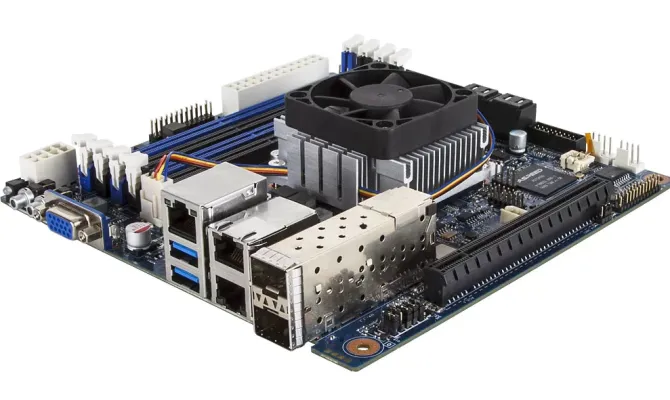
- Long-term durability
- Efficient workload handling
These motherboards also support scalability, allowing businesses to expand their infrastructure easily. Their advanced security features help protect sensitive data in professional environments.
Factors to Consider Before Buying
Workload Requirements
Understanding your workload is essential when selecting a server motherboard. Different tasks require different levels of performance and hardware capabilities.
Compatibility
Compatibility with CPU, RAM, and storage devices is critical for achieving optimal performance. A mismatch can result in inefficiency or system instability.
Budget
Budget is an important factor when choosing a motherboard. It is essential to find a balance between cost and performance to ensure a good return on investment.
- Consider long-term value
- Avoid unnecessary features
Form Factor
The form factor determines how the motherboard fits into your system. Options like ATX, Micro-ATX, and rackmount designs are available based on your needs.
Popular Server Motherboard Brands
ASUS
ASUS is known for delivering high-quality and reliable server motherboards with advanced features and durability.
Supermicro
Supermicro is widely used in enterprise environments due to its strong performance and trusted reliability.
Gigabyte
Gigabyte offers innovative server solutions with a good balance between performance and cost.
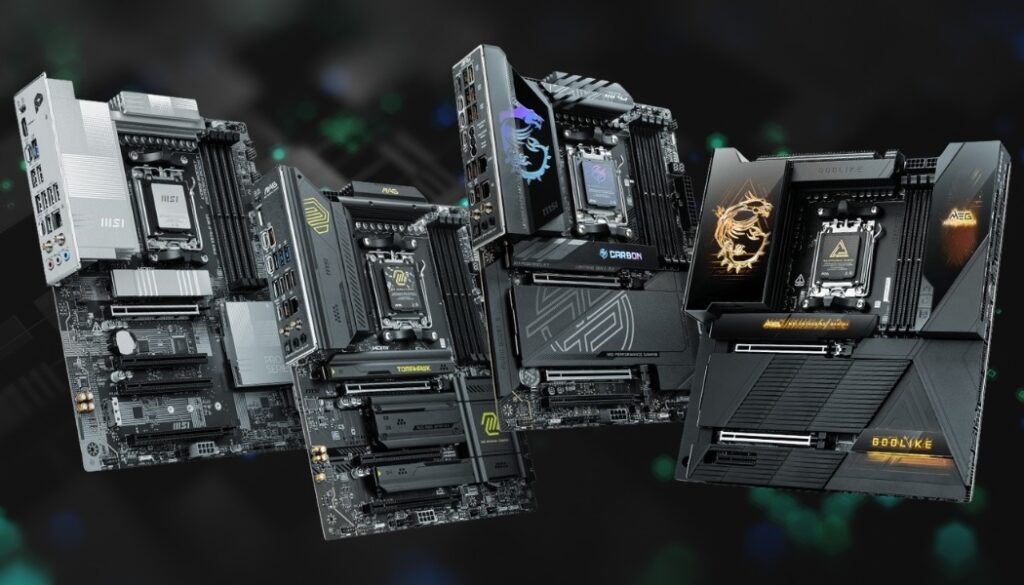
MSI
MSI provides stable and efficient server motherboards suitable for small to medium-sized businesses.
Performance Optimization Tips
To achieve the best performance, proper setup and maintenance are necessary. Using efficient cooling and updated firmware helps maintain system stability.
- Use proper cooling systems
- Update BIOS regularly
Optimizing RAM configuration and using high-speed storage like NVMe drives can further enhance overall system performance.
Common Use Cases
Data Centers
Server motherboards are widely used in data centers where large-scale computing and storage operations are required.
Cloud Computing
They support virtualization technologies, making them ideal for scalable cloud services.
Web Hosting
They ensure reliable uptime and fast performance for websites and applications.
AI and Machine Learning
They handle complex computations and large datasets efficiently.
Installation and Setup Tips
Proper installation ensures long-term performance and reliability. It is important to use compatible components and maintain proper airflow within the system.
- Ensure proper cooling
- Follow setup guidelines
Good cable management also helps improve airflow and reduces the risk of overheating.
Future Trends in Server Motherboards
Server motherboard technology is evolving with advancements such as PCIe 5.0, higher memory capacities, and energy-efficient designs. These improvements aim to deliver better performance and support modern computing needs.
FAQ’s
1.What is the main difference between server and desktop motherboards?
Server motherboards are designed for continuous operation, high reliability, and scalability, while desktop motherboards focus on general use and do not support enterprise-level features.
2.Why is ECC RAM important in server motherboards?
ECC RAM ensures data integrity by detecting and correcting errors automatically, which helps maintain system stability in servers running critical applications continuously.
3.Can I use a server motherboard for gaming?
Yes, but server motherboards are not optimized for gaming performance, graphics, or overclocking, making them less suitable compared to gaming-specific motherboards.
4.How many CPUs can a server motherboard support?
Server motherboards can support one, two, or multiple CPUs depending on their design, allowing them to handle different levels of workloads efficiently.
5.Which factor is most important when choosing a server motherboard?
Compatibility with CPU, RAM, and storage is the most important factor because it directly affects performance, stability, and long-term usability of the system.
Conclusion
Server motherboards are the backbone of modern computing systems. They provide performance, stability, and scalability for demanding workloads. By understanding their features and selecting the right model, businesses can ensure long-term efficiency and reliability. Investing in a high-quality server motherboard supports growth, enhances overall system performance, and helps reduce downtime in critical operations environments effectively.