RPCNET.EXE Motherboard Explained- Risks & Removal Guide
RPCNET.EXE motherboard is a technical term often searched by users who notice an unfamiliar process called RPCNET.EXE running on their system. Many assume it is a virus, but in most cases, it is linked to Absolute Computrace, a firmware-level tracking and security solution built into modern computers. It is embedded within BIOS/UEFI firmware, which is part of the motherboard. Due to this deep integration, it can persist even after Windows reinstall. This article explains its purpose, risks, and removal methods.
Rpcnet.exe motherboard refers to a firmware-based Absolute Computrace process in BIOS/UEFI. Learn its risks, safety, and how to disable or remove it.
- What Is RPCNET.EXE?
- RPCNET.EXE and Motherboard Connection
- Why RPCNET.EXE Appears on Your System
- Is RPCNET.EXE a Virus or Malware?
- Security Risks of RPCNET.EXE
- Benefits of RPCNET.EXE
- How RPCNET.EXE Works Through BIOS/UEFI
- Affected Systems and Motherboards
- How to Check If RPCNET.EXE Is Active
- How to Remove or Disable RPCNET.EXE
- FAQ’s
- Conclusion
- Related post
What Is RPCNET.EXE?
RPCNET.EXE is an executable file linked to Absolute Computrace, an enterprise-grade device tracking and asset recovery system. It is commonly used in business environments where organizations need to monitor and secure large numbers of devices remotely.
Unlike standard Windows applications, RPCNET.EXE does not always function as a regular installed program. Instead, it may be triggered through firmware instructions stored in the system BIOS. This allows it to operate even when the operating system is changed or repaired.
Main functions of RPCNET.EXE include:
- Running background tracking services
- Communicating with remote monitoring servers
- Assisting in device recovery after theft
- Supporting enterprise IT management systems
- Maintaining persistence through firmware integration
Because of these functions, RPCNET.EXE is usually found in corporate or enterprise-managed systems rather than personal devices.
RPCNET.EXE and Motherboard Connection
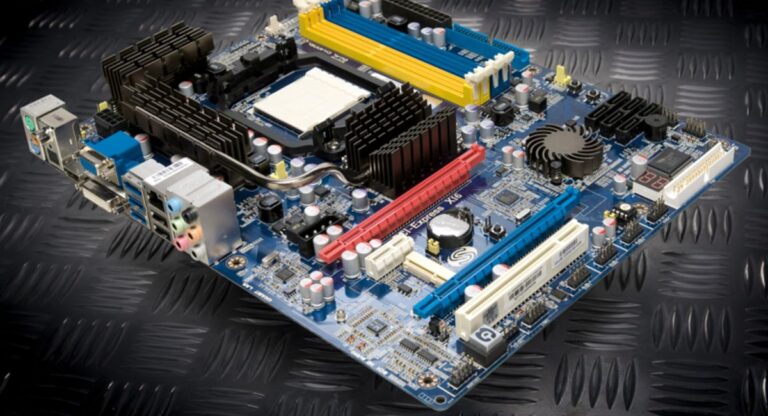
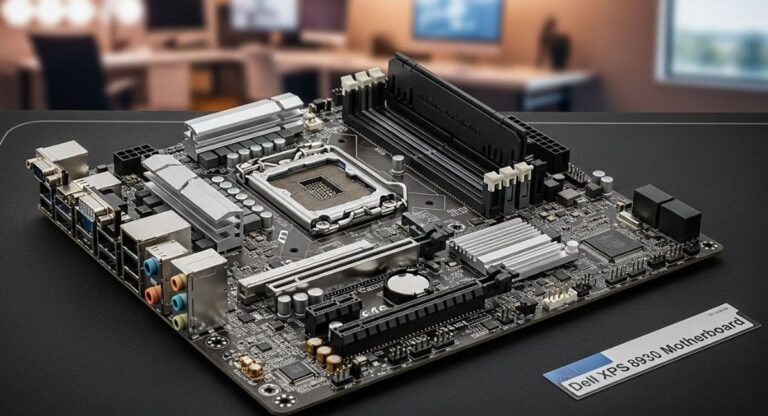
The term rpcnet.exe motherboard comes from its direct relationship with system firmware. Modern motherboards use BIOS or UEFI firmware to control hardware initialization and security settings.

When Absolute Computrace is enabled, it becomes embedded within this firmware layer. This means the system itself, not just Windows, is responsible for activating RPCNET.EXE during startup.
This is why users often notice that the process reappears even after deleting it or reinstalling the operating system.
How motherboard firmware activates RPCNET.EXE:
- The computer starts and loads BIOS/UEFI firmware
- Firmware checks whether Computrace is enabled
- If active, it triggers tracking components
- Windows loads RPCNET.EXE in the background
- The system connects to external monitoring servers
This architecture makes the software highly persistent and closely tied to motherboard-level configuration.
Why RPCNET.EXE Appears on Your System
RPCNET.EXE may appear on a system without the user directly installing it. This is because it is often included at the manufacturer level.
Common reasons include:
- Pre-installed by OEM manufacturers in business laptops
- Enabled in corporate or enterprise IT environments
- Activated through BIOS or UEFI settings
- Left active on refurbished or second-hand devices
- Installed as part of legacy security management tools
Many users only discover it when checking Task Manager or noticing unknown network activity.
Is RPCNET.EXE a Virus or Malware?
RPCNET.EXE is not a virus or malware in most cases. It is a legitimate component of Absolute Computrace, designed for tracking and recovery purposes.
However, its behavior can appear suspicious to users who are not familiar with firmware-level software.
Why users think it is harmful:
- It runs silently in the background
- It communicates with external servers
- It may reinstall itself after removal
- It has no visible user interface
Despite these traits, it is generally a legitimate enterprise security tool, not malicious software. Still, verification is recommended to ensure it has not been replaced or tampered with.
Security Risks of RPCNET.EXE
Although RPCNET.EXE is legitimate, it does introduce certain security and privacy considerations.
One concern is data privacy, since the software may communicate system-related information to remote servers. Users who were not informed about its presence may feel uncomfortable with this level of monitoring.
Another issue is firmware persistence, which makes removal difficult. Because it operates through BIOS or UEFI, standard Windows uninstallation may not fully remove it.
There is also a theoretical risk of security vulnerabilities. If exploited, any firmware-level software could potentially be targeted by attackers, although such cases are rare.
Finally, second-hand devices may already have Computrace enabled, which can lead to unexpected background activity if not checked properly.
Benefits of RPCNET.EXE
Despite concerns, RPCNET.EXE provides several benefits in enterprise environments.
Key benefits include:
- Helps recover stolen or lost devices
- Enables remote asset tracking
- Supports IT infrastructure management
- Assists in corporate security enforcement
- Works even after system reinstallation
These features make it valuable for organizations that manage large fleets of devices.
How RPCNET.EXE Works Through BIOS/UEFI
The key reason RPCNET.EXE is persistent is its integration with BIOS/UEFI firmware on the motherboard.

When the system boots, firmware checks whether Computrace is enabled. If it is active, the firmware ensures that required components are loaded into the operating system automatically.
This makes RPCNET.EXE different from normal software because it does not rely solely on Windows for execution. Instead, it is partially controlled at the hardware firmware level.
Affected Systems and Motherboards
RPCNET.EXE is mainly found in business-class systems rather than consumer devices.
Common systems include:
- Enterprise laptops used in corporations
- Business desktop computers
- Government or defense systems
- Educational institution devices
- High-security workstation systems
Its availability depends on the motherboard manufacturer, BIOS version, and OEM configuration settings.
How to Check If RPCNET.EXE Is Active
Users can check RPCNET.EXE activity using multiple methods.
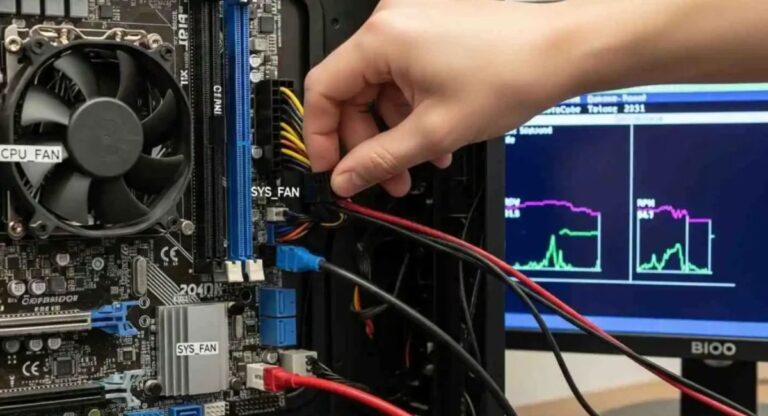
The most common way is to open Task Manager and look for RPCNET.EXE under running processes. Additionally, users can inspect startup programs, network activity, and installed software.
Advanced users can also check BIOS or UEFI settings to determine whether Computrace is enabled at the firmware level. If the process returns after deletion, it is likely being triggered by firmware.
How to Remove or Disable RPCNET.EXE
Removing RPCNET.EXE depends on system configuration and firmware settings.
The most effective method is disabling Computrace directly from BIOS or UEFI settings. This requires restarting the system, entering firmware setup, and locating the Computrace option.
If the feature is not locked, disabling it will stop RPCNET.EXE from returning.
In some systems, RPCNET.EXE may also be removed by uninstalling related software from Windows. However, if firmware-level activation is present, the process may reappear after reboot.
In cases where the feature is permanently enabled by the manufacturer, users may need to contact OEM support for assistance.
FAQ’s
1. What is RPCNET.EXE used for?
RPCNET.EXE is used for device tracking, recovery, and asset management through Absolute Computrace, which is embedded in motherboard BIOS/UEFI firmware for enterprise security purposes.
2. Is RPCNET.EXE a virus or malware?
No, RPCNET.EXE is not a virus or malware. It is a legitimate firmware-based tracking component, but its background activity can sometimes make users think it is suspicious.
3. Why does RPCNET.EXE keep reappearing after deletion?
RPCNET.EXE returns because Computrace is enabled in BIOS/UEFI firmware. When active, the system automatically restores the process during startup.
4. Can I safely disable RPCNET.EXE?
Yes, you can disable it if it is not required. It is usually controlled through BIOS settings, but some systems may require manufacturer support for full deactivation.
5. What is RPCNET.EXE motherboard in simple words?
RPCNET.EXE motherboard refers to a firmware-linked tracking process embedded in BIOS/UEFI that helps organizations track and recover devices, but may run in background without user awareness.
Conclusion
RPCNET.EXE motherboard refers to a firmware-linked process associated with Absolute Computrace, a security and tracking system embedded in BIOS/UEFI firmware. It is not malware, but its background activity and persistence can confuse users. Understanding its function helps identify whether it should remain enabled or be disabled. Proper BIOS settings and system checks ensure better control over security and privacy.