Best Motherboard CPU Combination Guide for PC Builds 2026
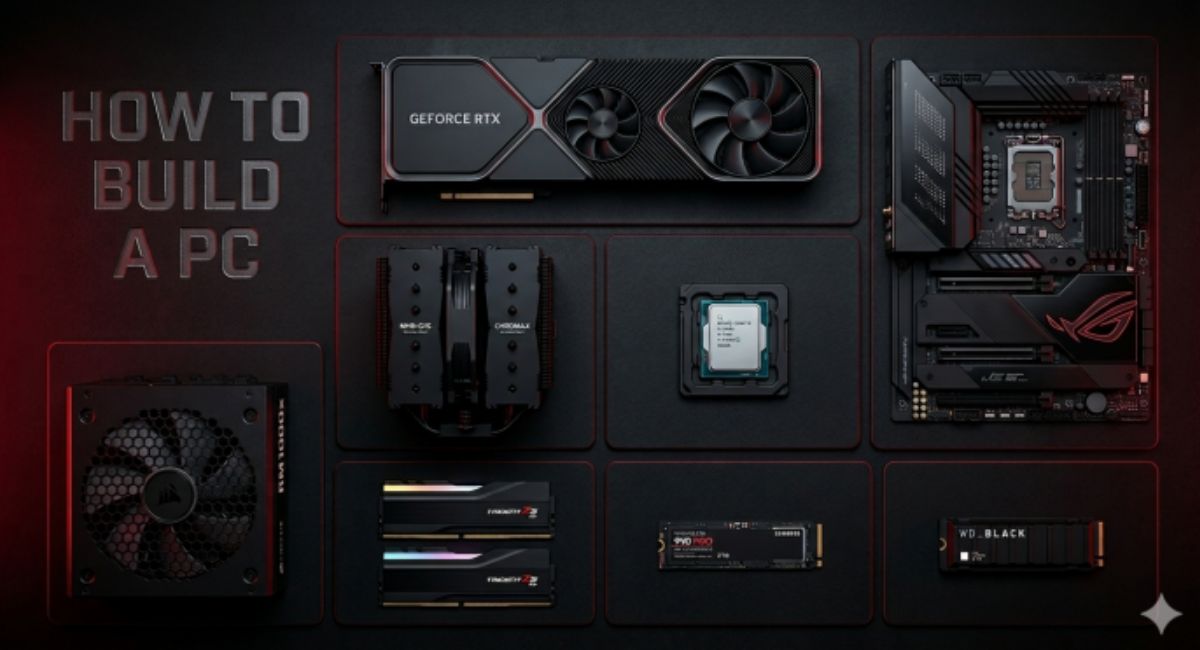
The motherboard CPU combination is one of the most important factors in building a high-performance PC. Your CPU (Central Processing Unit) and motherboard must be fully compatible to ensure stability, speed, and long-term reliability. A wrong pairing can lead to poor performance, system crashes, or even failure to boot. Whether you are building a gaming PC, workstation, or office setup, understanding the correct motherboard and CPU pairing is essential for getting maximum performance from your system.
Motherboard CPU combination guide explains how to choose compatible CPU and motherboard for best performance, stability, gaming, and future PC upgrades.
- What is Motherboard CPU Combination?
- Why CPU and Motherboard Compatibility Matters
- Understanding CPU Socket Types
- Chipset Role in CPU Compatibility
- How to Choose the Best Motherboard CPU Combination
- Best CPU and Motherboard Pairing Examples
- Common Mistakes When Choosing CPU and Motherboard
- Impact of Poor CPU Motherboard Matching
- Performance Optimization Tips
- Future Upgrade Considerations
- Gaming vs Productivity CPU Motherboard Choice
- FAQ’s
- Conclusion
- Related post
What is Motherboard CPU Combination?
A motherboard CPU combination refers to selecting a compatible processor and motherboard chipset/socket that work together efficiently.
The motherboard acts as the communication hub, while the CPU handles all processing tasks. If both are not compatible, the system will not function properly.
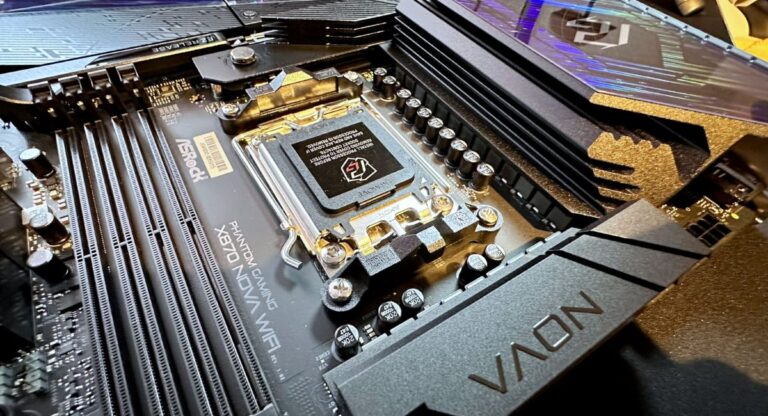
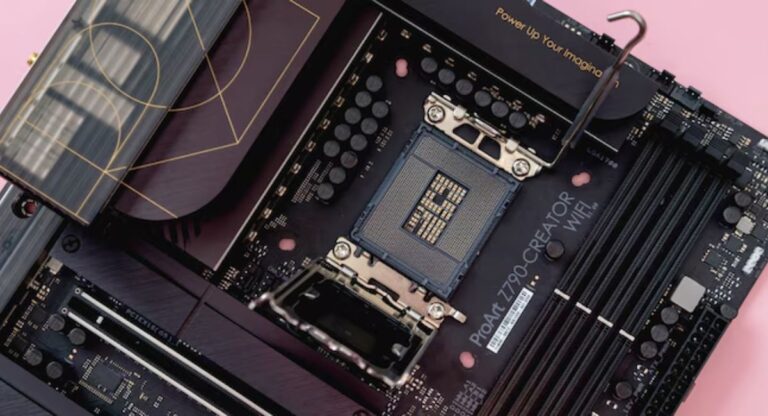
Every CPU requires a specific socket type (such as AM5, LGA1700, etc.), and the motherboard must support that socket along with the chipset features.
Why CPU and Motherboard Compatibility Matters
Choosing the right CPU and motherboard combination is not just about making the system work—it directly affects performance, upgrade options, and system stability.

A well-matched combination ensures smooth data transfer, better thermal management, and optimized power delivery. On the other hand, a mismatch can result in bottlenecks or limited feature access.
Key Importance Points
- Ensures system boot and stability
- Prevents hardware incompatibility issues
- Improves gaming and multitasking performance
- Supports future upgrades
- Enhances system lifespan
- Optimizes power and thermal efficiency
Understanding CPU Socket Types
One of the most important factors in selecting a motherboard CPU combination is the CPU socket type. The socket is the physical interface where the CPU is installed.
Different CPUs require different sockets:
- AMD AM5 socket → Ryzen 7000 and newer processors
- AMD AM4 socket → Older Ryzen generations
- Intel LGA1700 socket → 12th, 13th, and 14th Gen Intel CPUs
If the socket does not match, the CPU will not fit or function on the motherboard.
Chipset Role in CPU Compatibility
Apart from socket compatibility, the chipset also plays a major role in CPU performance. The chipset determines what features your motherboard supports, such as overclocking, PCIe lanes, and RAM speed.
Common Chipset Functions
- Controls communication between CPU and hardware
- Supports overclocking features
- Determines RAM speed compatibility
- Manages PCIe lanes for GPU and SSDs
- Enhances system performance stability
A better chipset allows your CPU to perform at its full potential.
How to Choose the Best Motherboard CPU Combination
Selecting the right motherboard CPU combination depends on your usage requirements and budget. Gaming, productivity, and casual use all require different levels of performance.
For gaming, high-clock speed CPUs with mid-to-high-end motherboards are ideal. For content creation, multi-core CPUs with advanced chipset motherboards are better suited.
Important Selection Factors
- CPU socket compatibility
- Chipset features
- RAM support (DDR4 or DDR5)
- PCIe version support
- Power delivery quality
- Future upgrade support
- Budget considerations
Best CPU and Motherboard Pairing Examples
Here are some commonly recommended motherboard CPU combinations:
AMD Ryzen Builds
- Ryzen 5 7600 + B650 motherboard
- Ryzen 7 7700X + X670 motherboard
- Ryzen 9 7950X + X670E motherboard
Intel Builds
- i5 13600K + B760 motherboard
- i7 13700K + Z790 motherboard
- i9 14900K + Z790 motherboard
Each combination is designed for different performance levels and workloads.
Common Mistakes When Choosing CPU and Motherboard
Many users make mistakes when selecting a CPU motherboard combination, which can lead to performance issues or wasted money.
Common Errors
- Choosing incompatible socket types
- Ignoring chipset limitations
- Not checking RAM compatibility
- Overpaying for unnecessary features
- Poor power supply support
- Skipping BIOS compatibility check
Avoiding these mistakes ensures a smooth PC building experience.
Impact of Poor CPU Motherboard Matching
If your CPU and motherboard combination is not well-balanced, you may face several problems. These include performance bottlenecks, overheating, and limited upgrade options.
A weak motherboard with a powerful CPU can restrict performance, while an overly expensive motherboard with a low-end CPU wastes money.
Performance Optimization Tips
To get the best performance from your motherboard CPU combination, proper optimization is essential. This includes BIOS updates, cooling solutions, and correct RAM configuration.
Optimization Tips
- Keep BIOS updated regularly
- Use high-quality cooling solutions
- Enable XMP/EXPO for RAM performance
- Ensure proper power supply unit (PSU)
- Maintain good airflow in the case
- Avoid mixing incompatible components
These steps help improve system stability and efficiency.
Future Upgrade Considerations
When selecting a motherboard CPU combination, always think about future upgrades. Choosing a motherboard with better chipset support allows you to upgrade your CPU later without changing the entire system.
For example, AM5 platforms are designed to support multiple future Ryzen generations, making them more future-proof.
Gaming vs Productivity CPU Motherboard Choice
Different use cases require different CPU motherboard combinations.
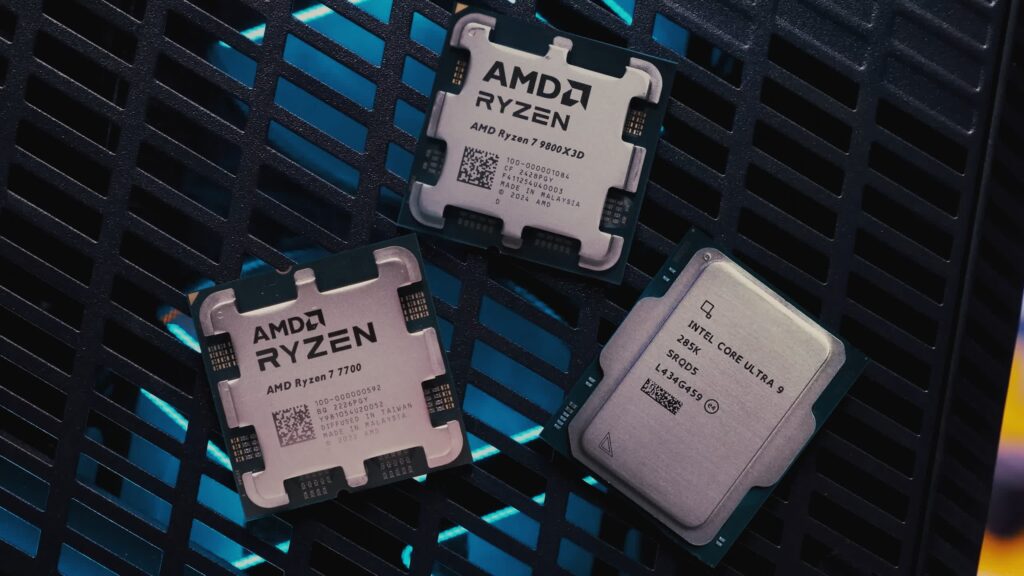
For gaming, high single-core performance is important, while productivity tasks like video editing require more cores and threads.
Gaming Setup
- High clock speed CPU
- Mid-range motherboard
- Fast RAM support
- Good GPU compatibility
Productivity Setup
- Multi-core CPU
- High-end motherboard
- Large RAM capacity support
- Advanced PCIe support
Choosing based on workload improves efficiency and performance.
FAQ’s
1. What is a motherboard CPU combination?
A motherboard CPU combination refers to selecting a compatible processor and motherboard that work together based on socket and chipset support.
2. How do I know if my CPU is compatible with my motherboard?
Check the CPU socket type and motherboard specifications. Both must match for proper compatibility and system functionality.
3. Can I use any CPU with any motherboard?
No, CPUs only work with specific sockets and chipsets. Using incompatible parts will prevent the system from working.
4. Does motherboard affect CPU performance?
Yes, a good motherboard improves stability, power delivery, and feature support, allowing the CPU to perform at its full potential.
5. What is the best CPU motherboard combination for gaming?
Popular gaming combinations include Ryzen 5 7600 with B650 or Intel i5 13600K with B760, depending on budget and performance needs.
Conclusion
The motherboard CPU combination is the foundation of every PC build. A properly matched CPU and motherboard ensure maximum performance, system stability, and future upgrade flexibility. By understanding socket types, chipset roles, and compatibility factors, users can build a powerful and balanced system. Always choose components carefully based on your needs to get the best performance from your PC.