How to Make Your Motherboard Look Better and More Stylish!
A clean and stylish PC setup always attracts attention, especially when the motherboard looks organized and visually appealing. Many people focus only on performance and forget about aesthetics, but a good-looking motherboard can completely transform your gaming setup or workstation. With the right RGB lighting, cable management, and matching components, you can create a professional appearance without spending a huge amount of money. Even small upgrades can make your computer look modern, clean, and more premium.
Learn how to make your motherboard look better with RGB lighting, clean cable management, stylish components, and simple PC setup upgrade tips.
- Why Motherboard Appearance Matters
- Choose a Modern PC Case
- Use RGB Lighting Carefully
- Improve Cable Management
- Install Sleeved Power Cables
- Add an RGB CPU Cooler
- Use Matching Components
- Keep the Motherboard Clean
- Install RGB RAM
- Add Decorative Heat Sinks
- Install RGB Fans
- Upgrade to a Stylish Motherboard
- Use a Vertical GPU Mount
- Add LED Strips
- Create a Minimalist Setup
- Mistakes to Avoid
- Best Accessories for Motherboard Aesthetics
- Features of a Professional-Looking Motherboard Setup
- Benefits of Improving Motherboard Appearance
- Future Trends in Motherboard Design
- FAQ’s
- Conclusion
- Related post
Why Motherboard Appearance Matters
The motherboard is the heart of a computer system. When someone looks inside a PC case, the motherboard becomes one of the first components they notice. A neat and attractive setup creates a stronger impression and makes the entire build feel high-end.
Benefits of a Stylish Motherboard Setup
- Improves overall PC aesthetics
- Creates a more professional appearance
- Enhances the look of RGB lighting
- Makes gaming setups look modern
- Improves streaming and content creation backgrounds
- Gives a cleaner workspace environment
- Makes the PC feel more premium
Choose a Modern PC Case
Your PC case plays a major role in how the motherboard looks. A modern case with a tempered glass panel allows the motherboard and RGB lighting to become clearly visible.
Important Features to Look For
- Tempered glass side panel
- Good airflow system
- Spacious cable management area
- RGB support
- Dust filters
- Clean interior design
Popular PC Case Types
Mid-Tower Cases
Mid-tower cases are perfect for most gamers and regular users. They provide enough space for proper motherboard visibility and airflow.
Full-Tower Cases
Full-tower cases are larger and ideal for advanced gaming builds with multiple RGB components and liquid cooling systems.
Mini-ITX Cases
Mini-ITX cases focus on compact and minimalist designs. They create a modern and clean appearance.
Use RGB Lighting Carefully
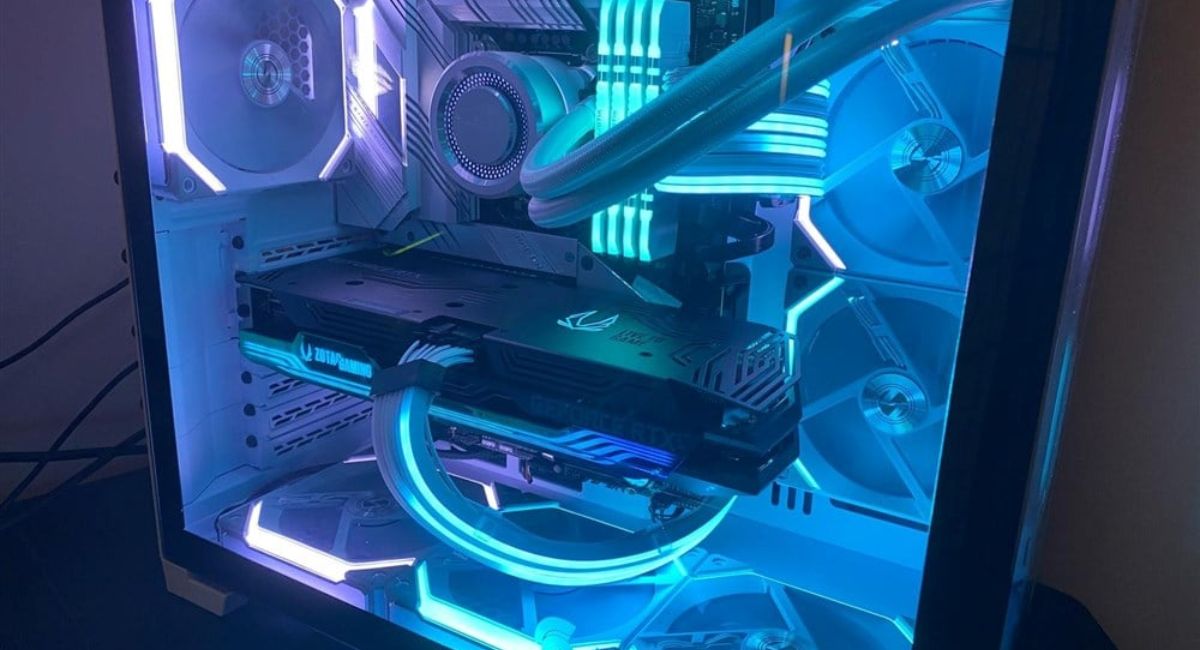
Adding RGB lighting is one of the easiest ways to improve motherboard aesthetics. However, balance is important because too much lighting can make the setup look messy.
Benefits of RGB Lighting
- Adds modern visual effects
- Creates a gaming atmosphere
- Improves motherboard visibility
- Allows color customization
- Matches room aesthetics
Best Places for RGB Effects
- RAM modules
- CPU cooler
- Case fans
- Motherboard heat sinks
- LED strips
- GPU brackets
Improve Cable Management
Poor cable management can ruin the appearance of even the most expensive motherboard. Organized cables create a clean and professional look.
Cable Management Tips
- Use zip ties for organization
- Hide wires behind the motherboard tray
- Use sleeved cables
- Avoid loose wiring
- Separate RGB and power cables
- Route cables carefully
Advantages of Clean Cable Management
- Better airflow
- Cleaner appearance
- Easier maintenance
- Reduced dust buildup
- Improved cooling performance
Install Sleeved Power Cables
Custom sleeved cables instantly improve the appearance of a motherboard. These cables replace standard power supply wires with stylish designs.
Popular Cable Colors
- Black
- White
- Red
- Blue
- RGB mixed colors
- Dual-tone designs
Why Sleeved Cables Look Better
Sleeved cables make the inside of the case look organized and premium. They also help match the overall color theme.
Add an RGB CPU Cooler
The CPU cooler sits directly above the motherboard, making it one of the most noticeable components inside the PC.
Types of CPU Coolers
Air Coolers
Air coolers are affordable, reliable, and available in stylish RGB designs.
Liquid Coolers
Liquid coolers offer premium aesthetics with customizable lighting and modern designs.
Features to Consider
- RGB compatibility
- Quiet fans
- Strong cooling performance
- Stylish appearance
- Motherboard compatibility
Use Matching Components
A matching setup always looks cleaner and more professional. Try to keep all components within the same color theme.
Components That Should Match
- RAM sticks
- Graphics card
- Fans
- CPU cooler
- Power supply cables
- Storage heat sinks
Popular Color Themes
Black Theme
Black builds look elegant and work perfectly with RGB lighting.
White Theme
White setups create a clean and premium appearance popular among streamers and creators.
RGB Theme
RGB-focused builds use colorful lighting effects to create a futuristic gaming atmosphere.
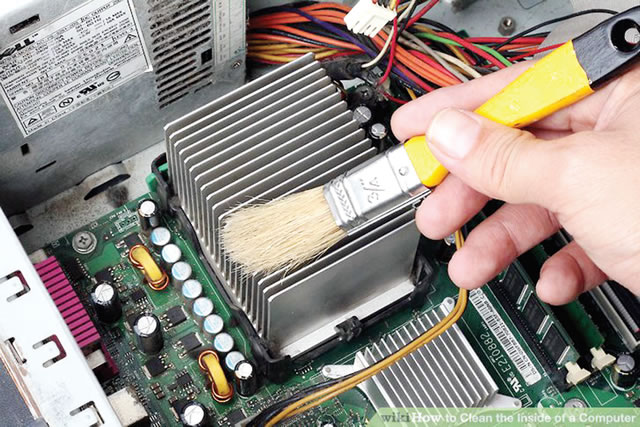
Keep the Motherboard Clean
Dust can make a motherboard look old and unattractive. Regular cleaning helps maintain a fresh appearance.
Cleaning Tips
- Use compressed air
- Clean dust filters regularly
- Turn off the PC before cleaning
- Use a microfiber cloth
- Avoid direct liquid contact
Benefits of Cleaning
- Better appearance
- Improved airflow
- Longer hardware lifespan
- Reduced overheating problems
Install RGB RAM
Modern RGB RAM modules improve motherboard aesthetics instantly because they are highly visible inside the case.
Advantages of RGB RAM
- Stylish lighting effects
- Modern appearance
- Easy synchronization with motherboard software
- Improved gaming setup aesthetics
Placement Tips
- Use dual-channel slots correctly
- Match RAM colors with the build theme
- Keep lighting effects synchronized
Add Decorative Heat Sinks
Decorative heat sinks improve both performance and aesthetics. Many gamers use stylish SSD heat sinks to create a premium look.
Benefits of Decorative Heat Sinks
- Better thermal performance
- Improved motherboard style
- Premium gaming appearance
- Enhanced internal design
Install RGB Fans
RGB fans make the motherboard area brighter and more visually appealing.
Best Fan Locations
- Front panel
- Top panel
- Rear exhaust area
- Bottom intake section
Features of Quality RGB Fans
- Silent operation
- Bright lighting
- Long lifespan
- PWM support
Upgrade to a Stylish Motherboard
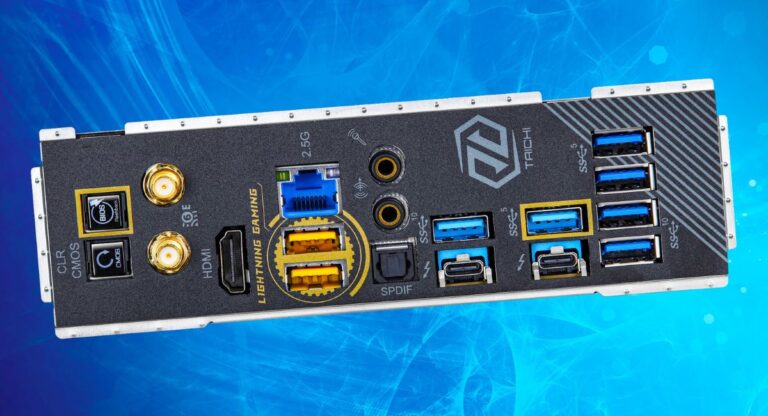
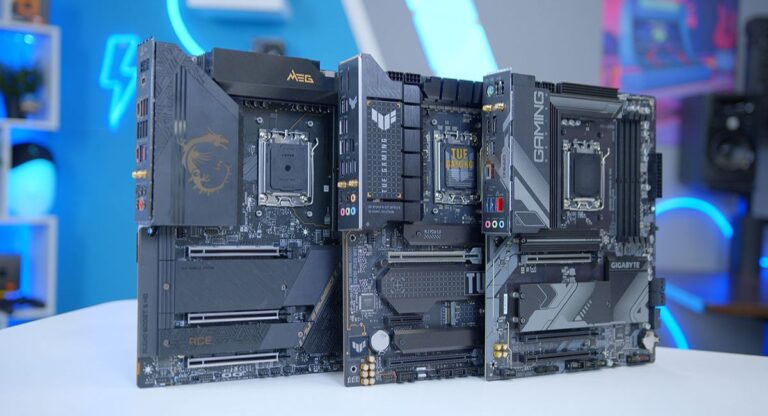
Sometimes upgrading the motherboard itself is the best option. Modern motherboards come with premium designs and built-in RGB features.
Features of Modern Motherboards
- Built-in RGB lighting
- Large heat sinks
- Premium PCB designs
- Armor covers
- Better color combinations
Popular Motherboard Styles
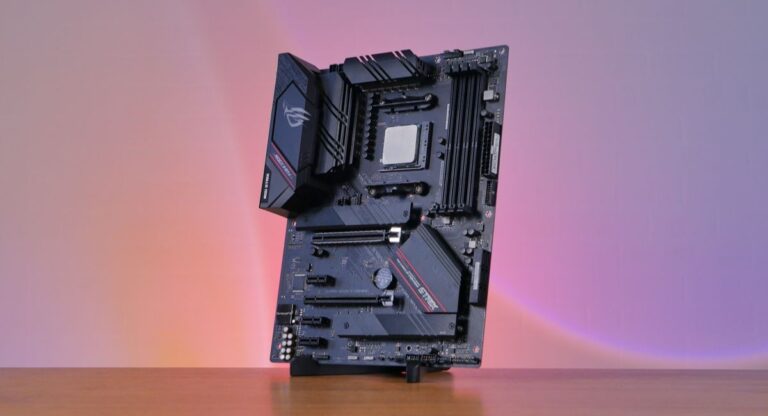
Gaming Motherboards
Gaming motherboards feature aggressive designs and advanced RGB integration.
Minimalist Motherboards
Minimalist boards focus on clean lines and simple color schemes.
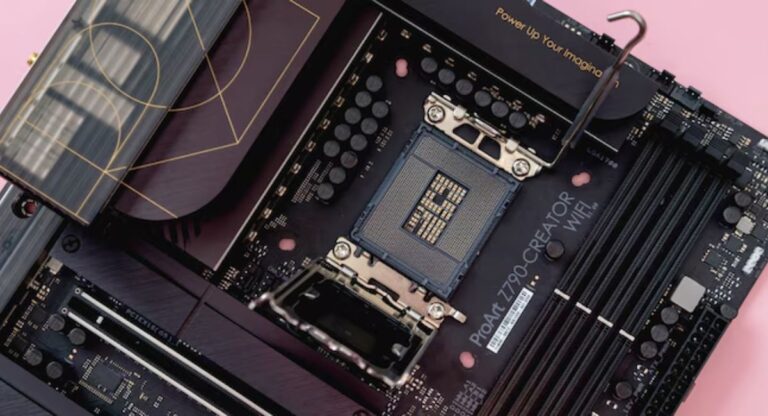
Creator Motherboards
Creator-focused boards often include elegant white or silver designs for professional setups.
Use a Vertical GPU Mount
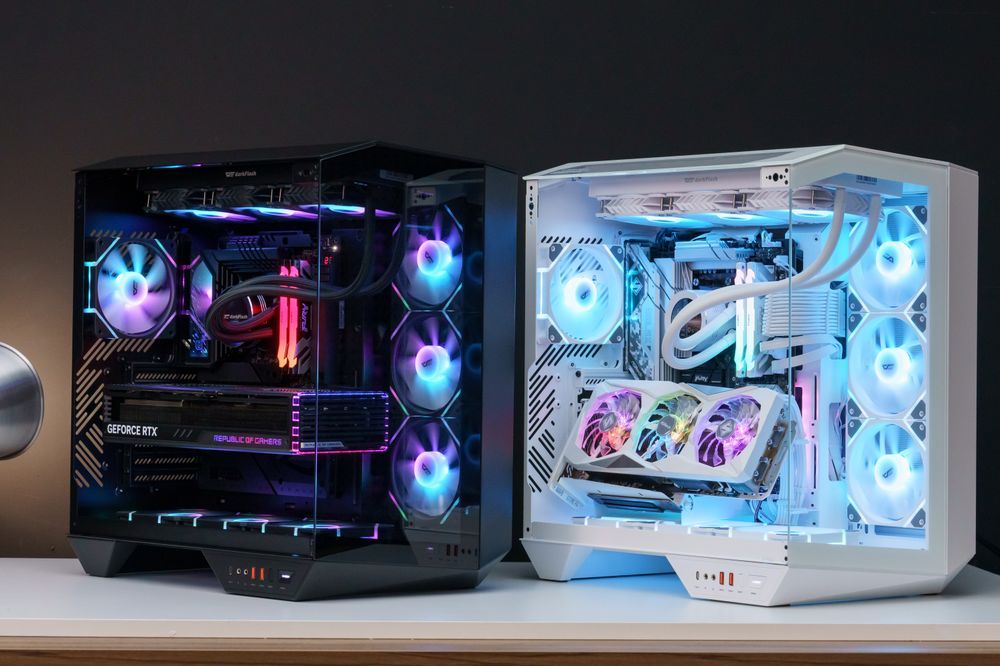
A vertical GPU mount improves motherboard visibility by moving the graphics card into a different position.
Benefits of Vertical GPU Mounting
- Better motherboard visibility
- Cleaner appearance
- Improved RGB display
- More modern setup style
Things to Consider
- Case compatibility
- GPU airflow
- Available mounting space
Add LED Strips
LED strips are affordable and effective for improving motherboard aesthetics.
Best LED Strip Locations
- Bottom of the case
- Top edges
- Behind the motherboard tray
- Around glass panels
Advantages of LED Strips
- Easy installation
- Affordable upgrade
- Better lighting effects
- Enhanced internal visibility
Create a Minimalist Setup
Many modern PC builders prefer a minimalist design instead of excessive RGB lighting. A simple layout often looks cleaner and more elegant.
Features of Minimalist Builds
- Neutral colors
- Hidden cables
- Limited lighting
- Organized layout
- Clean interior appearance
Mistakes to Avoid
Common Mistakes
- Too many RGB colors
- Poor cable management
- Dust accumulation
- Mismatched components
- Cheap low-quality accessories
- Overcrowded interiors
Best Accessories for Motherboard Aesthetics
Recommended Accessories
- RGB fans
- LED strips
- Sleeved cables
- Cable combs
- Decorative heat sinks
- RGB RAM
- Vertical GPU brackets
Features of a Professional-Looking Motherboard Setup
Important Features
- Balanced lighting
- Organized cables
- Matching components
- Proper airflow
- Premium accessories
- Clean interior layout
Benefits of Improving Motherboard Appearance
Main Advantages
- Better gaming experience
- More attractive setup
- Professional workstation look
- Improved streaming background
- Increased setup value
- More enjoyable workspace
Future Trends in Motherboard Design
Motherboard manufacturers continue introducing new aesthetic features such as advanced RGB systems, customizable displays, and minimalist armor covers. Future PC builds will likely focus more on cleaner designs and smart lighting integration for gamers and professionals alike.
FAQ’s
1.How can I make my motherboard look more attractive?
You can improve motherboard aesthetics by using RGB lighting, organizing cables properly, installing sleeved wires, and keeping the entire PC interior clean and dust-free.
2.Is RGB lighting necessary for a stylish motherboard?
No, RGB lighting is optional. Many minimalist builds look beautiful without RGB by focusing on clean cable management and matching component colors instead.
3.Do sleeved cables really improve appearance?
Yes, sleeved cables make the PC interior look organized, premium, and professionally designed while also helping maintain a cleaner cable management system.
4.What color theme is best for gaming PCs?
Black and white themes are the most popular because they easily match with RGB lighting and create a balanced, modern-looking gaming setup.
5.Can cleaning the motherboard improve aesthetics?
Yes, regular cleaning removes dust buildup, improves airflow, and keeps the motherboard looking fresh, modern, and visually attractive inside the computer case.
Conclusion
Making your motherboard look better does not require expensive upgrades. Simple improvements like better cable management, RGB lighting, sleeved cables, and proper cleaning can completely transform your setup. A stylish motherboard creates a modern and professional appearance while improving the overall visual quality of your PC. Whether you prefer RGB-heavy gaming builds or minimalist workstations, careful customization can make your computer stand out beautifully.